


Escape room maker
Make a digital escape room from any quiz
Students move through rooms — the library, the lab, the observatory — answering clues to collect the digits of the door code. You just choose Escape room for a quiz you already have.
- Up to 30 questions, 3 clues per room
- Every question type works
- Free for teachers
How does the escape room maker work?
Edform's escape room maker turns a quiz into a digital escape room with one choice. Your questions are split into rooms of three clues. Students answer each clue to collect a digit of the door code, open the door and move on to the next room until they escape. It takes up to 30 questions of any type — choice, matching, ordering, gaps, numbers and more — and each clue opens in the normal question player. Give it as homework or play it in a live game; every answer is graded as usual.
Edform at a glance
- Price
- Free for teachers: Basic is free forever, with no credit card, and includes every feature.
- AI tools
- AI teacher tools with 5 AI points a month on Basic and 300 a month on Pro.
- Students
- Students join with a code. They need no email address and no account.
- Grading
- Quizzes and worksheets are graded automatically, with results per student and per question.
- Devices
- Runs in the browser on laptops, tablets, phones and interactive boards. Nothing to install.
- Languages
- Available in 32 languages.
- Works with
- Google Classroom, Microsoft Teams, ClassLink and learning platforms that support LTI 1.3.
- Library
- A free library of ready-made quizzes, worksheets and lessons that teachers can copy and edit.
How to make a digital escape room
- 1
Write or pick a quiz
Use a quiz with at least three questions, or let AI draft one from your topic.
- 2
Choose Escape room
Give the quiz as homework or open a live game, then choose Escape room under How students answer.
- 3
Students escape, you see results
Students work room by room, and their answers are graded as they go.
Try it yourself
Play a game made from a quiz
Same questions, different games. Pick one and play.
Room by room to the exit
Each room has its own name and three clues. Answering the clues reveals the digits of the code, then students open the door to the next room.
- Up to ten rooms
- Clues are your own questions
- Nobody gets stuck behind a door
Set up in the homework form
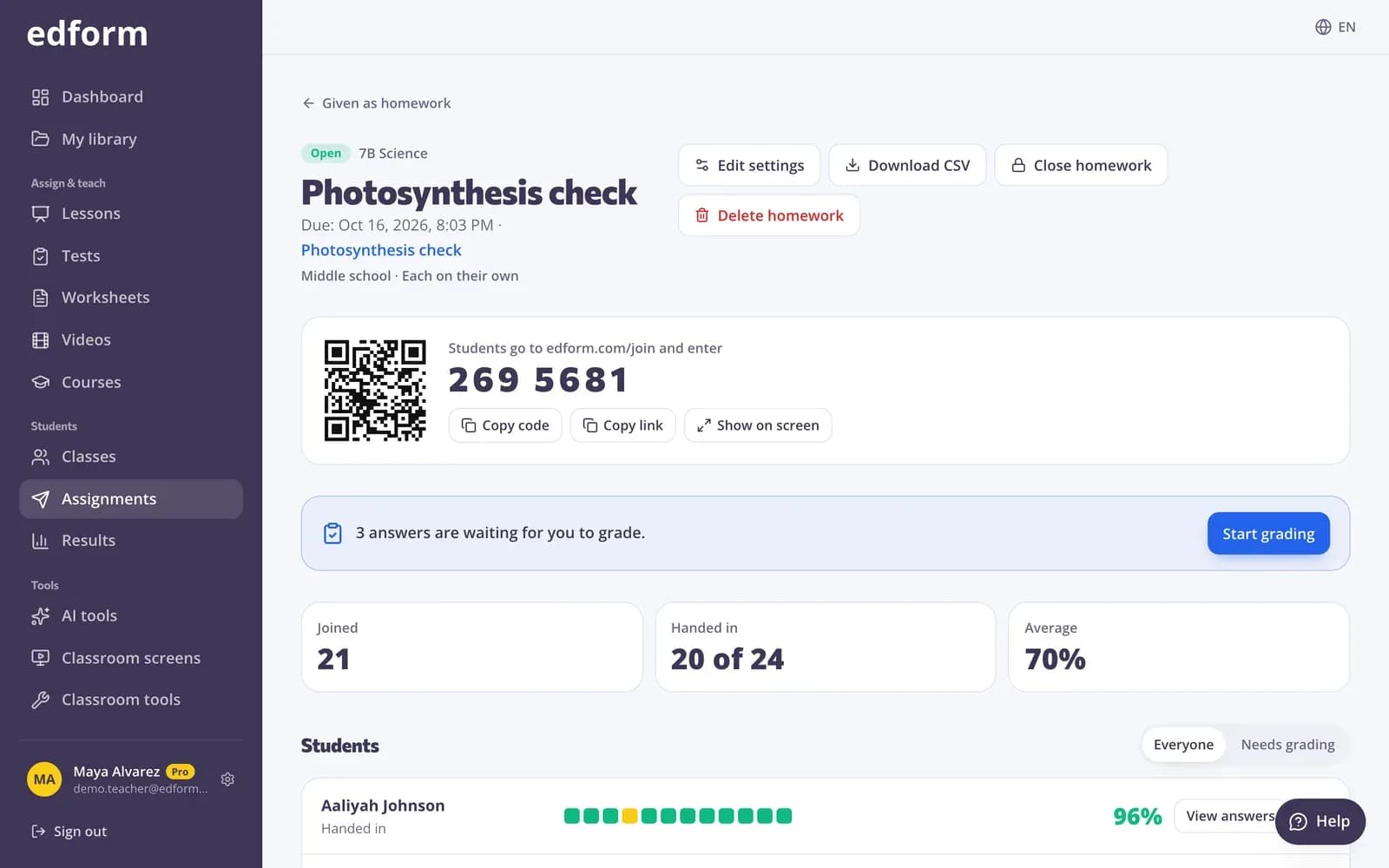
Choose Escape room alongside the usual settings. Students can play alone, in teams on their own devices or as a group on one device.
- Deadline, attempts and time limit
- Alone, in teams or as a group
- Suits students aged 11 and up
Real results behind the game
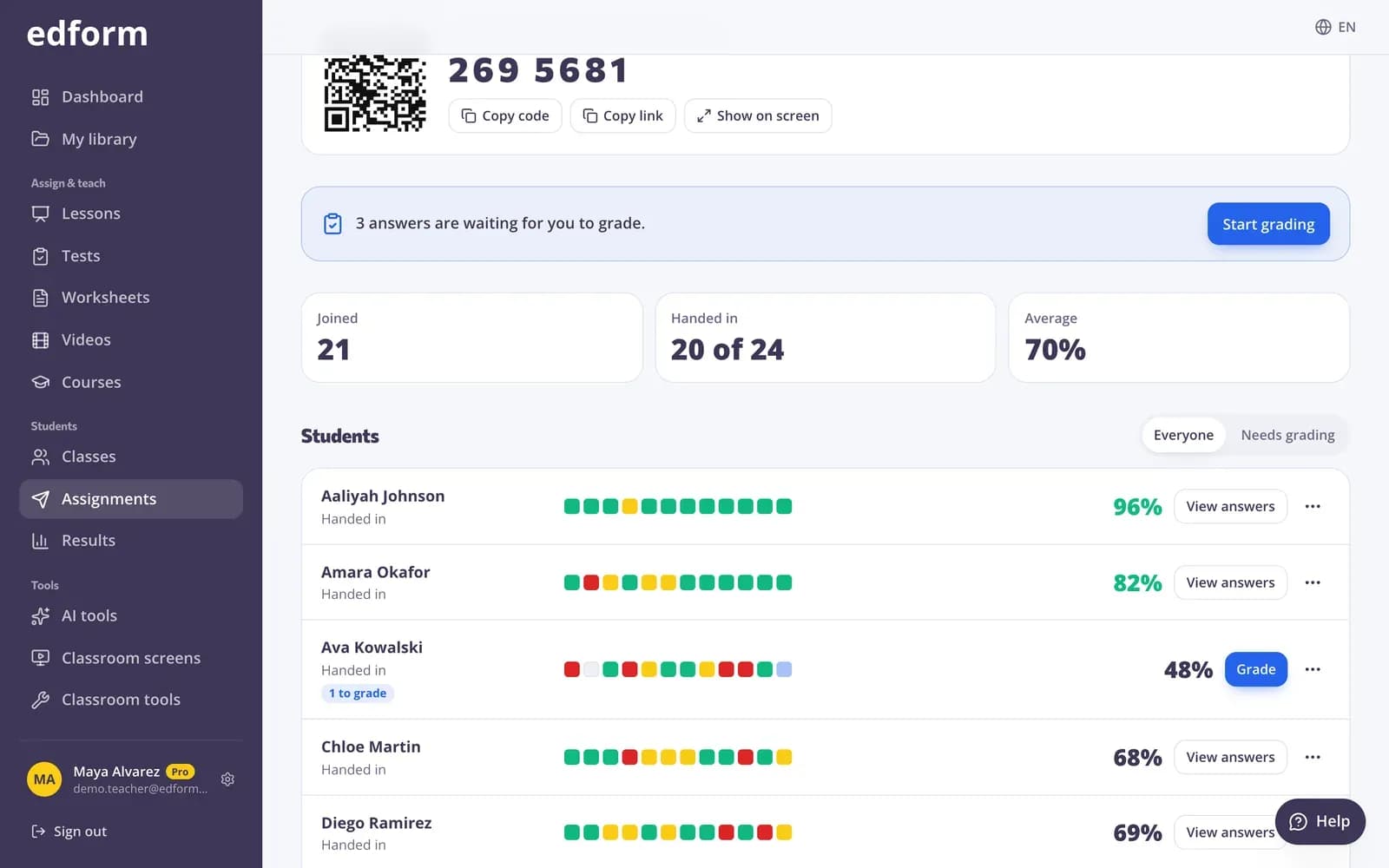
The story is for fun; the grading is not. Every clue counts as a normal answer, with partial credit, in the homework report.
- Scores per student
- Percentage correct per question
- Download as CSV
Why teachers like it
Any question type
Not just multiple choice: matching, ordering, sorting, gaps and number answers all work as clues.
Nothing to build
No locks to set up and no codes to invent. Edform builds the rooms and the code from your quiz.
Graded as usual
Each clue is a normal answer with partial credit; the code digits are only part of the story.
Homework or live
Send it home with a deadline, or run it as a live game with the ranking on your screen.
Teams and groups
Play in teams on their own devices, or as a small group sharing one device.
Play it again differently
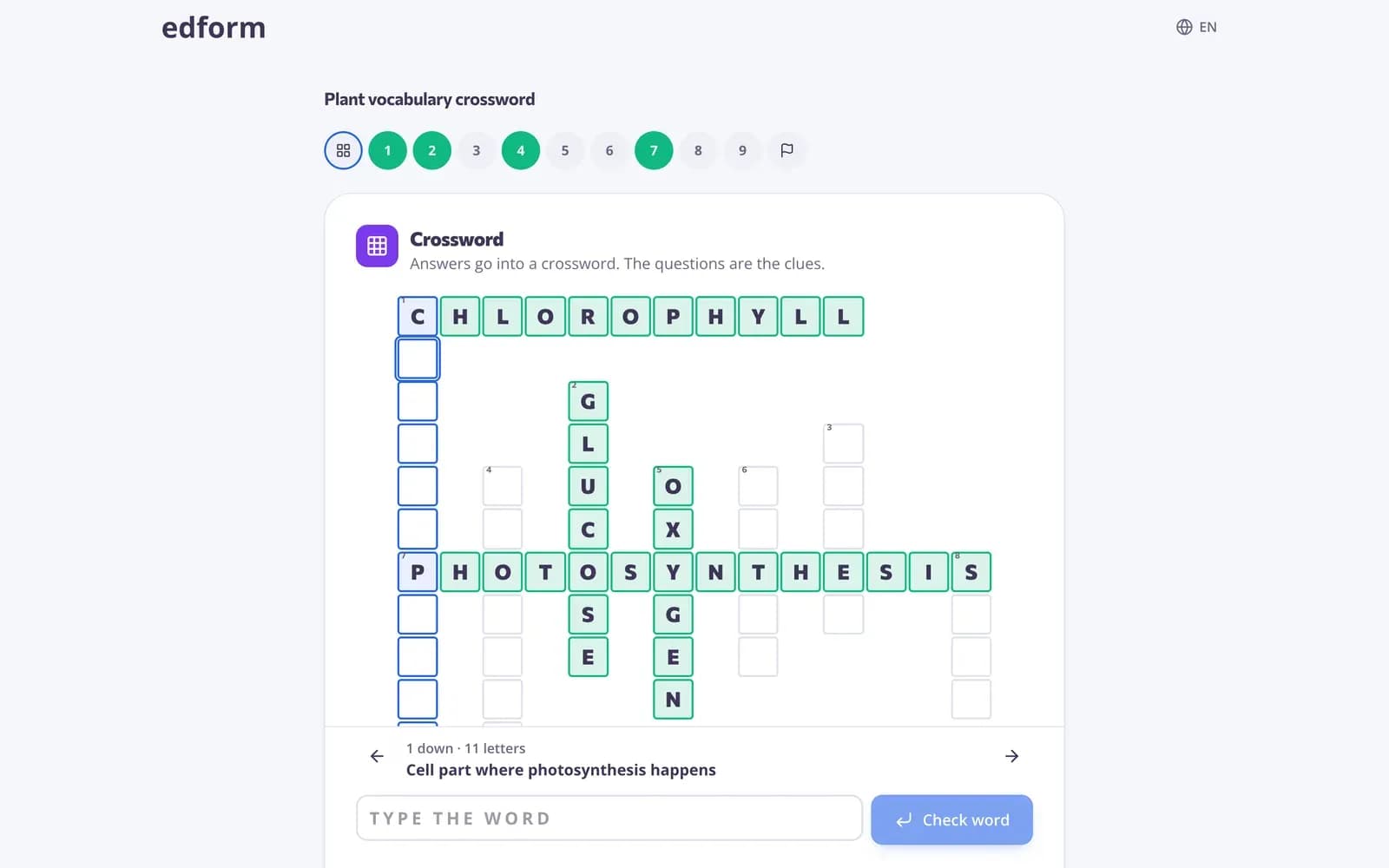
Next time, play the same quiz as a quiz board, a board game or a crossword.
Teachers use it for
- 01
End-of-unit review
A whole unit as a mission students want to finish.
- 02
Reading comprehension
Clues about a text, room by room, chapter by chapter.
- 03
Maths puzzles
Number answers as code digits — calculation with a goal.
- 04
Before the holidays
A fun last lesson that still checks what students remember.
Explore more
- Game modes27 ways to play the same questions
- Quiz board gameA review board of questions and point values
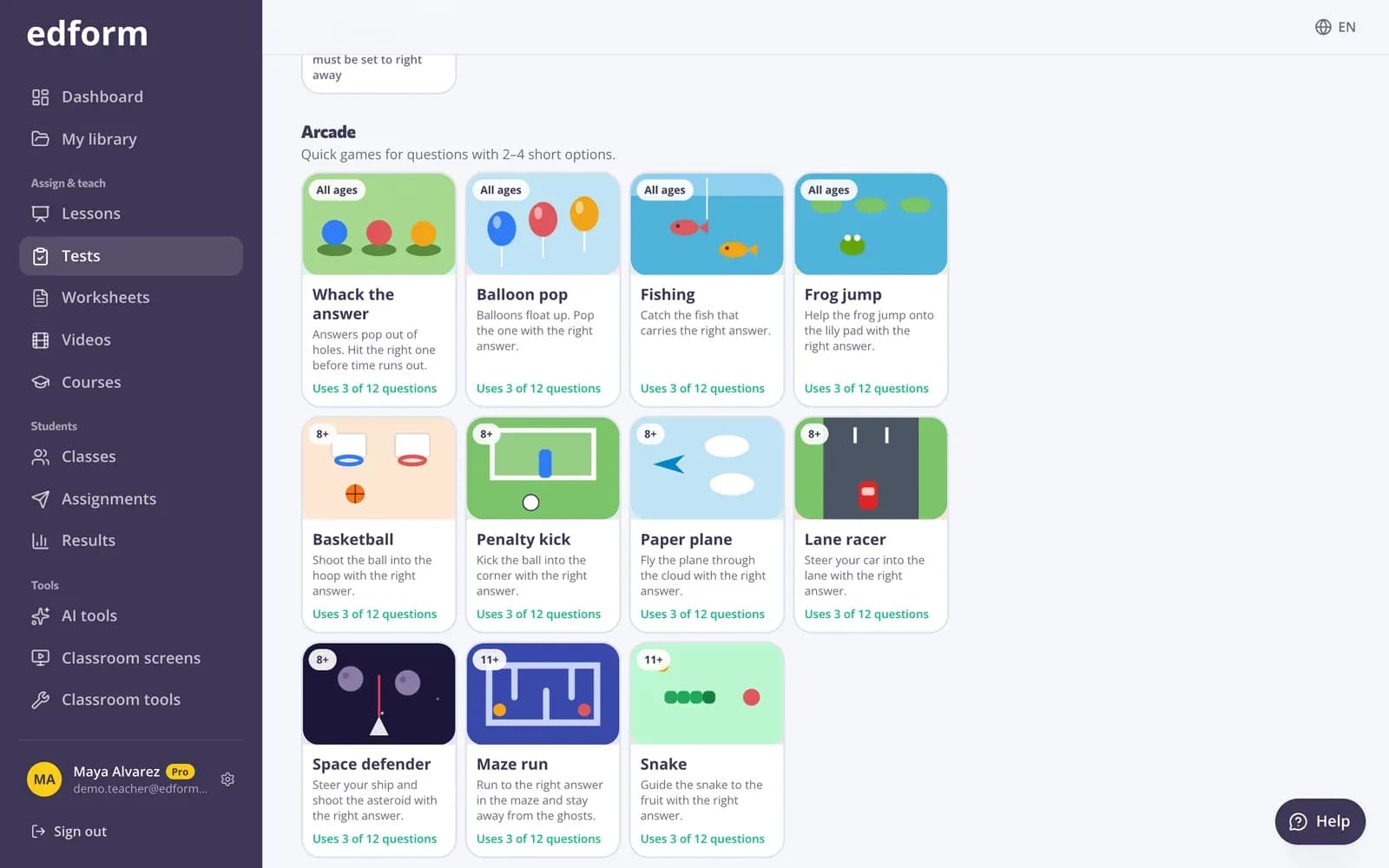
- Classroom gamesLive quiz, race, team and arcade review games
- QuizA multiple-choice test on any topic, text, file or video, with an answer key.
- Game-based learningGames built from your questions that still count
- Middle schoolGames, teams and homework that keep grades 6–8 motivated
Step-by-step guides
Frequently asked questions
How do I make a digital escape room?
Open a quiz, give it as homework or open a live game, and choose Escape room under How students answer. Edform builds the rooms from your questions.
How many questions do I need?
At least three. The escape room takes up to 30 questions in rooms of three; any more are answered as a classic test at the end.
What happens when a student answers a clue wrong?
The answer is graded as wrong and the student keeps going. If some digits are missing, the door still opens, so nobody gets stuck.
What age is it for?
The picker marks it 11+, and it suits middle school, high school and college best. You can still choose it for any class.
Can AI write the questions?
Yes. The AI quiz generator drafts questions from a topic, a text or a video. Save them as a quiz and play it as an escape room.
Are there ready-made escape rooms?
Any quiz in the community library can be played as an escape room. Open one, press Use this to copy it into your account and choose Escape room when you give it.
Build your first escape room in a minute
Free for teachers. Any quiz becomes a mission your students want to finish.
- Free for teachers
- No credit card
- Works on any device