Reading & literacy
Every reader, at the right level
Write decodable texts for one phonics pattern, level any passage, check fluency in words per minute and give struggling readers read-aloud and extra time.
- Texts at every level
- Fluency checks in one click
- Free for teachers
What does Edform offer reading teachers?
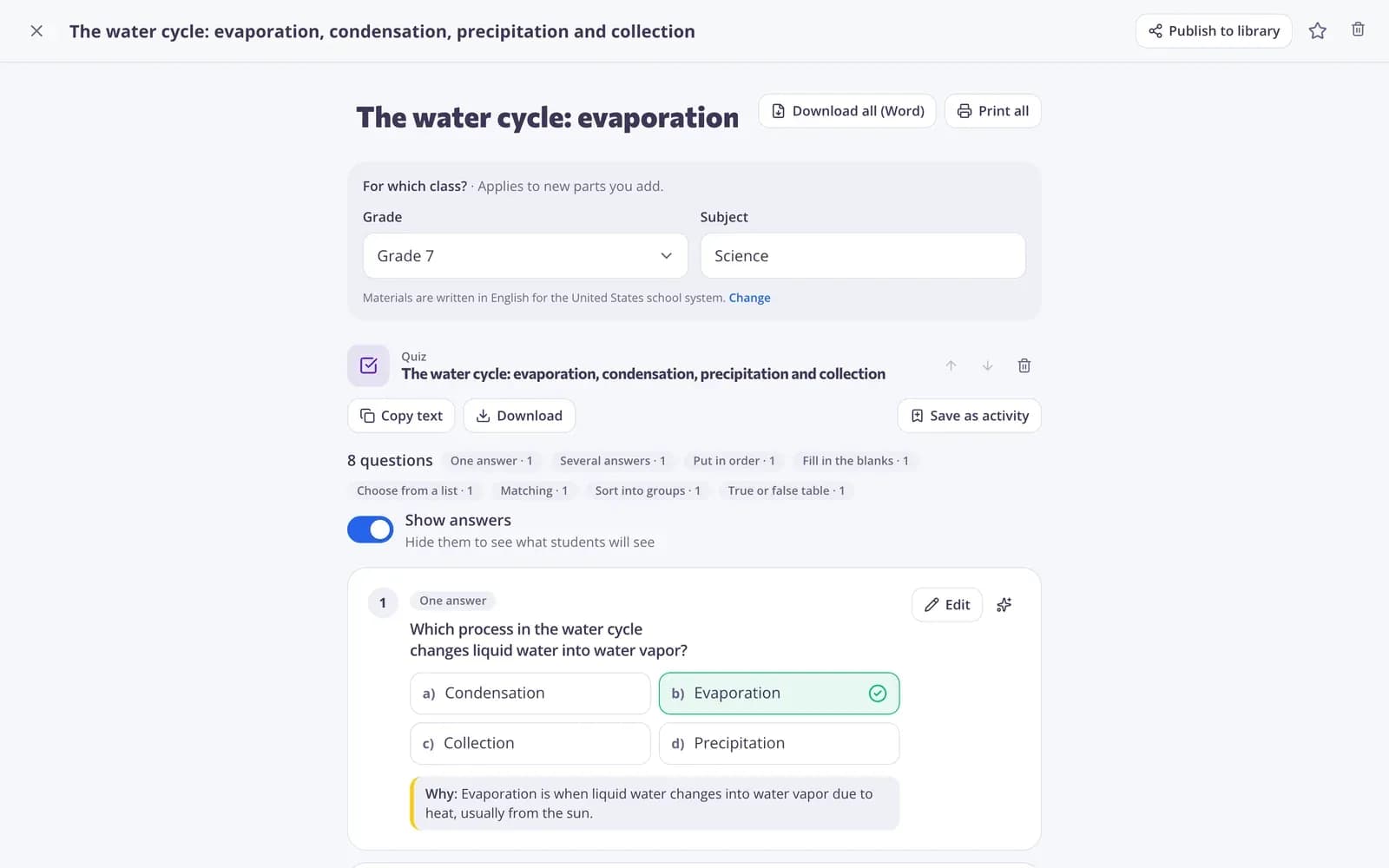
Reading teachers and interventionists need texts at exactly the right level and quick ways to check progress. Edform's AI tools write decodable texts that practise one phonics pattern, original informational passages for any grade, and vocabulary stories with your target words; the text leveler rewrites any text for a lower or higher level, and comprehension questions come at four thinking levels. The free reading speed test times a student reading aloud and gives words per minute. In activities, questions can be read aloud, students can get extra time, and spelling games make them produce every letter.
How to run a small reading group with Edform
- 1
Get the right text
Draft a decodable text for the pattern you're teaching, or level a passage for the group.
- 2
Read and check
Time each reader with the reading speed test, then ask comprehension questions.
- 3
Practise the words
Turn tricky words into guess the word or missing letters, with read-aloud turned on.
Try it yourself
No sign-up needed — try it as a student
This is the real Edform player. Answer the questions and see how they're checked.
Spelling that sticks
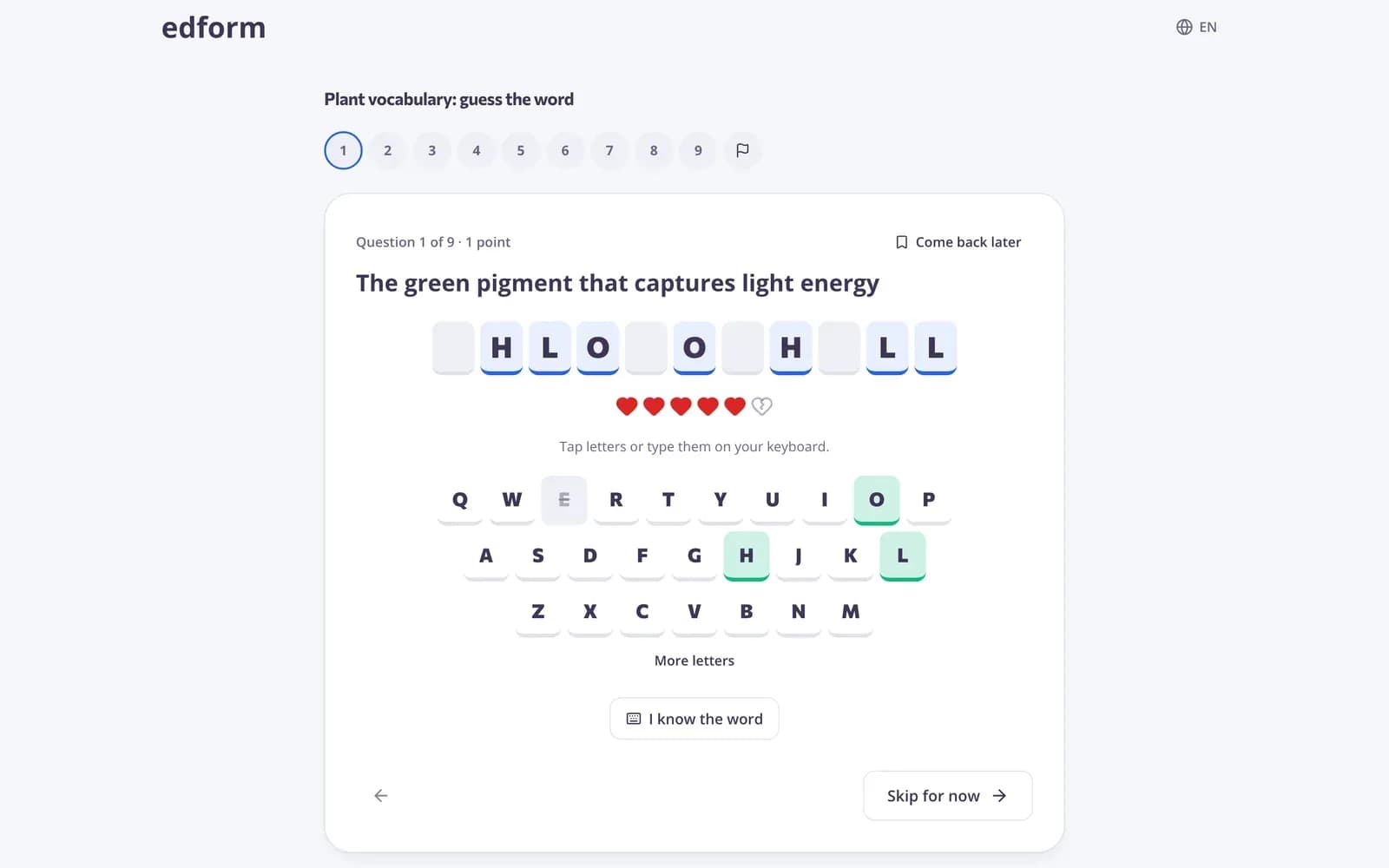
Guess the word, anagram and missing letters make students build each word letter by letter.
- Any word list
- Tap or type letters
- Graded and reported
Fluency in words per minute
Start the stopwatch, tap the last word read, and see words per minute at once. Nothing is saved, so it's safe with any student.
- One-minute timer with a chime
- Tap the last word read
- Instant WPM
Support built into every activity
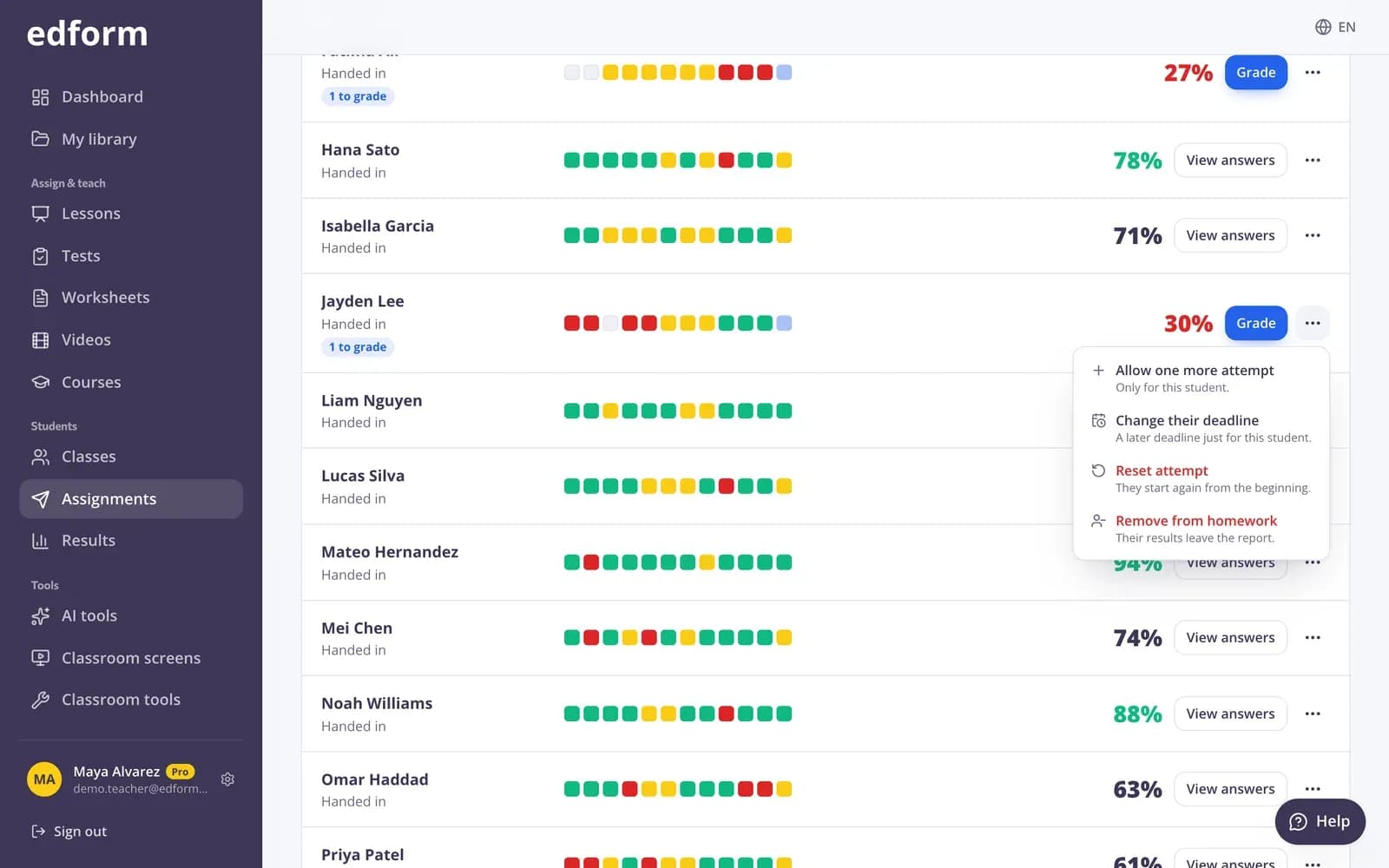
Give a student extra time, more attempts or a later deadline, and turn on read-aloud for the whole class.
- Extra time
- Extra attempts
- Read questions aloud
Tools for reading teachers
Decodable texts
Short readers that practise one phonics pattern. Uses AI points.
Text leveler
Rewrite any text for a lower or higher reading level.
Read aloud
A speaker button reads questions and answers.
Reading speed test
Words per minute in one tap, free and nothing saved.
Spelling games
Guess the word, anagram and missing letters from your list.
Comprehension questions
Questions at four thinking levels with sample answers.
Reading teachers use Edform for
- 01
Phonics practice
A decodable text and a word game for this week's pattern.
- 02
Small groups
The same passage levelled for each group.
- 03
Fluency tracking
A quick words-per-minute check every few weeks.
- 04
Intervention
Extra time and read-aloud for students who need them.
Explore more
- Decodable textA short reader for early readers that practices one phonics pattern.
- Text levelerRewrites any text for a chosen reading level, including plain language for students with SEN.
- Reading comprehensionPassages, questions and graded written answers
- Reading speed testA stopwatch that counts words per minute — type the count or tap the last word read.
- Word gamesGuess the word, anagram, crossword and word search from a quiz
- ELA teachersReading texts, writing feedback and word games
Frequently asked questions
What is a decodable text?
A short text written mostly with letter-sound patterns students have already learned, so they can decode it. Edform's decodable text tool focuses on one pattern you choose.
How does the reading speed test work?
Start the stopwatch when the student begins reading aloud. Type how many words they read, or paste the text first and tap the last word read, to get words per minute.
Can questions be read to students?
Yes. Turn on Read questions aloud when you give the work, and a speaker button reads each question and its answers.
Can I level a text I already have?
Yes. Paste it or upload a file and the text leveler rewrites it for the reading level you choose.
Can I give some students extra time?
Yes. On the homework report you can give a student extra time, more attempts or a later deadline.
Is it free?
Yes. The reading speed test, games and activities are on the free Basic plan. AI tools use AI points: 5 a month on Basic, 300 on Pro.
Find the right text for every reader
Free for teachers. Texts, fluency checks and support in one place.
- Free for teachers
- No credit card
- Works on any device