Word games
Word games from any vocabulary list
Write your words once as quiz questions. Students practise them as guess the word, anagram, missing letters, a crossword or a word search — and every answer still lands in your report.
- Five word games, one list
- Graded like a normal quiz
- Free for teachers
What are word games on Edform?
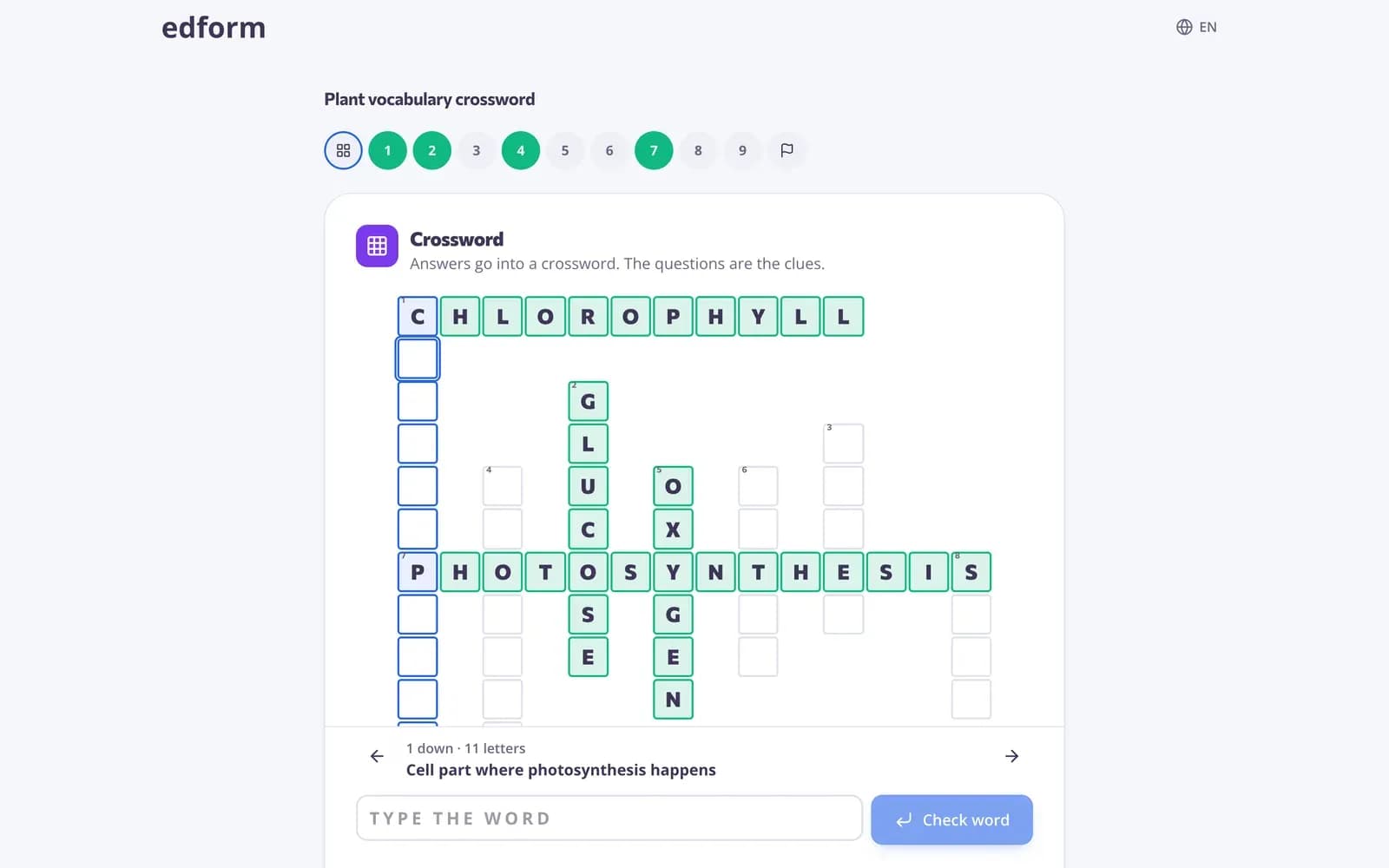
Word games are game modes for questions whose answer is one word. In guess the word, students find the answer letter by letter with six tries. Anagram mixes up the letters, missing letters shows some of them, and crossword and word search put several answers on one board, with your questions as the clues. You don't build a separate game: you choose the word game when you give a quiz as homework or open a live game, and Edform uses the questions that fit. Answers are checked on the server, so the report shows who knew each word.
How to make a word game
- 1
Write the words as questions
Make a quiz with short-answer questions — a definition, a picture or a translation as the question, one word as the answer. Single-choice questions with a one-word answer work too.
- 2
Choose a word game
Give the quiz as homework or a live game and pick the game under How students answer. The picker shows how many of your questions fit.
- 3
See which words stuck
Every answer is graded, so the report shows each student's score and which words the class missed.
Try it yourself
Play a game made from a quiz
Same questions, different games. Pick one and play.
Letter by letter
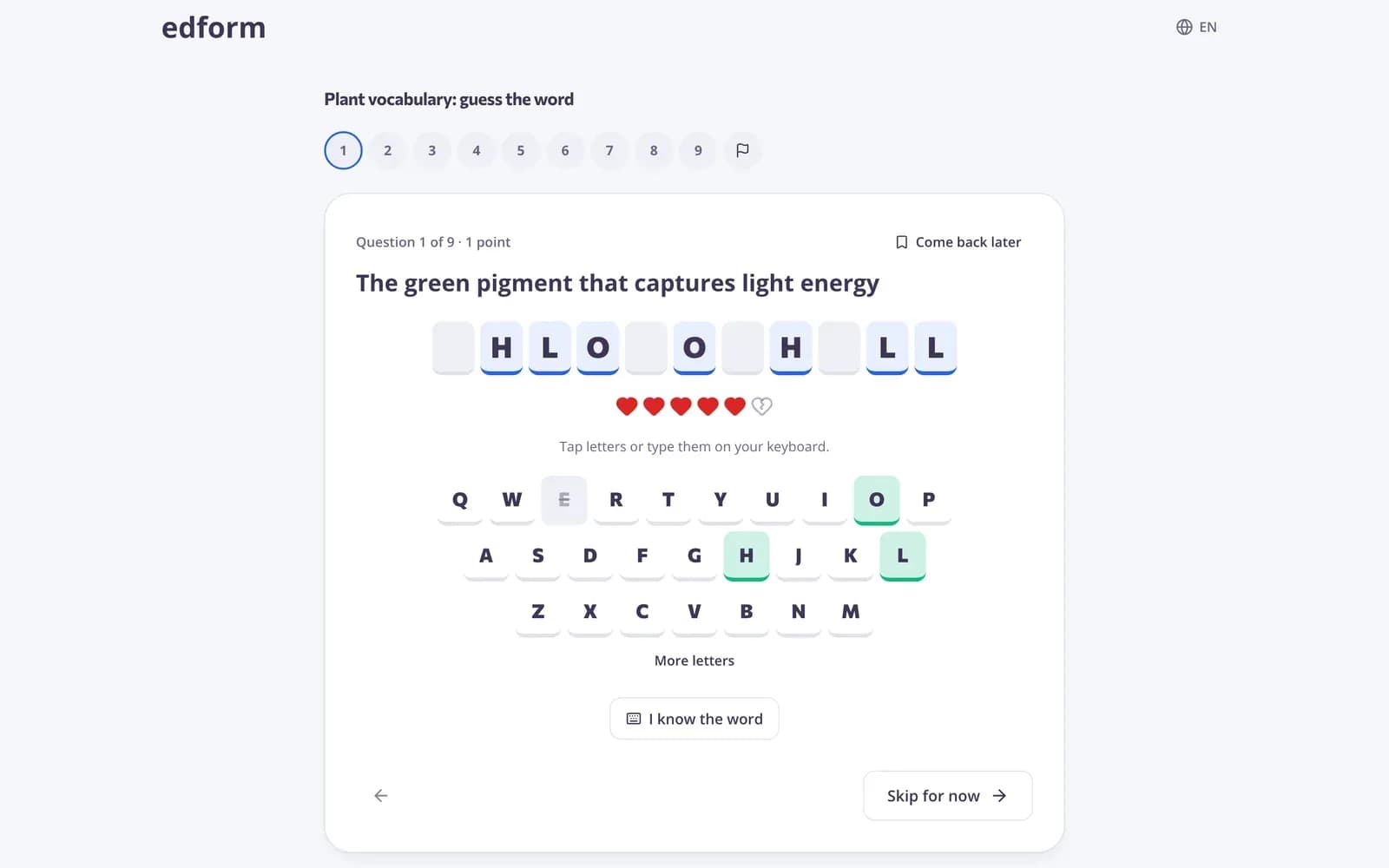
Guess the word, anagram and missing letters make students build the word themselves. They tap letters on screen or type on a keyboard.
- Six tries in guess the word
- Tap or type each letter
- Hyphens and apostrophes shown as they are
Pick the game that fits
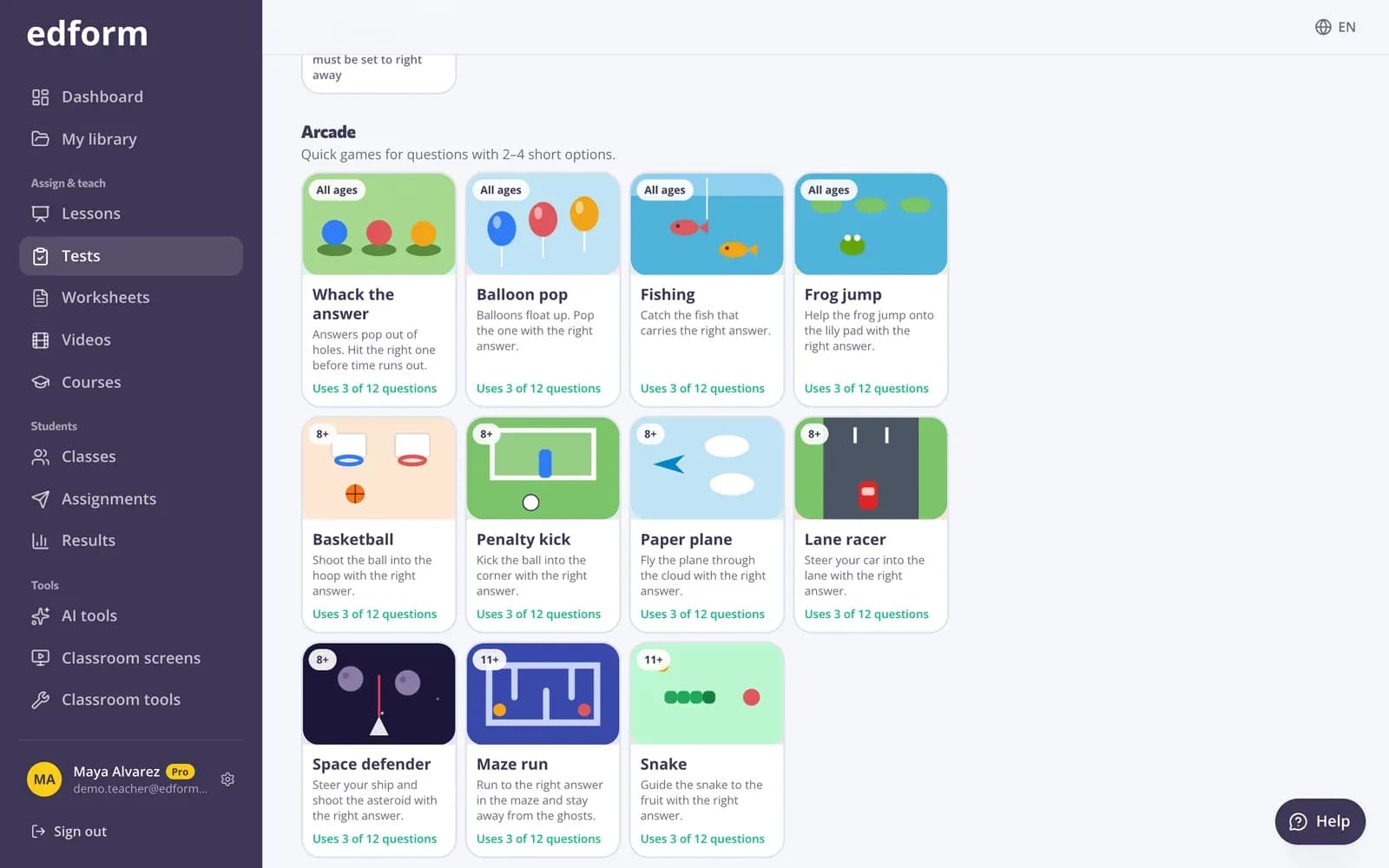
The picker groups word games together, shows which ones suit your students' age and how many of your questions each one will use.
- Crossword up to 12 words
- Word search up to 10 words
- Other questions answered as a normal quiz
Print the same words
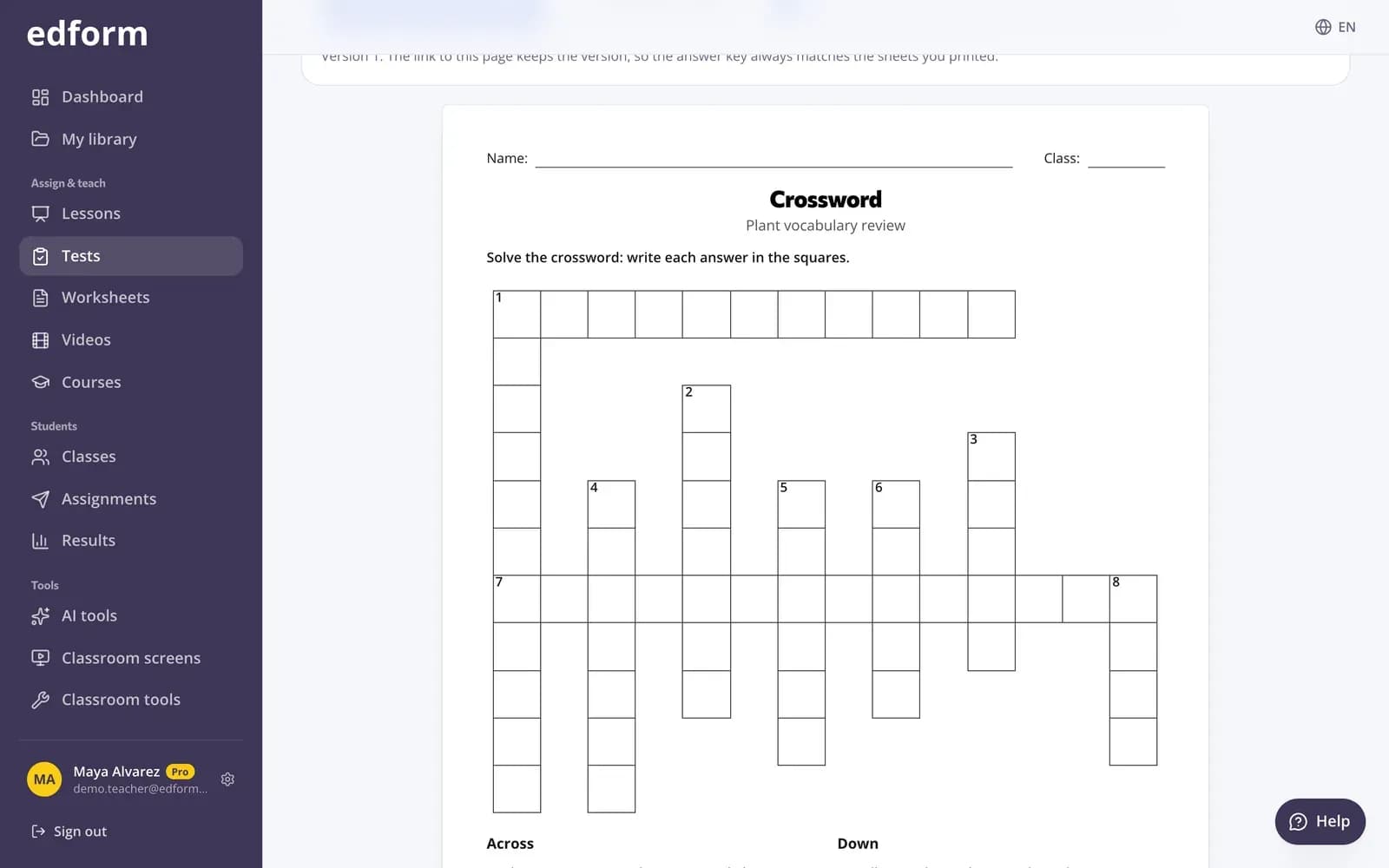
From the same quiz, print a crossword or a word search with an answer key for a lesson without devices.
- Printable crossword and word search
- Answer key included
- No second copy of your list
Five word games and printables
Guess the word
Find the answer letter by letter. Six mistakes allowed, or type the whole word when you know it.
Anagram
The letters of the answer are mixed up. Students put them back in order.
Missing letters
Some letters are shown; students fill in the rest. A gentle start for young learners.
Crossword
Your questions become the clues and the answers cross on one grid.
Word search
Students find the answers hidden in a grid of letters by dragging or tapping.
Print it
Crossword and word search sheets with an answer key from the same quiz.
Teachers use word games for
- 01
Weekly vocabulary
One list, a different game each day of the week.
- 02
Spelling practice
Students have to produce every letter, not only recognise the word.
- 03
Key terms in any subject
Science, history or geography terms as a crossword before the test.
- 04
Language classes
Words in Latin, Cyrillic, Greek, Armenian or Georgian letters.
Explore more
- Game modes27 ways to play the same questions
- Matching gamesMatch up, memory, bingo and pairs from any quiz
- Crossword makerA printable crossword from your words and clues — with an answer key.
- Word search makerA printable letter grid where students hunt for your words — with an answer key.
- Vocabulary practiceWord games, flashcards and matching from one word list
- ESL teachersVocabulary games, leveled texts and AI help for English learners
Frequently asked questions
Which questions can become word games?
Short-answer questions whose answer is one word of 3 to 14 letters, and single-choice questions whose right answer is such a word. Other questions are answered as a normal quiz after the game.
How many words do I need for a crossword?
At least 3. A crossword takes up to 12 words and a word search up to 10; the picker tells you how many will be used.
Can students cheat by looking at the code?
No. Right answers stay on Edform's servers and every letter or word is checked there.
Why do some games need answers shown right away?
Anagram, missing letters and word search show letters of the answers while students play, so they need Show the correct answers set to Right after each question. Guess the word and crossword work with any setting.
Do word games work in other languages?
Yes. Words can be written in Latin, Cyrillic, Greek, Armenian or Georgian letters, including accented letters, and the on-screen keyboard follows the word.
Can I use word games in a live game?
Yes. Choose How students answer when you open a live game, the same way as for homework.
Can I print a crossword or word search?
Yes. Open the quiz's Use with class page and choose the printable crossword or word search; both come with an answer key.
Make your first word game
Free for teachers. Write the words once, play them five ways.
- Free for teachers
- No credit card
- Works on any device