Matching games
Matching games from questions you already have
Every question with a short answer is a pair. Students match them up, flip memory cards, mark bingo lines or race the clock in pairs — and you see who got each one right.
- Match up, memory, bingo and pairs
- Made from your quiz
- Free for teachers
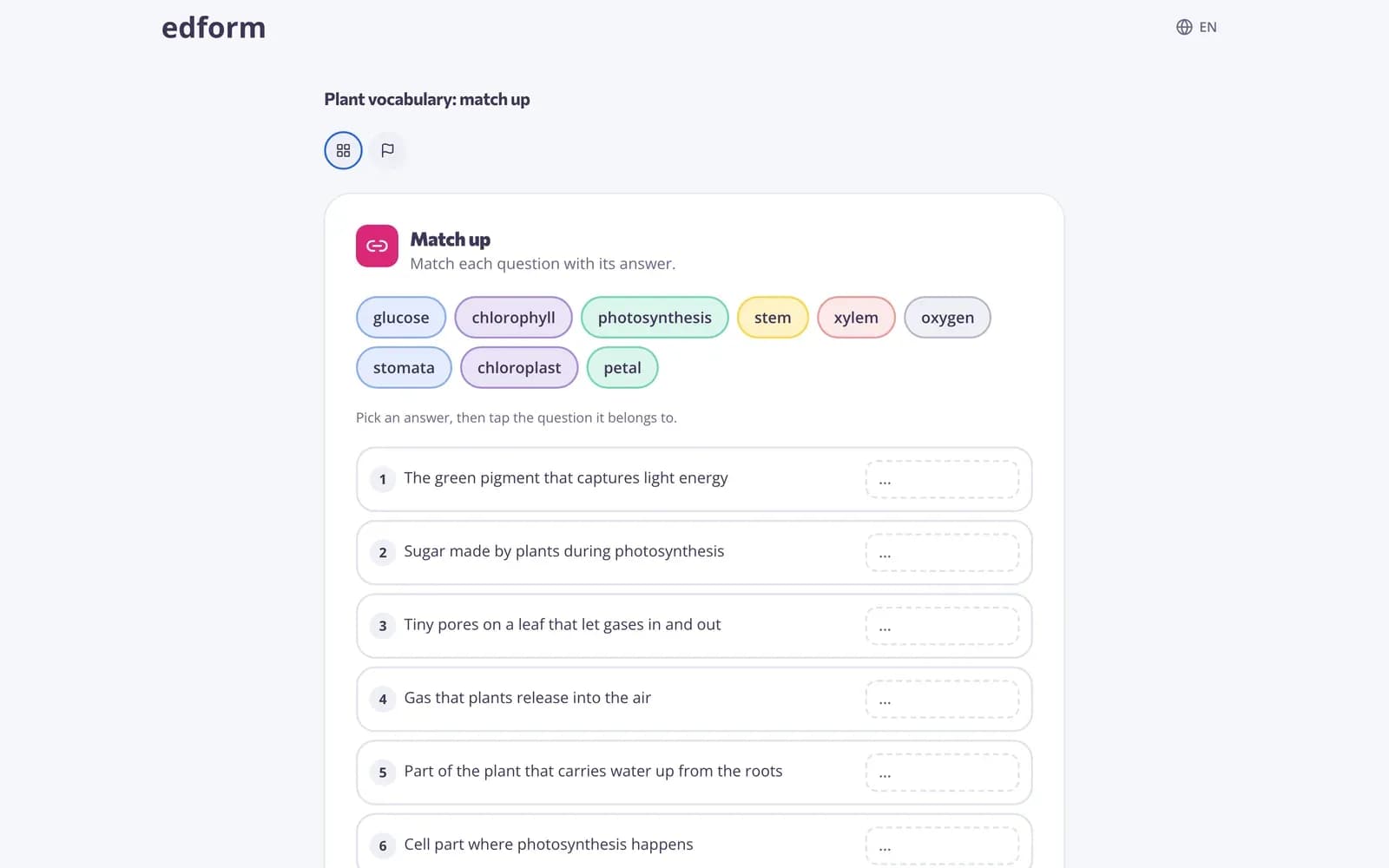
What is a matching game?
A matching game asks students to connect each question with its answer: a word and its meaning, a country and its capital, a sum and its result. In Edform you don't make pairs by hand. Any question with a short answer — a short-answer question, a number or a single choice — becomes a pair, and you choose how students play: match up, find the match, memory or bingo when you give homework or a live game, or the timed pairs game and printable match-up sheets from the quiz's Use with class page. Every match is graded like a normal answer.
How to make a matching game
- 1
Write question and answer pairs
Make a quiz with short answers: a term and its definition, a picture and its name, a problem and its result. Or ask AI to write the quiz.
- 2
Pick a matching game
Give the quiz as homework or a live game and choose match up, find the match, memory or bingo under How students answer.
- 3
Check the results
Each match is graded, so the report shows every student's score and which pairs were hardest.
Try it yourself
Play a game made from a quiz
Same questions, different games. Pick one and play.
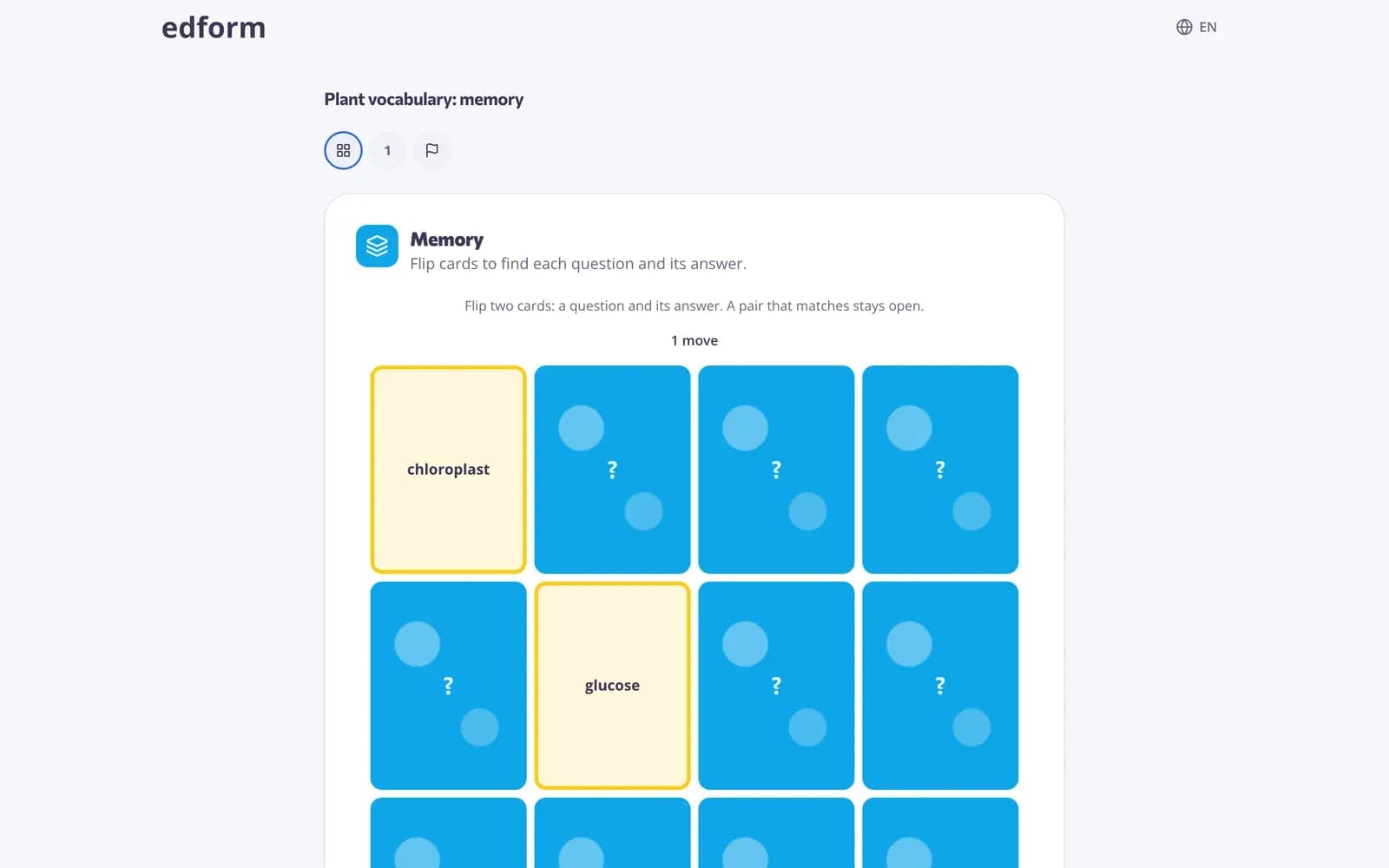
Memory with a purpose
Students flip two cards at a time, a question and its answer. A matching pair stays open, so they have to remember where they saw each card.
- Up to 8 pairs on a board
- Counts the moves
- Good for young learners
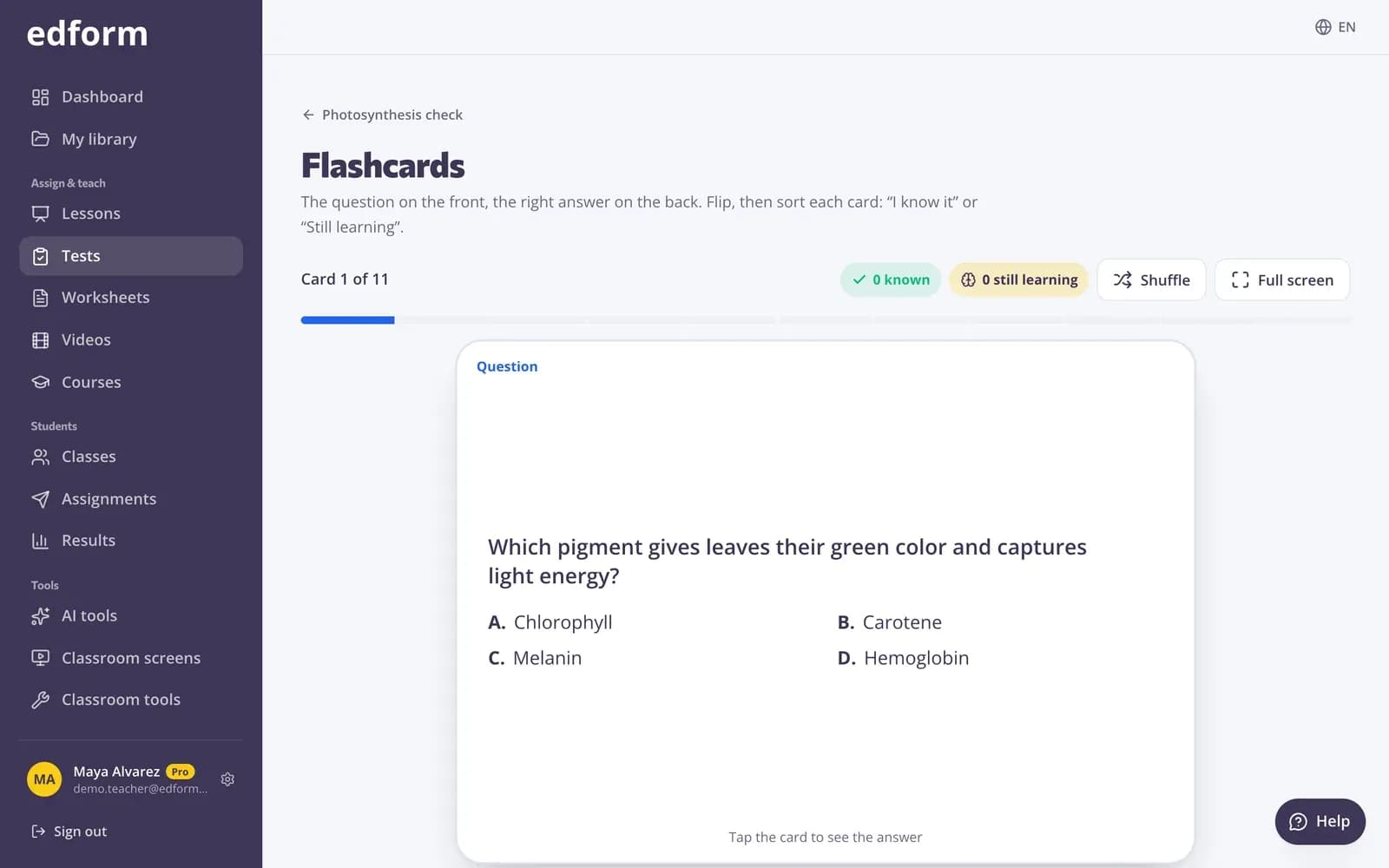
Flashcards and pairs for the whole class
On the quiz's Use with class page, flip through flashcards together or play the timed pairs game to match every question with its answer.
- Flashcards to revise together
- Pairs game against the clock
- Works on the board
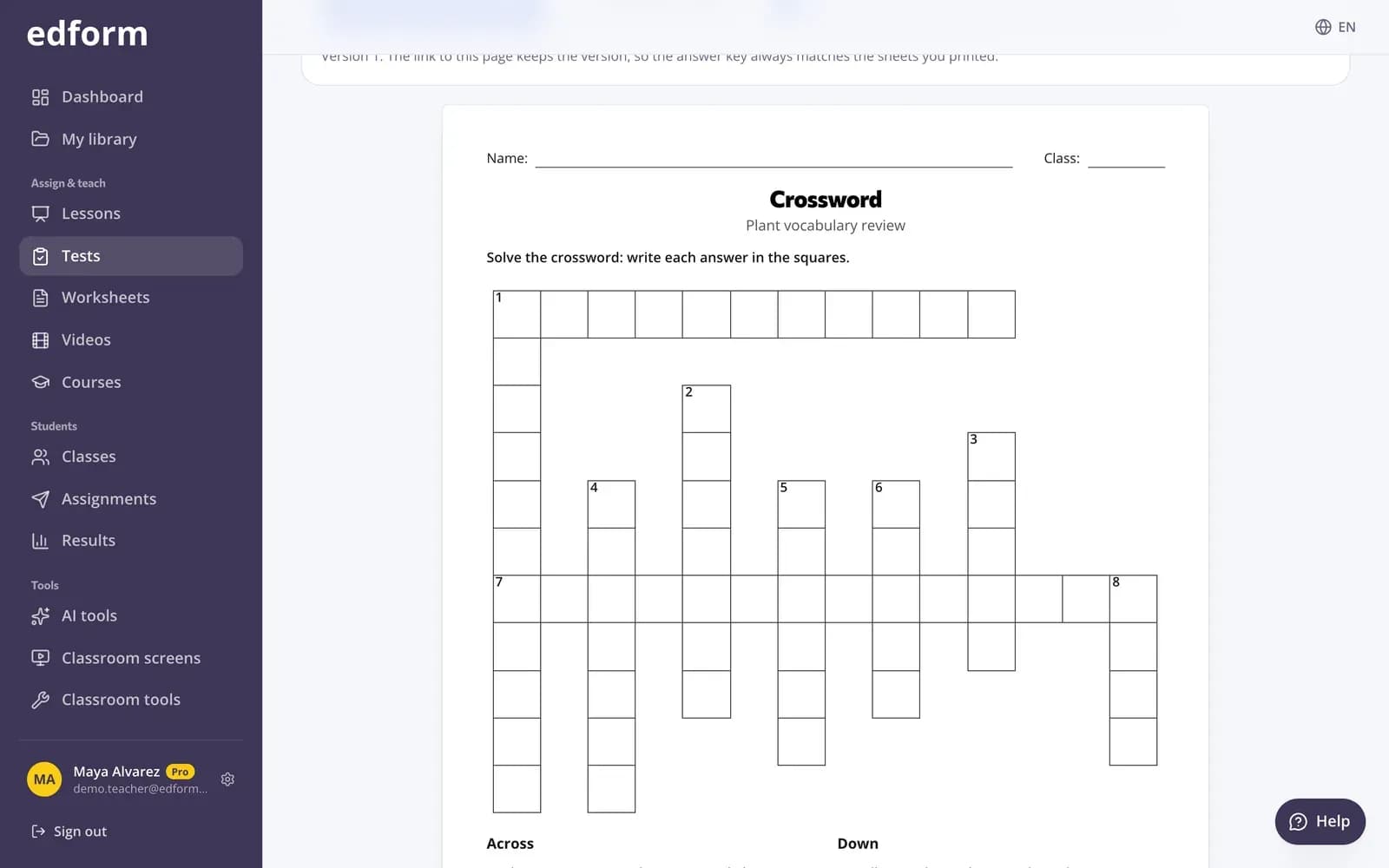
Printed match-ups and cards
Print a match-up worksheet or cards to cut out from the same quiz, with an answer key, for a lesson without devices.
- Match-up sheets
- Cards to cut out
- Answer key included
Ways to match
Match up
Pick an answer from the pool, then tap the question it belongs to. Up to 10 pairs.
Find the match
All the answers are on the screen; students pick the right one for each question.
Bingo
Answers fill a bingo card. Students mark the answer to each question and make lines.
Memory
Flip cards to find each question and its answer. Up to 8 pairs.
Pairs and flashcards
Timed pairs and flashcards for the whole class from the quiz's Use with class page.
Printable match-ups
Match-up sheets and cards with an answer key, ready to print.
Teachers use matching games for
- 01
Vocabulary and definitions
Words and meanings, or words in two languages.
- 02
Facts to remember
Capitals, dates, symbols, formulas and their names.
- 03
Math facts
Sums, times tables and conversions with number answers.
- 04
Review before a test
A quick round of bingo or memory over the unit's key terms.
Explore more
- Game modes27 ways to play the same questions
- Word gamesGuess the word, anagram, crossword and word search from a quiz
- FlashcardsTurn any quiz into flashcards for class review
- Bingo card generatorDifferent bingo cards from your words or terms for the whole class.
- Matching tasksMatch terms to definitions, dates to events, authors to works and more.
- Vocabulary practiceWord games, flashcards and matching from one word list
Frequently asked questions
Which questions can be used in a matching game?
Questions with a short answer: short-answer questions, number questions and single-choice questions whose right answer is short text (up to 80 characters). True/false questions are left out.
How many pairs does a game take?
Match up and find the match take up to 10 pairs, memory up to 8 and bingo 5 to 16. Questions that don't fit are answered as a normal quiz afterwards.
Do I have to make the pairs myself?
No. Every question and its right answer form a pair, so the quiz you already have is the matching game.
Why do some games need answers shown right away?
Matching games put the answers on the screen for students to pick from, so they need Show the correct answers set to Right after each question. With another setting, the quiz is played as a classic test.
Are matching games graded?
Yes. Each match is graded like a normal answer and goes into the homework or live game report.
Can I print a matching activity?
Yes. The quiz's Use with class page has printable match-up sheets and cards with an answer key.
Is it free?
Yes. Every game is on the free Basic plan.
Make a matching game
Free for teachers. Your quiz is already the game.
- Free for teachers
- No credit card
- Works on any device