

 Apps for Google Classroom
Free teaching apps that work with Google Classroom
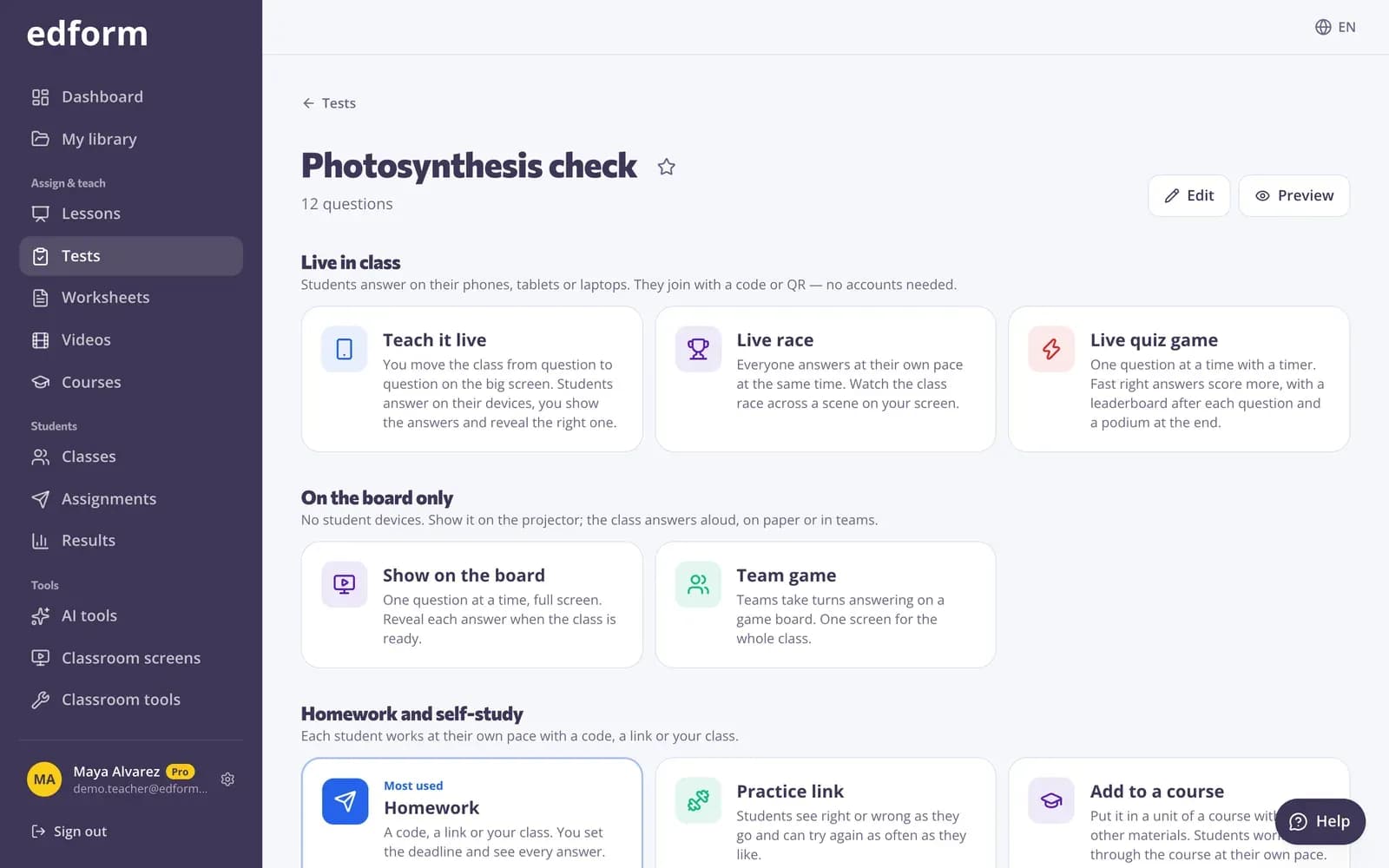
One free Edform account gives you a quiz maker, interactive worksheets, review games, interactive and video lessons and courses. They all use your Google Classroom rosters and post to Classroom with one button.
- Quizzes, worksheets, games, lessons and videos
- Classroom rosters and Share to Classroom
- Free for teachers, nothing to install
What apps work with Google Classroom?
Apps that work with Google Classroom do two things: they read your Classroom classes, so you don't type student names again, and they post work to your Classroom stream, so students find it where they already look. Edform does both. Import a Google Classroom class with all its students, then make a quiz, an interactive worksheet, a review game, an interactive lesson, a video lesson or a whole course, and press Share to Classroom: Classroom's share window opens with the title, the link and the join code filled in. Students open it in the browser on a Chromebook, tablet or phone, and Edform grades the answers and keeps the results in reports and a gradebook. Every tool is free for teachers; AI tools use AI points (5 a month on the free plan).
Edform at a glance
- Price
- Free for teachers: Basic is free forever, with no credit card, and includes every feature.
- AI tools
- AI teacher tools with 5 AI points a month on Basic and 300 a month on Pro.
- Students
- Students join with a code. They need no email address and no account.
- Grading
- Quizzes and worksheets are graded automatically, with results per student and per question.
- Devices
- Runs in the browser on laptops, tablets, phones and interactive boards. Nothing to install.
- Languages
- Available in 32 languages.
- Works with
- Google Classroom, Microsoft Teams, ClassLink and learning platforms that support LTI 1.3.
- Library
- A free library of ready-made quizzes, worksheets and lessons that teachers can copy and edit.
How to use Edform apps with Google Classroom
- 1
Bring in your classes
Press Import from Google Classroom on Classes and pick a class. Its students are added with their school emails.
- 2
Make or pick an activity
Build a quiz, worksheet, game, lesson or video lesson yourself, with AI, or from the library of ready activities.
- 3
Share to Classroom
Give it as homework and press Share to Classroom. Students open it from Classroom; you see their results in Edform.
Try it yourself
Play a game made from a quiz
Same questions, different games. Pick one and play.
A quiz maker that grades for you
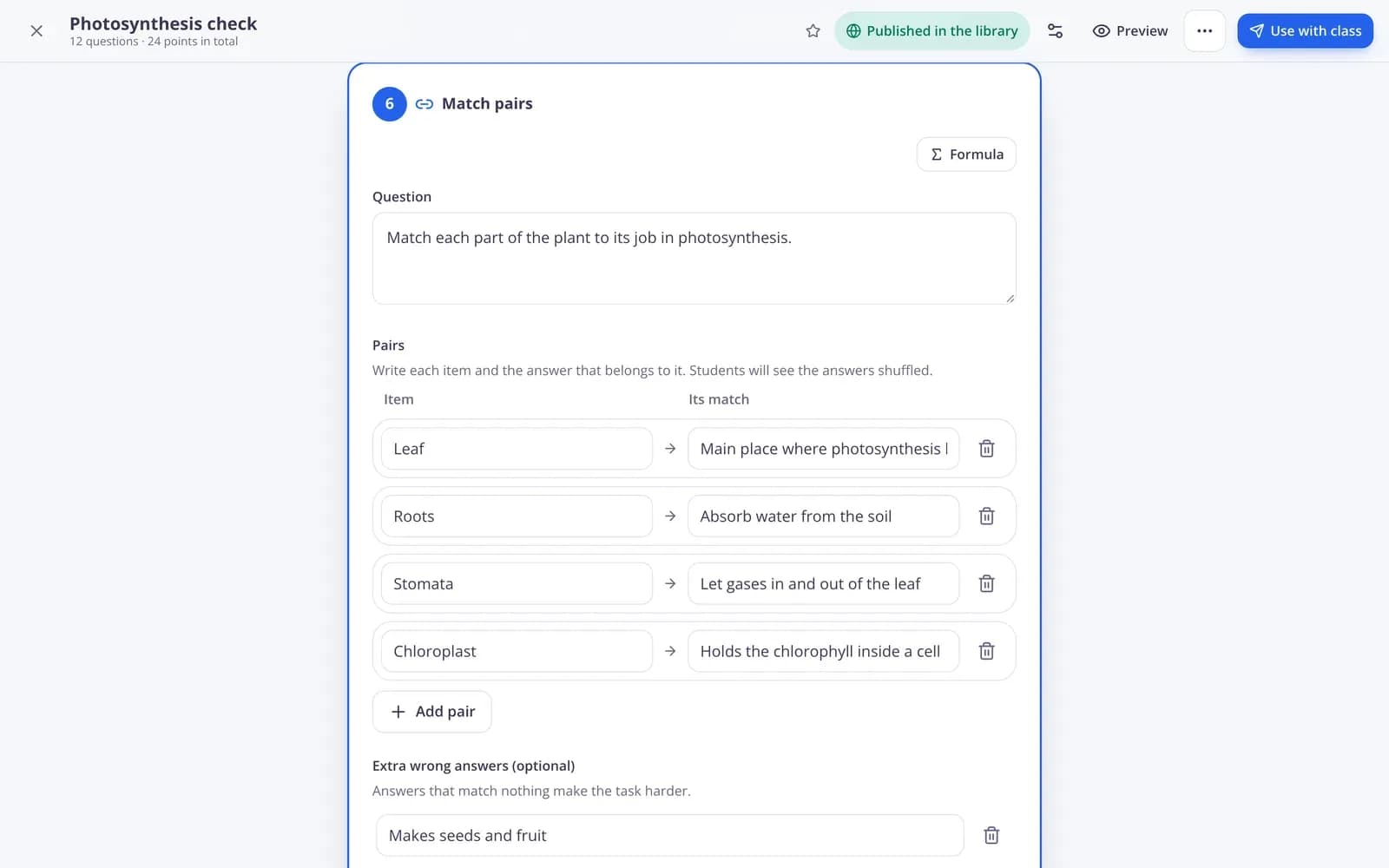
Choose from many question types — multiple choice, matching, ordering, fill in the blanks, open answers and more. Edform checks the answers, and you grade open answers with a rubric.
- Many question types
- Automatic grading
- Rubrics for open answers
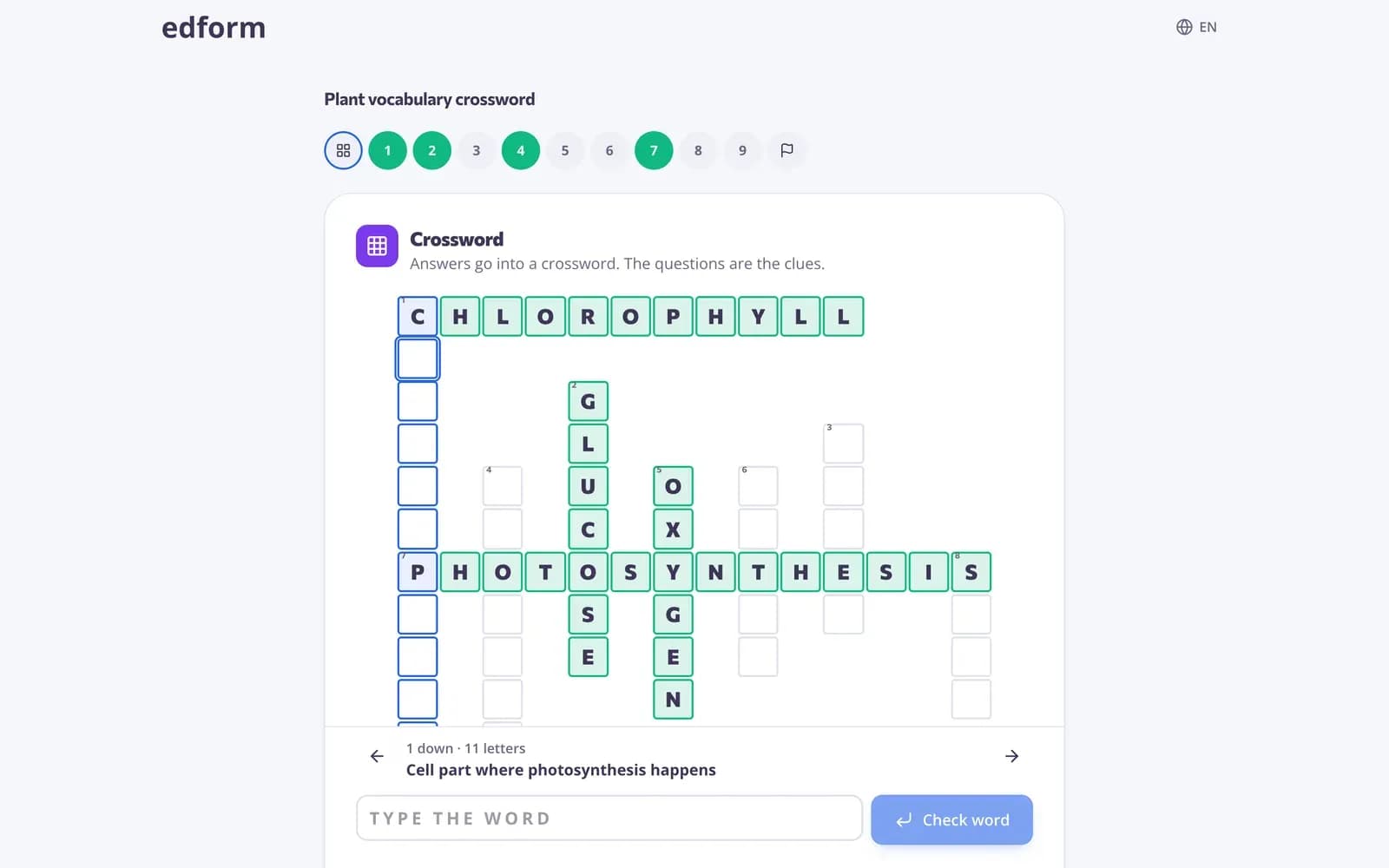
Review games from the same questions
Turn any quiz into a game students play as homework — crosswords, matching, word games and arcade games — or run it live in class with a PIN.
- Games as homework
- Live games with a PIN
- No extra setup
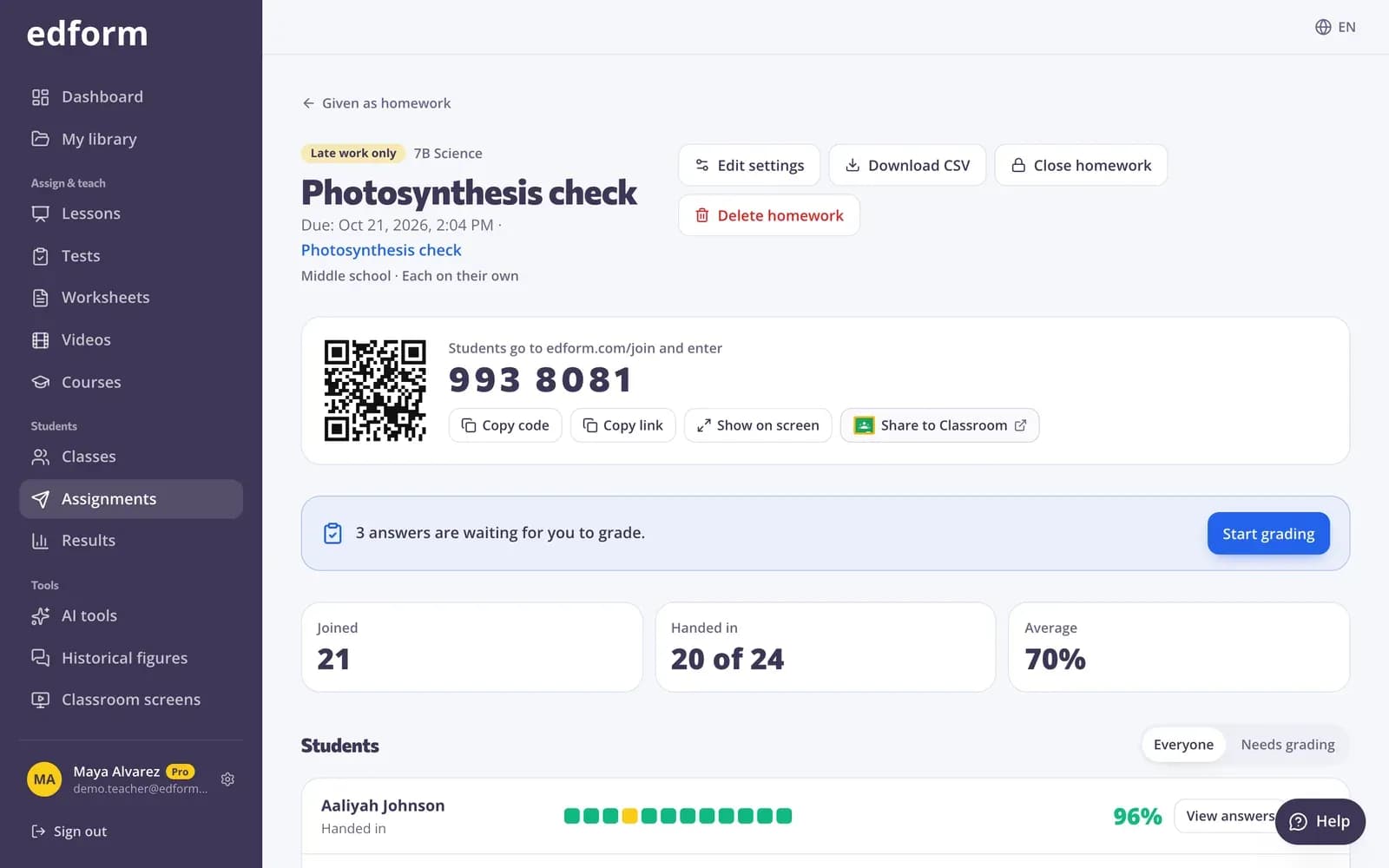
Post anything to Classroom
Every homework and course link has the Share to Classroom button with the title, link and join code filled in. Pick the class and post.
- One click from Edform
- Title, link and code filled in
- Results stay in Edform
The apps in your Edform account
Quiz maker
Self-grading quizzes and tests with many question types, timers and attempts.
Interactive worksheets
Turn a PDF or a blank page into a worksheet students fill in online.
Review games
Crosswords, matching, word and arcade games, team games and live quiz games from your questions.
Interactive and video lessons
Slides with questions, and videos with questions students must answer to go on.
Courses
Units of lessons, quizzes and videos students work through at their own pace.
Reports and gradebook
Scores per student and per question, a gradebook for each class and CSV export.
Teachers use them for
- 01
Math
Quizzes with a math equation editor and answers Edform checks.
- 02
Reading and ELA
Reading comprehension questions, vocabulary games and open answers with rubrics.
- 03
Science and social studies
Interactive lessons and video lessons with questions along the way.
- 04
Languages and ESL
Word games, matching and flashcards for vocabulary practice.
Explore more
- Google ClassroomImport classes and share homework to Classroom
- Quiz makerAuto-graded quizzes, tests and homework
- Interactive worksheetsTurn any PDF into an online worksheet
- Classroom gamesLive quiz, race, team and arcade review games
- Interactive lessonsSlides with live questions and polls
- Video lessonsQuestions inside any video
- Online coursesUnits of your materials, given to a class or by one link
Frequently asked questions
What are the best free apps for Google Classroom?
Look for apps that are free for teachers, read your Classroom rosters, post work to Classroom and grade answers for you. Edform does all four in one account: a quiz maker, interactive worksheets, review games, lessons, video lessons and courses.
Which Edform apps work with Google Classroom?
All of them. Any quiz, worksheet, game, lesson or video lesson you give as homework, and every course link, has a Share to Classroom button, and every class can be imported from Google Classroom.
Is Edform free?
Yes. Every feature is free for teachers on the Basic plan. AI tools use AI points: 5 a month on Basic and 300 on Pro.
Do students need to install anything?
No. Students open the link from Classroom in the browser on a Chromebook, laptop, tablet or phone.
Is Edform a Google Classroom add-on?
No, Edform isn't installed inside Classroom. It connects with your Google account to read your classes and students, and you post work with the Share to Classroom button.
Can our school approve Edform for Google Classroom?
Yes. If your school allows only approved apps to read Google Classroom, a Google Workspace administrator can allow Edform in the Google Admin console.
Do grades sync back to Classroom?
No. Results stay in Edform's homework reports and class gradebook, and you can export them as a CSV file.
Google Classroom is a trademark of Google LLC. Microsoft and Microsoft Teams are trademarks of the Microsoft group of companies.
Your Google Classroom, with better activities
Free for teachers. Import a class, make your first quiz or game and share it to Classroom in minutes.
- Free for teachers
- No credit card
- Works on any device