


Free Common Core standards alignment checker
Paste a lesson, unit or assessment and see which standards it really covers. Edform maps it to Common Core, NGSS, the C3 Framework or your state's standards, shows full and partial alignment, flags gaps and suggests concrete fixes.
Check alignmentFree for teachers. No credit card.
What is a Common Core standards alignment checker?
A Common Core standards alignment checker reads your material and shows which standards it addresses and how well. Paste a lesson plan, unit, task or test, or upload it as a PDF or Word file, then choose Common Core, NGSS, your state's standards or let Edform pick (Common Core for ELA and math, NGSS for science, the C3 Framework for social studies). You get a table with each standard code, a short wording, how the material addresses it and whether the alignment is full or partial; a list of gaps; 3–5 concrete edits to close them, including the math or science practices; and student-friendly I can statements. Edit the result, then copy, download or print it.
How it works
- 1
Describe your topic or paste your material.
- 2
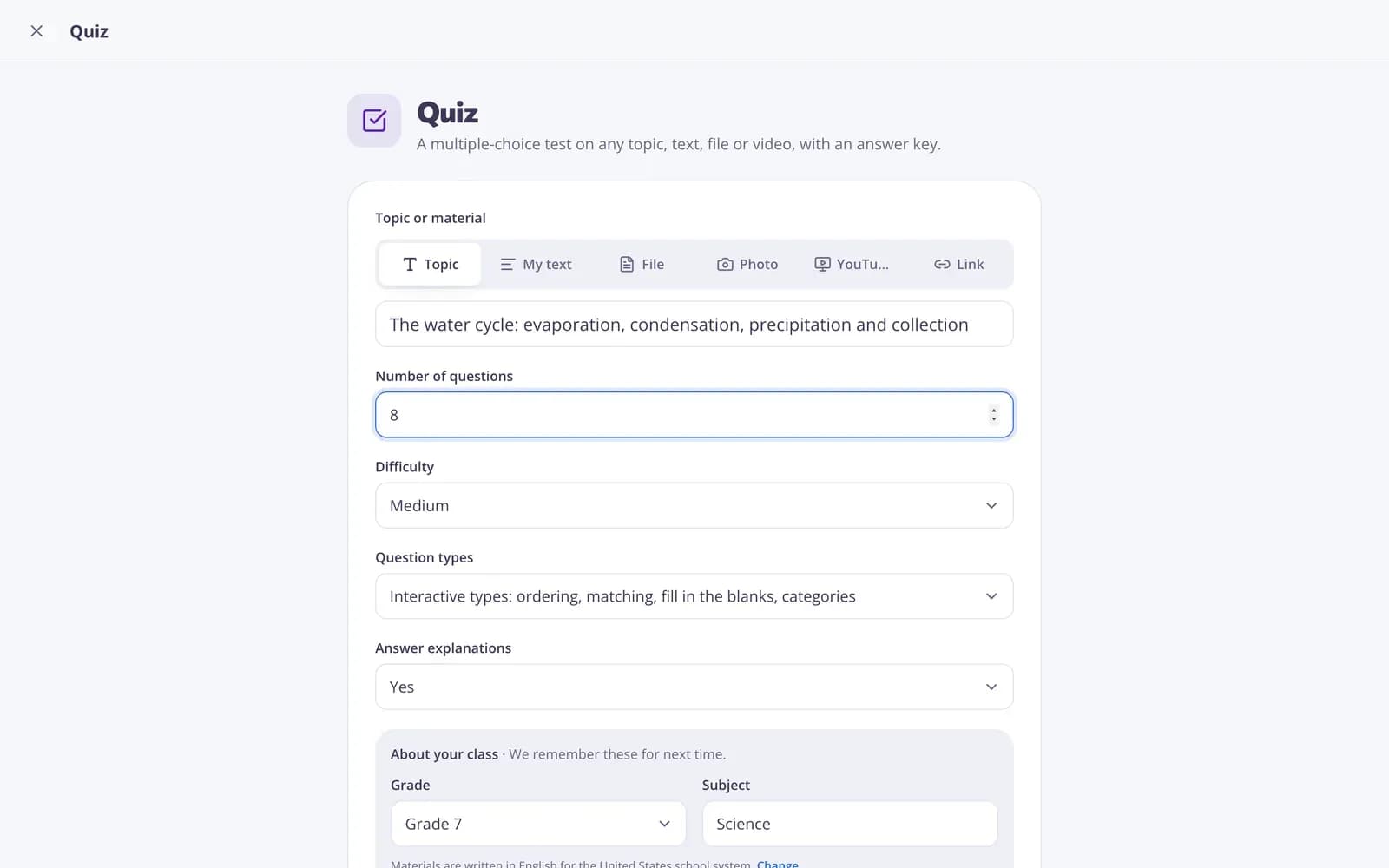
Choose the grade and a few options.
- 3
Get a ready result, improve it in one click, and download or print it.
Great for
- Checking a unit plan before sharing it with your department
- Finding gaps in an older test or project
- Writing I can statements for the classroom wall
- Aligning a bought resource with your state standards
- Preparing evidence for an evaluation or observation
- Adding math or science practices to an existing lesson
Edform at a glance
- Price
- Free for teachers: Basic is free forever, with no credit card, and includes every feature.
- AI tools
- AI teacher tools with 5 AI points a month on Basic and 300 a month on Pro.
- Students
- Students join with a code. They need no email address and no account.
- Grading
- Quizzes and worksheets are graded automatically, with results per student and per question.
- Devices
- Runs in the browser on laptops, tablets, phones and interactive boards. Nothing to install.
- Languages
- Available in 32 languages.
- Works with
- Google Classroom, Microsoft Teams, ClassLink and learning platforms that support LTI 1.3.
- Library
- A free library of ready-made quizzes, worksheets and lessons that teachers can copy and edit.
Questions teachers ask
Which standards can it check against?
Common Core for ELA and math, NGSS for science, the C3 Framework for social studies, or your state's standards when you name the state in your material.
Are the standard codes always right?
It uses codes it is confident about and describes the requirement in words otherwise, marked to check. Always verify codes against the official standards documents.
Can it fix the lesson for me?
It suggests 3–5 concrete edits to close the gaps. Use Match the curriculum, Add examples or Shorter to refine the result, or continue with the lesson plan, rubric or standards unpacker tools.
Is the Common Core alignment checker free?
Yes. Create a free Edform account to use it. The free plan includes a few AI runs every month, and Pro adds more if you create a lot.
Can I edit, download or print the result?
Yes. Edit any part by hand or describe your own change, then copy it into Google Docs, download a Word file or print it.
Related AI tools
Try Standards alignment checker free
Create your first one in under a minute, then edit, save and use it with your class.
- Free for teachers
- No credit card
- Works on any device