Kindergarten & pre-K
Made for the youngest learners
Games with big targets and few words, questions read aloud, decodable texts for first readers, and classroom screens that make the day's routine easy to follow.
- Games for young learners
- Questions read aloud
- Free for teachers
How does Edform work in kindergarten?
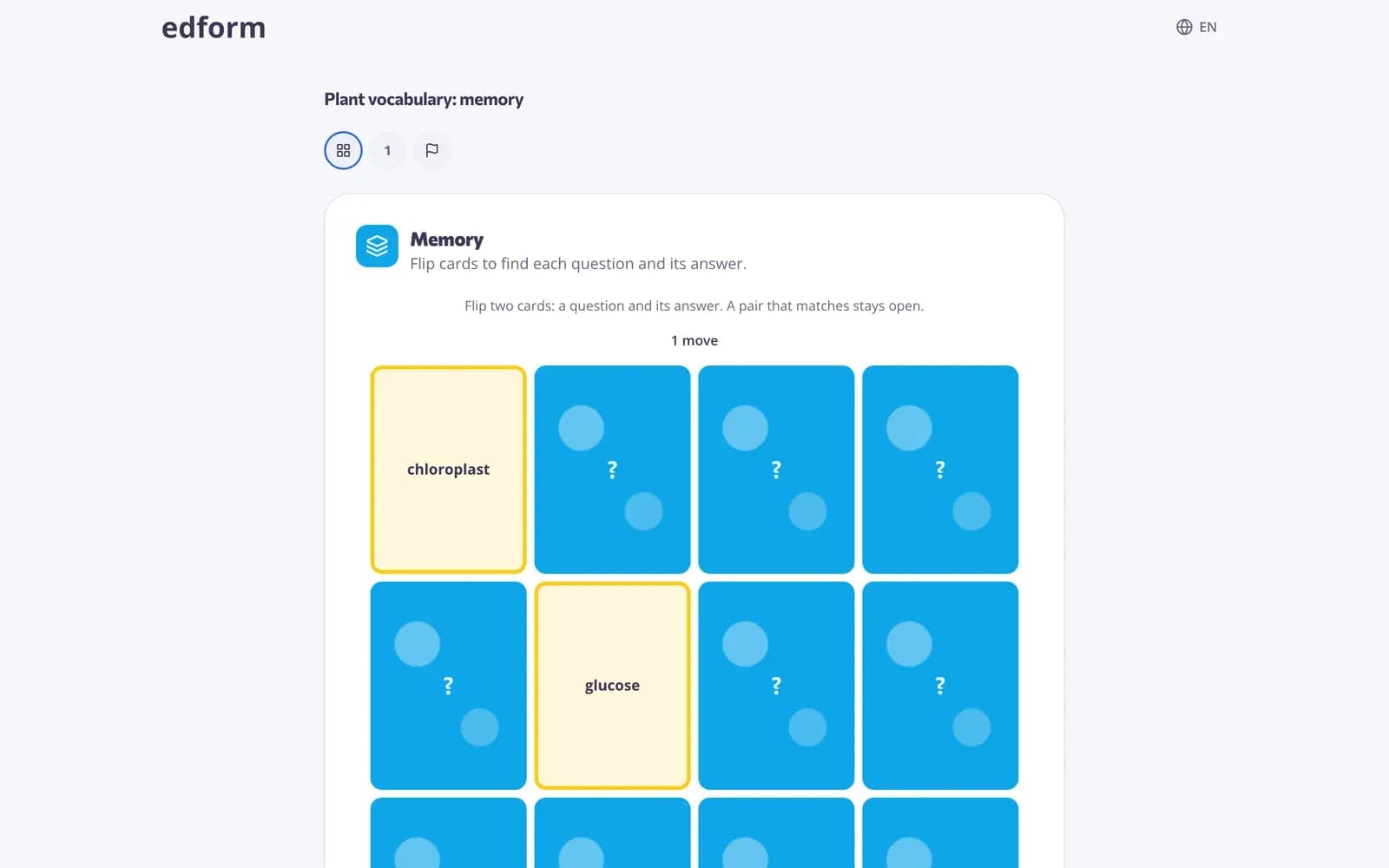
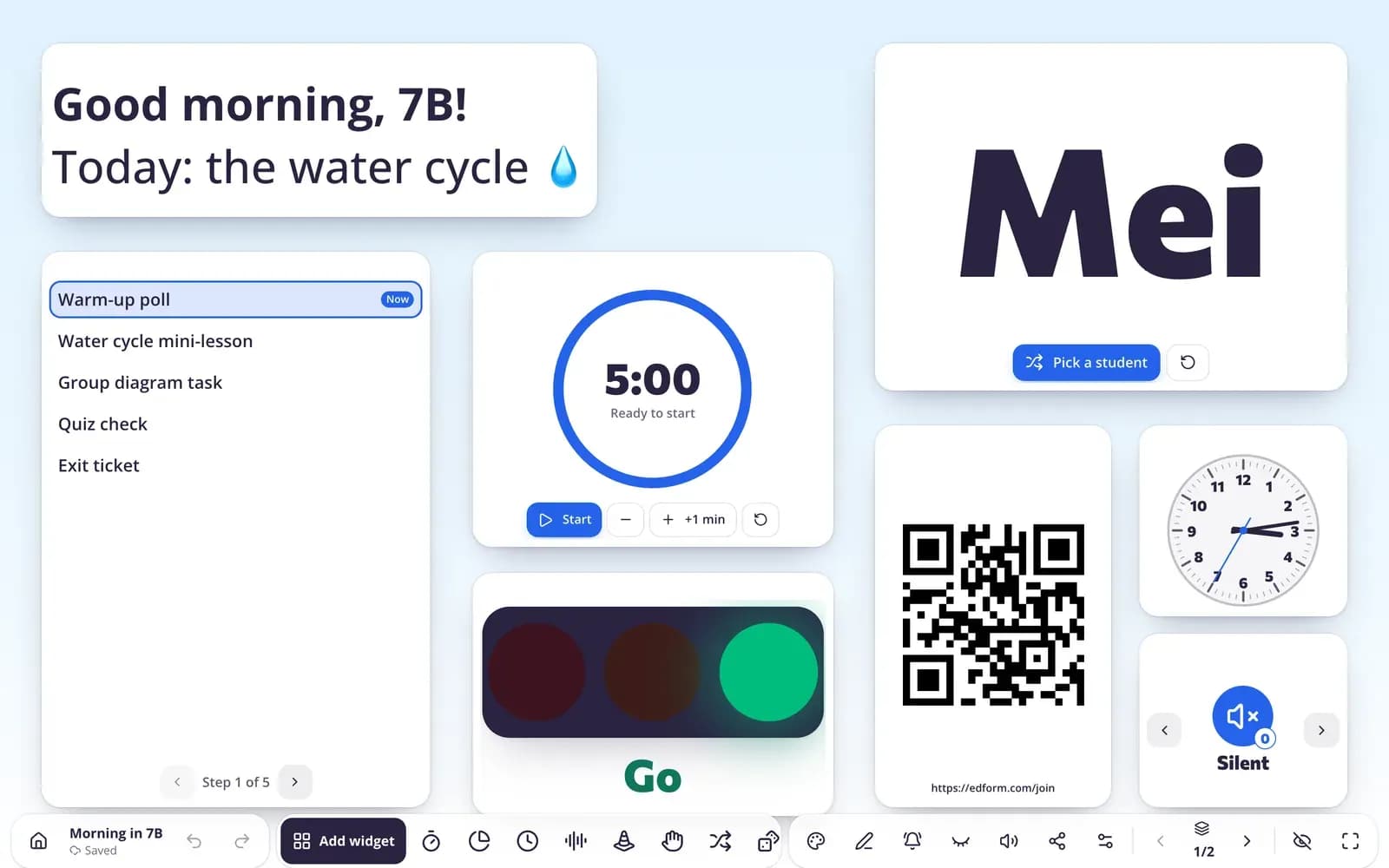
Young children need activities with few words, big buttons and lots of repetition. In Edform you make a short quiz — pictures, sounds, letters or numbers — and choose Young learners as the audience: the game picker puts suitable games first, such as memory, find the match, bingo, missing letters, balloon pop, fishing and the board game. A speaker button can read every question and its answers aloud. On the board, classroom screens show a visual timer, traffic light, work symbols and the day plan, with ready-made templates for pre-K and K–2. AI tools draft decodable texts and emoji puzzles, and you can print bingo cards and name cards.
How to make a game for young learners
- 1
Make a short quiz
Five to eight questions with pictures and one-word or number answers.
- 2
Pick a game
Choose Young learners and pick memory, find the match, bingo or balloon pop. Turn on Read questions aloud.
- 3
Play on the board or on tablets
Play it together on the board or give it to students on tablets with a code.
Try it yourself
Play a game made from a quiz
Same questions, different games. Pick one and play.
Routines on the board
A classroom screen with a visual timer, traffic light, work symbols and day plan helps young children see what's happening and what comes next.
- Templates for pre-K and K–2
- Visual timer and work symbols
- No student devices needed
Big targets, simple moves
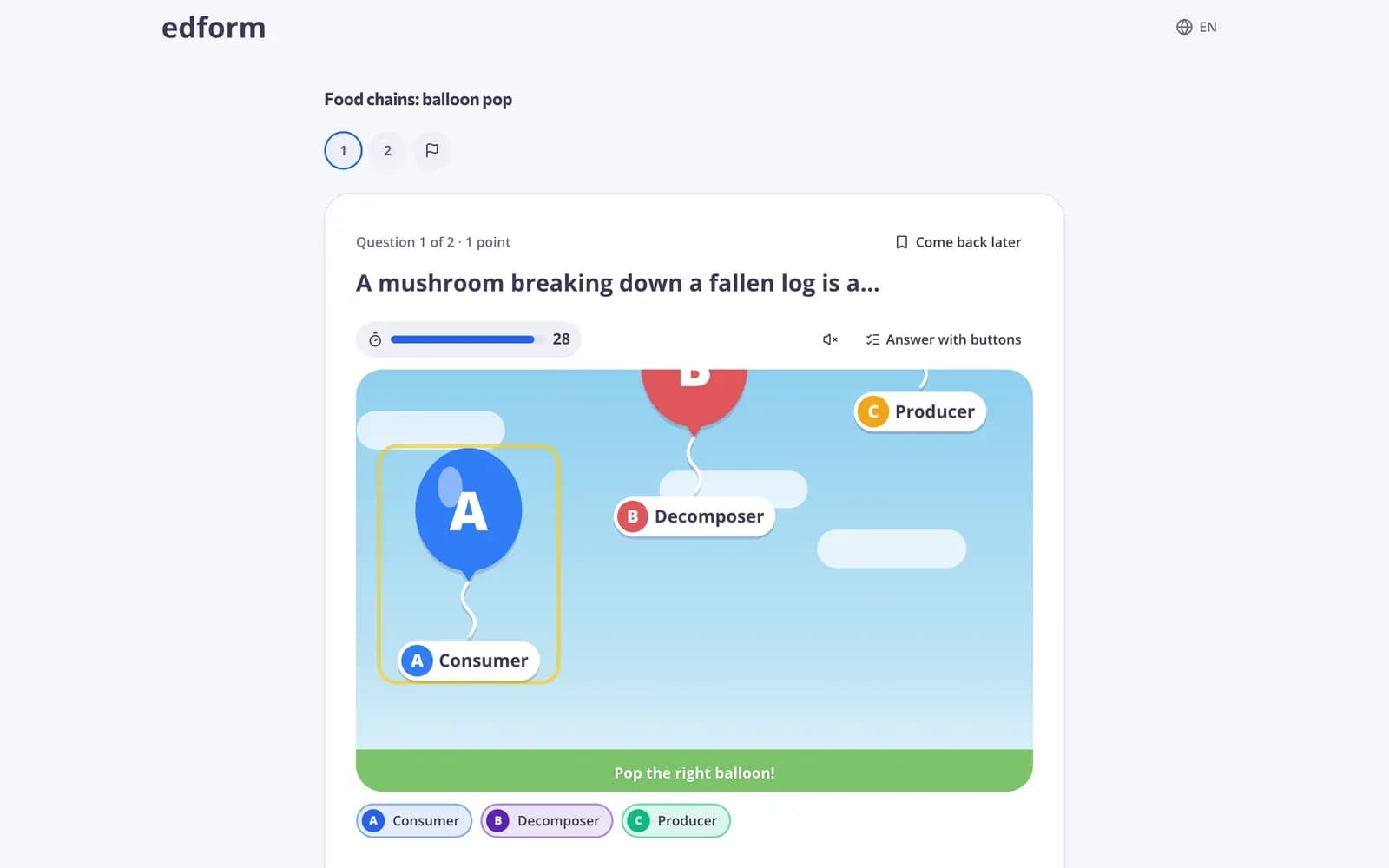
Balloon pop, fishing, frog jump and whack the answer: tap the right answer before time runs out. The clock only starts when the child presses Start.
- Big buttons
- Read first, then play
- Every answer graded
Cards for the whole class
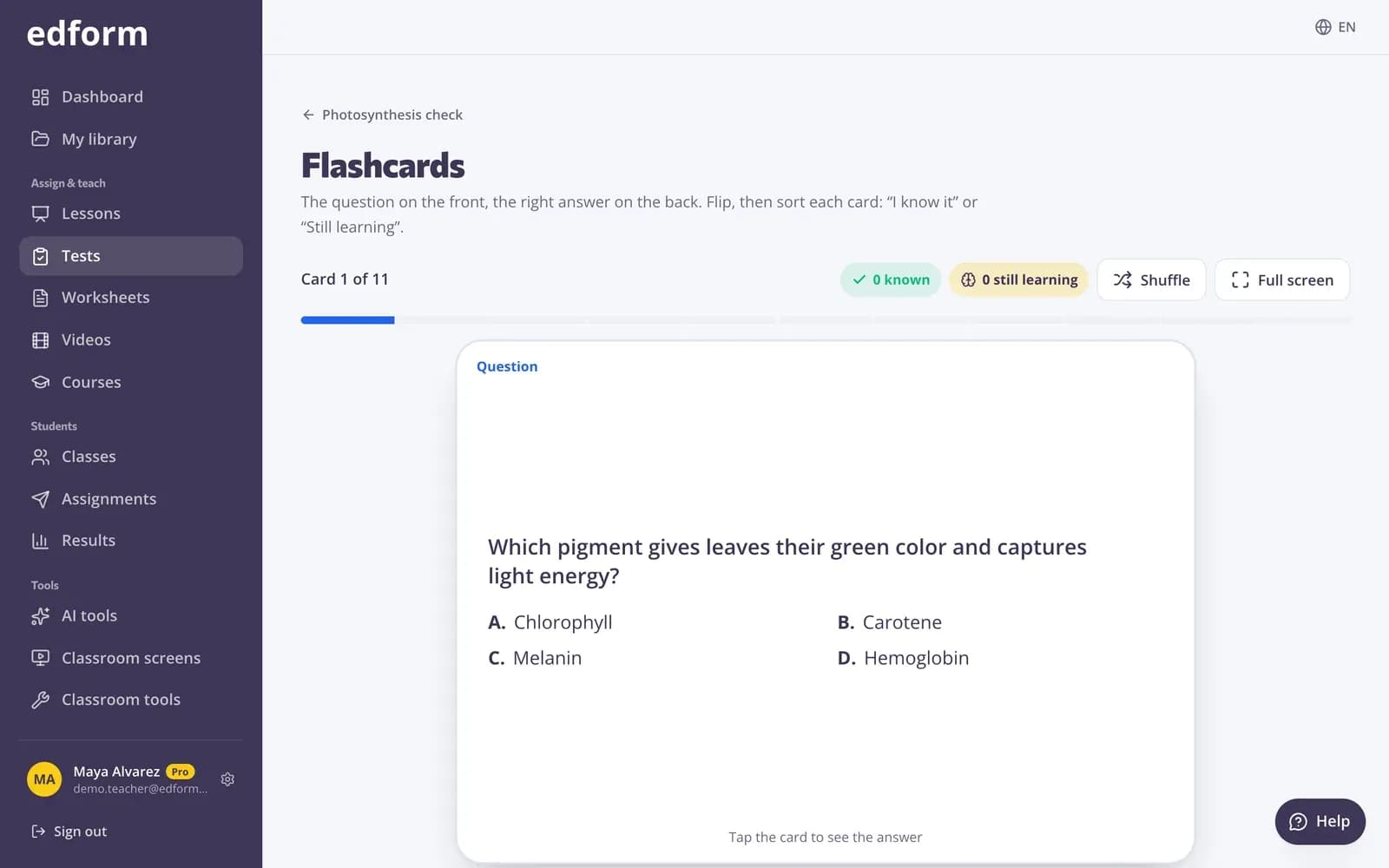
Flip through flashcards together on the board, or play the pairs game as a class.
- Flashcards
- Pairs game
- Made from your quiz
What kindergarten teachers use
Read aloud
A speaker button reads each question and its answers.
Matching games
Memory, find the match and bingo with pictures or words.
Young learner games
Balloon pop, fishing, frog jump, board game and tower builder.
Classroom screens
Visual timer, traffic light, work symbols, day plan and more.
Quick polls
Polls young children answer with one tap, emoji options included.
Printables
Bingo cards, name cards and certificates to print.
Kindergarten teachers use Edform for
- 01
Letters and sounds
Missing letters and matching games for phonics.
- 02
Numbers
Counting and number bonds as balloon pop or memory.
- 03
Daily routine
A day plan and visual timer on the board.
- 04
Centers
A short game on the tablet at one center.
Explore more
- Elementary schoolBig buttons, read-aloud and team games for young learners
- Matching gamesMatch up, memory, bingo and pairs from any quiz
- Arcade gamesBalloon pop, maze run, penalty kick and more from any quiz
- Classroom screens for K–2Templates for the youngest classes
- Decodable textA short reader for early readers that practices one phonics pattern.
- Bingo card generatorDifferent bingo cards from your words or terms for the whole class.
Frequently asked questions
Can children who can't read yet use it?
Yes. Turn on Read questions aloud and use picture questions. Many games need only a tap on the right answer.
Do young children need accounts?
No. They can join with a code or QR code. For a class, you can also create usernames and passwords without email.
Which games suit kindergarten?
Choose Young learners as the audience and the picker puts suitable games first, such as memory, find the match, bingo, missing letters, balloon pop, fishing and the board game.
Can I use Edform without tablets?
Yes. Classroom screens, flashcards, the pairs game and the team game all run on one screen at the front.
Can AI help with early reading?
Yes. The decodable text tool writes a short reader that practises one phonics pattern. AI tools use AI points: 5 a month on Basic, 300 on Pro.
Is it free?
Yes. Games, classroom screens and printables are on the free Basic plan.
Make your first game for little ones
Free for teachers. Big buttons, read-aloud and calm routines.
- Free for teachers
- No credit card
- Works on any device