Social-emotional learning
Make room for SEL every day
Draft an SEL lesson or a wellbeing check-in in seconds, ask how students feel with an anonymous poll, and keep routines calm with timers, traffic lights and work symbols on the board.
- SEL lessons and check-ins
- Anonymous polls
- Free for teachers
What is social-emotional learning?
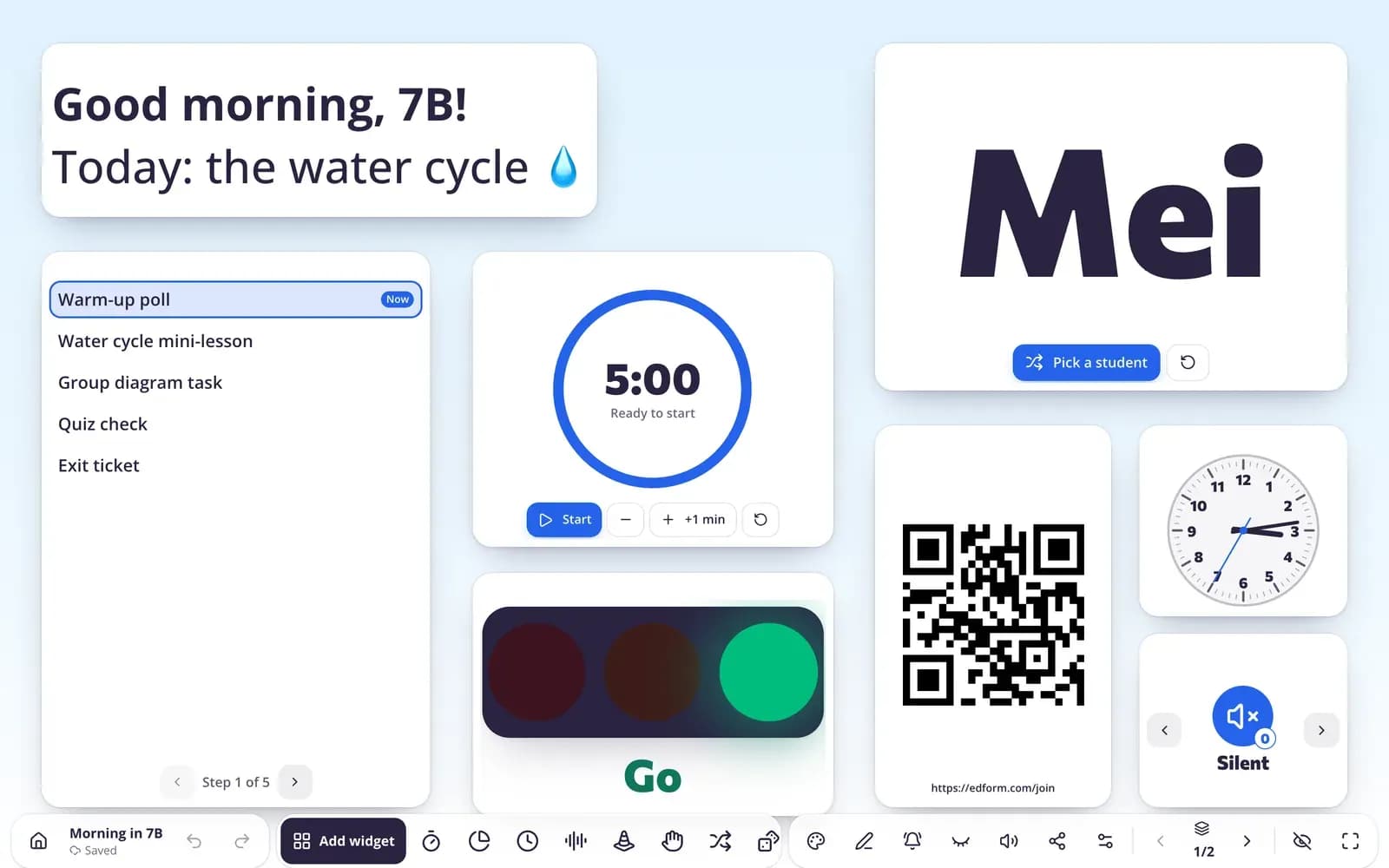
Social-emotional learning (SEL) helps students understand their feelings, get along with others and make responsible choices. It works best as short, regular routines rather than a one-off lesson. Edform helps in three ways. AI tools draft an SEL lesson with a scenario, practice and reflection, quick wellbeing check-in questions with tips on how to follow up, social stories and restorative reflection sheets. Polls and word clouds let every student answer how they feel — anonymously if you want. And classroom screens keep routines predictable with a visual timer, traffic light, work symbols and a noise meter.
How to build an SEL routine
- 1
Check in
Start the day with a poll or word cloud: students answer on their devices, without names if you prefer.
- 2
Teach a skill
Draft an SEL lesson with AI, edit it, and run it as an interactive lesson with questions.
- 3
Keep it calm
Put a visual timer, traffic light and work symbols on the board so students know what's next.
Try it yourself
Run your room from the board
These are the real classroom widgets. Click around — nothing is saved.
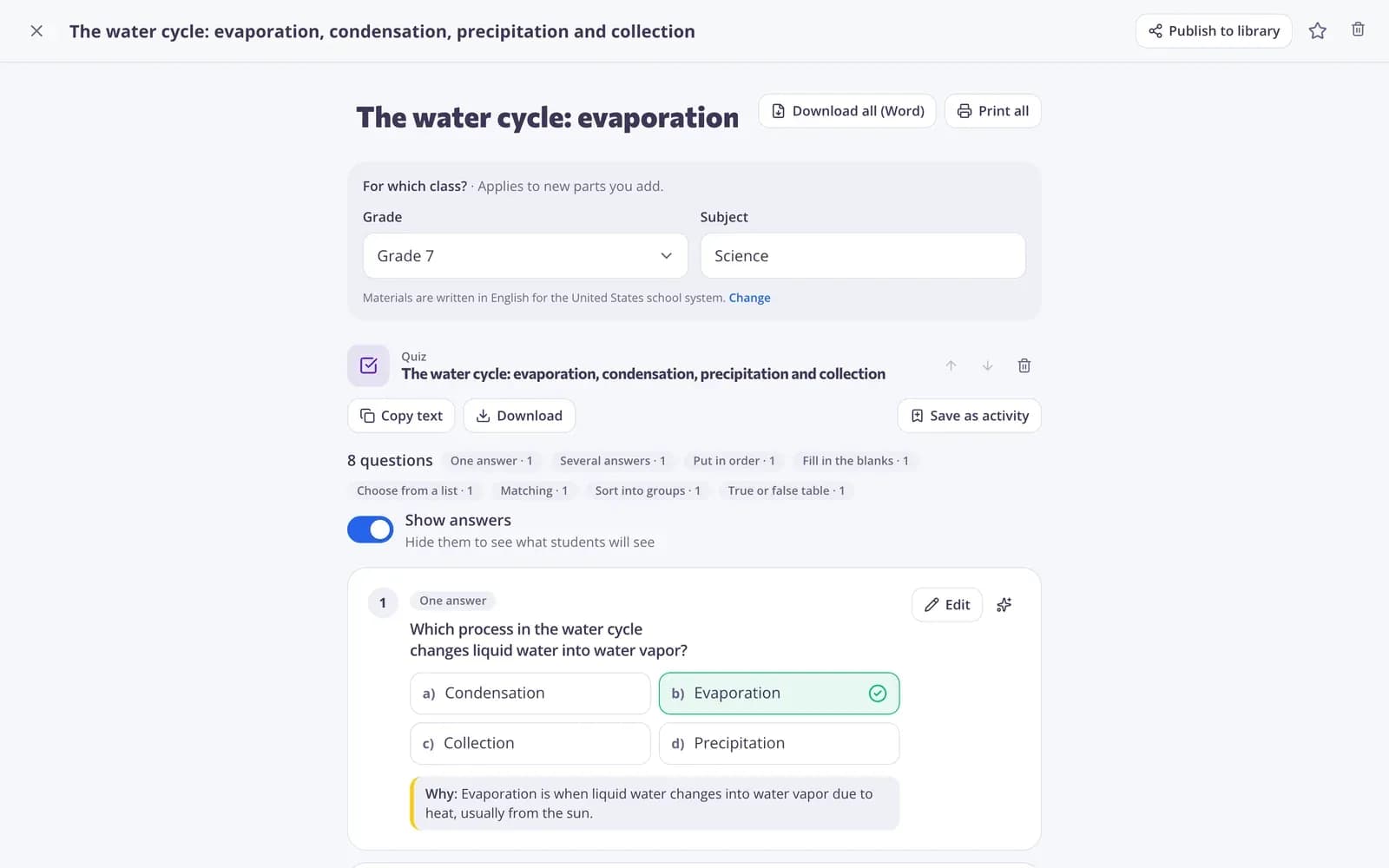
SEL lessons drafted for you
Describe the skill and the age group, and AI drafts a lesson with a scenario, practice and reflection, or a set of check-in questions with follow-up tips.
- SEL lesson
- Student check-in
- Restorative reflection
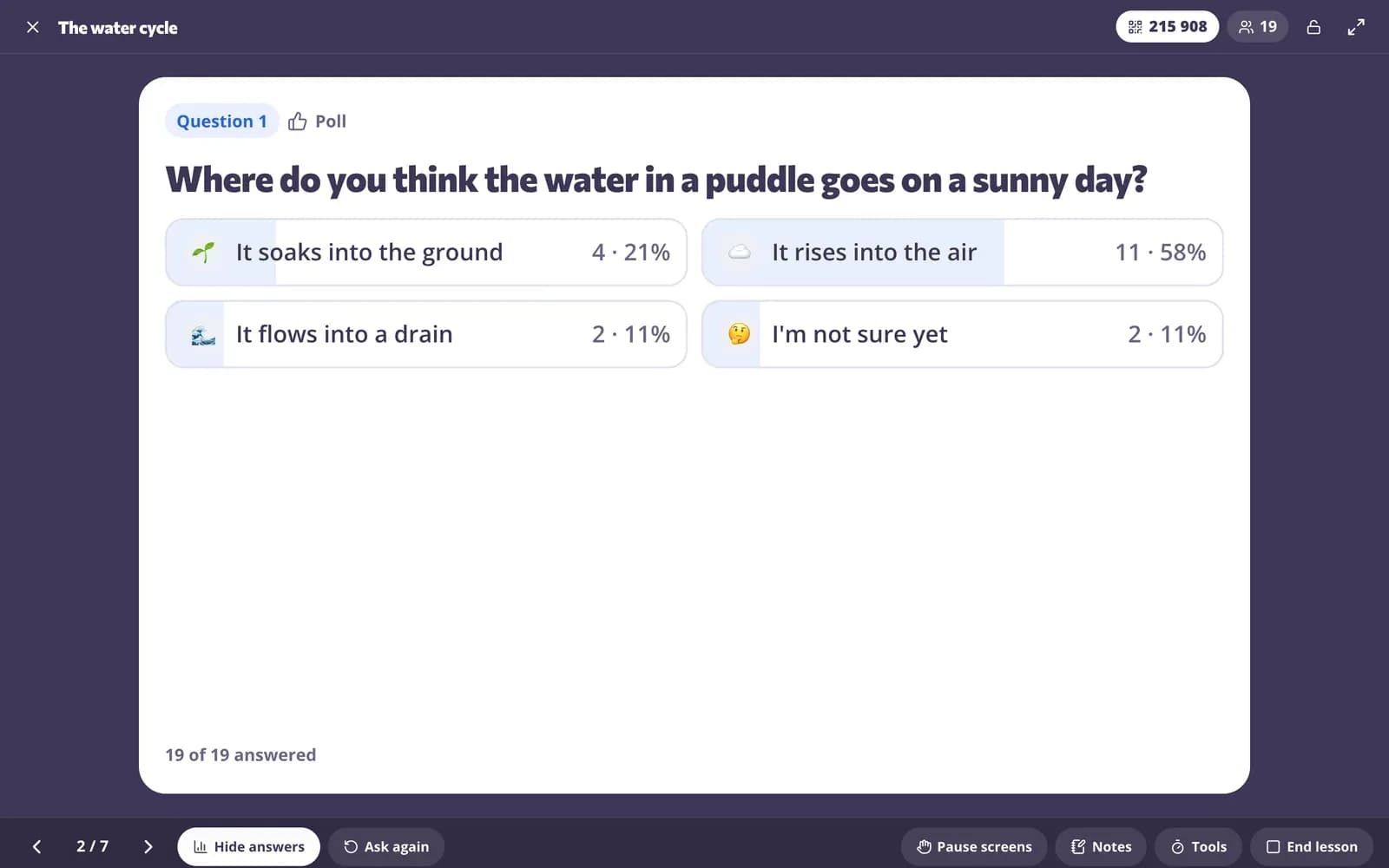
Every voice, safely
Ask a question in a live lesson or from the board. Students answer on their devices and you see the class picture.
- Polls and word clouds
- Names optional
- Results on the board
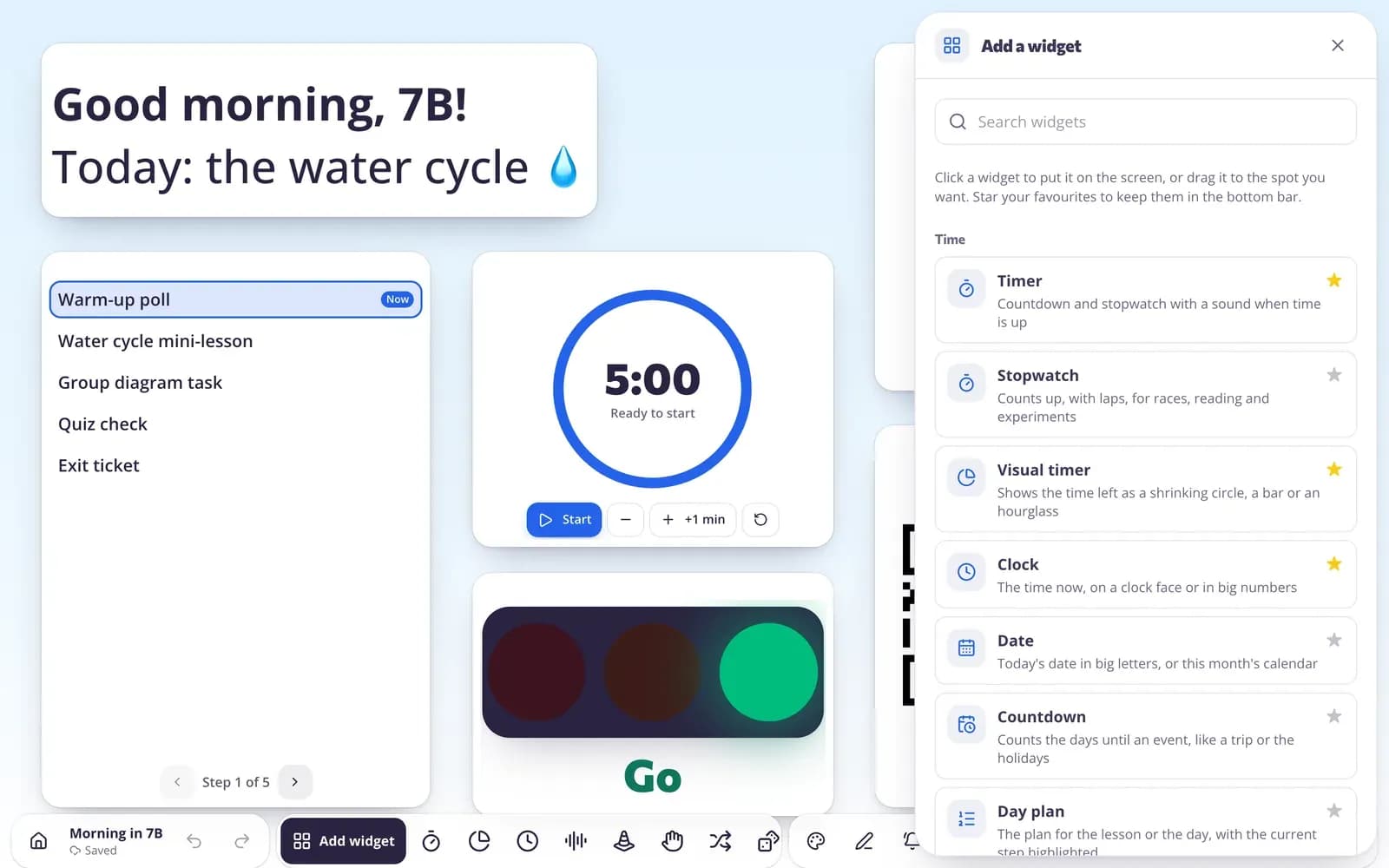
Calm routines on the board
Pick widgets for the moment: a visual timer, traffic light, work symbols, noise meter or day plan.
- Visual timer
- Traffic light and work symbols
- Noise meter
Tools for SEL
Feelings polls
Quick polls and emoji answers to see how the class feels.
Word clouds
Collect one word from everyone and talk about what comes up.
SEL lessons
AI drafts lessons with a scenario, practice and reflection. Uses AI points.
Traffic light
Show the noise or work level everyone should keep.
Group maker
Fair random groups for cooperative work.
Visual timer
Predictable transitions students can see.
Teachers use it for
- 01
Morning check-in
One question to see how everyone arrives.
- 02
Weekly SEL lesson
A short lesson on one skill, with discussion.
- 03
After a conflict
A restorative reflection sheet or circle plan.
- 04
Calmer transitions
Timers and symbols that make the next step clear.
Explore more
- SEL lessonA social-emotional learning lesson with a scenario, practice and reflection.
- Student check-inQuick wellbeing check-in questions with tips on how to follow up.
- Restorative reflectionA reflection sheet, conversation script or circle plan to repair harm after an incident.
- Classroom screenTimers, name pickers and more on the board
- Live polls & word cloudsStudents answer on their devices, results on your screen
- Classroom managementNoise meter, timers and routines on the board
Frequently asked questions
Can students answer a check-in anonymously?
Yes. Quick polls, exit tickets and word clouds on the board don't ask for a name unless you turn that on.
What SEL tools does the AI have?
SEL lesson, student check-in, social story, restorative reflection and behavior intervention plan, among others. You edit everything before using it. AI tools use AI points: 5 a month on Basic, 300 on Pro.
Can I put SEL routines on the board?
Yes. Classroom screens have a visual timer, traffic light, work symbols, noise meter, day plan and more.
Does Edform replace a counselor?
No. These are classroom tools for everyday routines. Follow your school's procedures for any concern about a student.
Can I use it with young children?
Yes. Social stories and emoji answers suit young learners, and classroom screens work without student devices.
Is it free?
Yes. Polls, classroom screens and lessons are on the free Basic plan; only AI usage has limits.
Start your SEL routine tomorrow
Free for teachers. Check-ins, lessons and calm routines in one place.
- Free for teachers
- No credit card
- Works on any device