


Free AI text summarizer for teachers
Pull the main ideas out of a long text, a document, a web page or a YouTube video, in the format you need. The summary sticks to the source and adds nothing of its own.
SummarizeFree for teachers. No credit card.
What is an AI text summarizer?
An AI text summarizer condenses a long text into its main points. In Edform, you paste text, upload a PDF, Word or PowerPoint file, add photos of pages, or paste a link to a web page or a YouTube video, whose captions are used. Choose a format: 5–7 key points, one paragraph, detailed notes with subheadings, or short points to write on the board. The summary includes only what is in your material, with no extra facts or opinions. Make it shorter, more detailed, simpler or better structured in one click. Then copy it, print it or download it as a Word file, or turn it into flashcards, a quiz or slides.
How it works
- 1
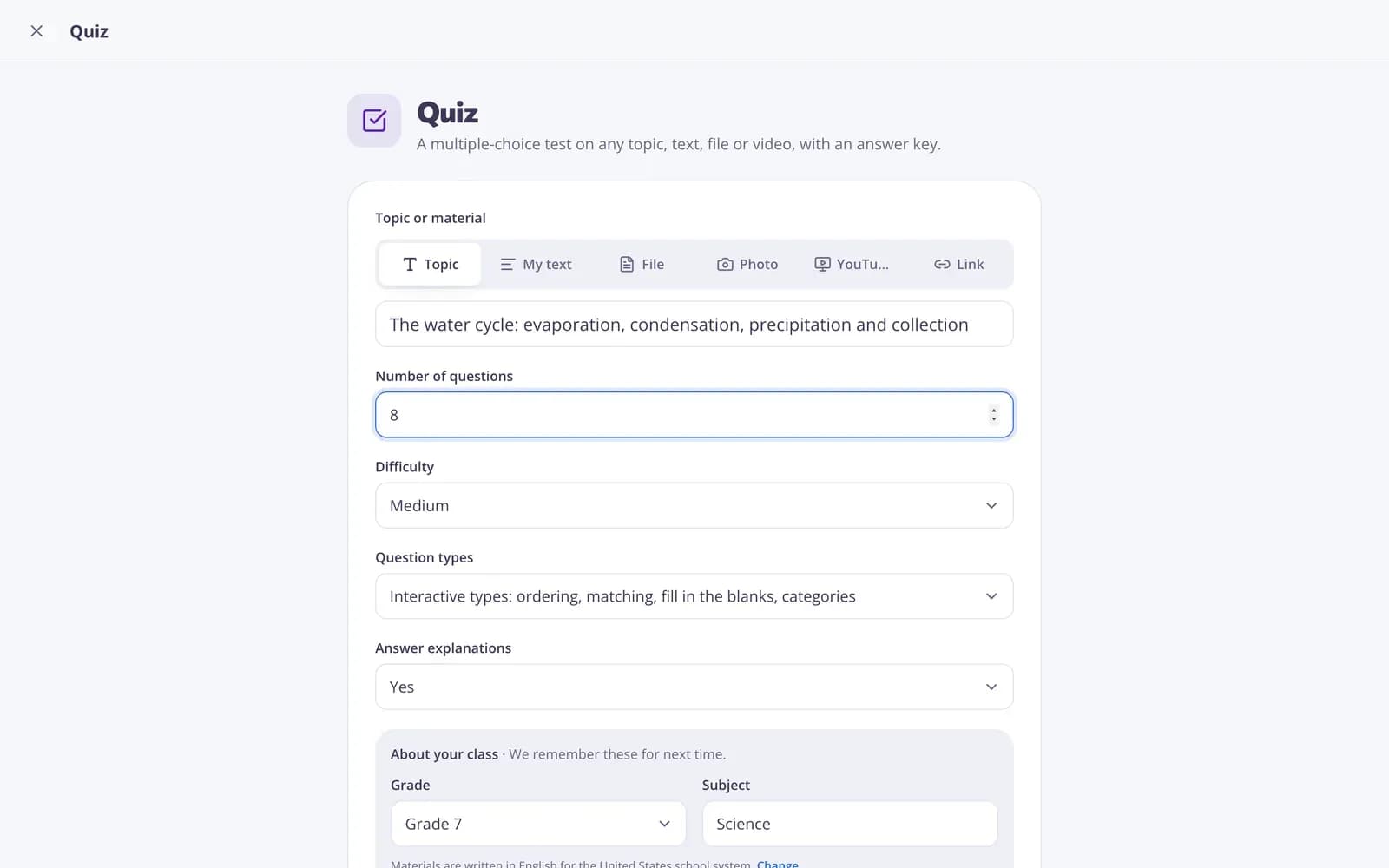
Describe your topic or paste your material.
- 2
Choose the grade and a few options.
- 3
Get a ready result, improve it in one click, and download or print it.
Great for
- Turning a long article into key points for a lesson
- Writing board notes from a textbook chapter
- Getting the gist of a video before showing it in class
- A one-page study guide before a test
- Summarizing a report before a staff meeting
- Notes for students who missed the lesson
Edform at a glance
- Price
- Free for teachers: Basic is free forever, with no credit card, and includes every feature.
- AI tools
- AI teacher tools with 5 AI points a month on Basic and 300 a month on Pro.
- Students
- Students join with a code. They need no email address and no account.
- Grading
- Quizzes and worksheets are graded automatically, with results per student and per question.
- Devices
- Runs in the browser on laptops, tablets, phones and interactive boards. Nothing to install.
- Languages
- Available in 32 languages.
- Works with
- Google Classroom, Microsoft Teams, ClassLink and learning platforms that support LTI 1.3.
- Library
- A free library of ready-made quizzes, worksheets and lessons that teachers can copy and edit.
Questions teachers ask
Will the summary add information that isn't in the text?
No. It includes only what is in your material, with no extra facts or opinions.
Which formats can I choose?
5–7 key points, one paragraph, detailed notes with subheadings, or short points to write on the board.
Can it summarize a YouTube video?
Yes. Paste the link and the summary is built from the video's captions, so it works best for videos that have them.
Can I summarize a PDF or a web page?
Yes. Upload a PDF, Word or PowerPoint file, add photos of pages, or paste a link. For very long documents only the beginning is used, and you'll see a note when that happens.
Is the AI text summarizer free?
Yes. It's free for teachers: sign up for a free Edform account, no credit card needed.
Should I check the summary?
Yes. AI can make mistakes, so compare the key points with the source before you share them with students.
Related AI tools
Try Summary free
Create your first one in under a minute, then edit, save and use it with your class.
- Free for teachers
- No credit card
- Works on any device