


ESL & language teaching
Teach English with games, texts and AI help
Turn any word list into crosswords, anagrams and missing-letter games, level a reading text for your class and let AI draft vocabulary stories and questions in seconds.
- Word games from any vocabulary list
- AI texts at the right level
- Free for teachers
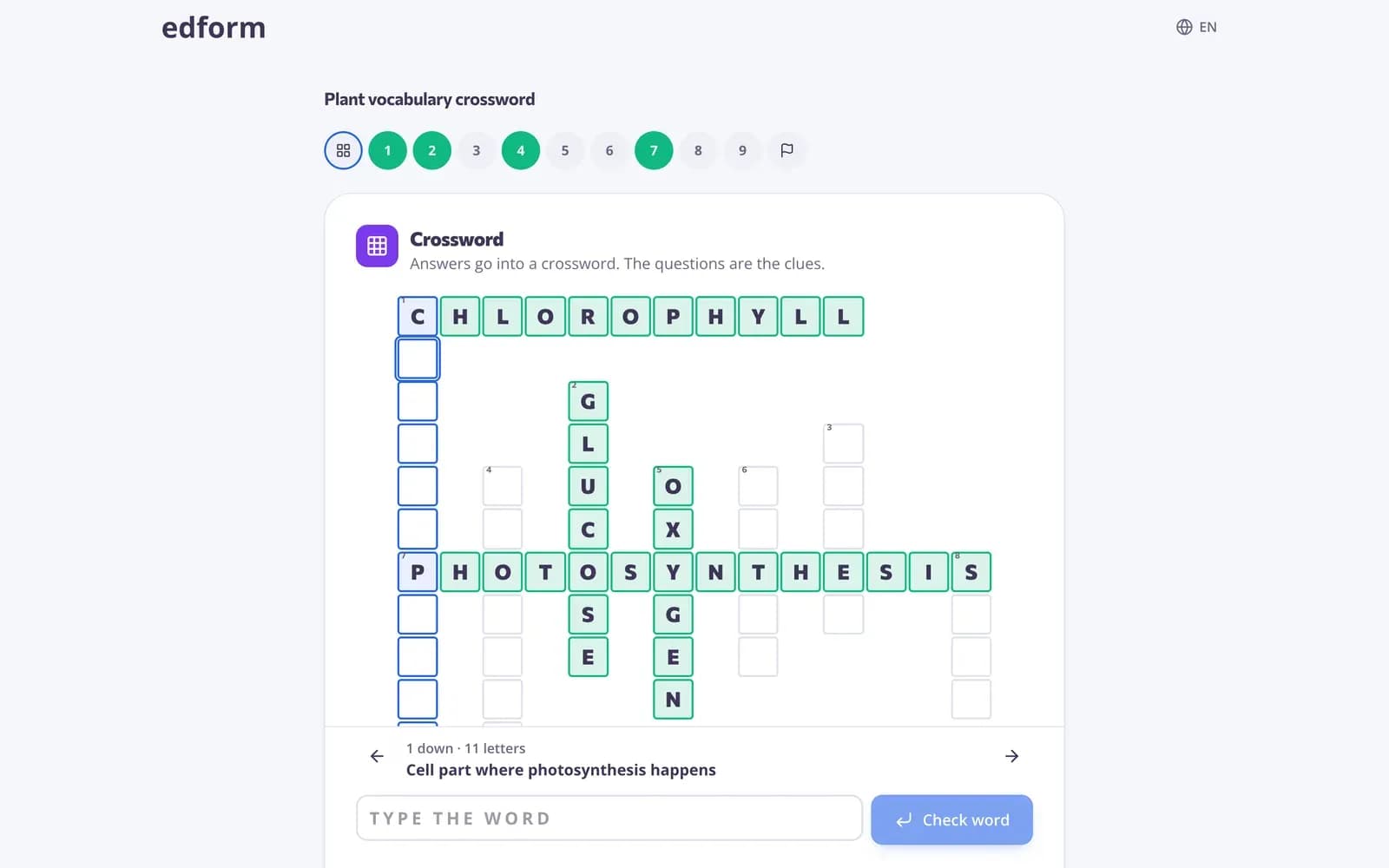
What is Edform for ESL teachers?
Edform is a free platform of ESL teaching tools and resources for English and other language teachers. Write a vocabulary list once as a quiz, and students practise it as guess the word, anagram, missing letters, crossword, word search, typing race or flashcards. AI tools write vocabulary stories, glossaries and reading texts, level any text for your learners and add comprehension questions. Read-aloud lets students hear questions in the activity's language, and video lessons add listening practice with captions and slower playback.
Edform at a glance
- Price
- Free for teachers: Basic is free forever, with no credit card, and includes every feature.
- AI tools
- AI teacher tools with 5 AI points a month on Basic and 300 a month on Pro.
- Students
- Students join with a code. They need no email address and no account.
- Grading
- Quizzes and worksheets are graded automatically, with results per student and per question.
- Devices
- Runs in the browser on laptops, tablets, phones and interactive boards. Nothing to install.
- Languages
- Available in 32 languages.
- Works with
- Google Classroom, Microsoft Teams, ClassLink and learning platforms that support LTI 1.3.
- Library
- A free library of ready-made quizzes, worksheets and lessons that teachers can copy and edit.
How to make an ESL vocabulary game
- 1
Add your words
Write each word with a definition or a translation as a short-answer question, or ask AI to build a vocabulary quiz from a text.
- 2
Pick a word game
Choose anagram, missing letters, crossword, word search or guess the word, or flashcards for quiet study.
- 3
See which words stick
The report shows which words most students missed, so you know what to recycle next week.
Try it yourself
No sign-up needed — try it as a student
This is the real Edform player. Answer the questions and see how they're checked.
AI texts written for your learners
Ask for a short story that uses this week's words, level an article for beginners or turn a text into comprehension questions. Edit the result and keep it in your materials.
- Vocabulary stories and glossaries
- Text leveler for any reading level
- Reading texts with questions
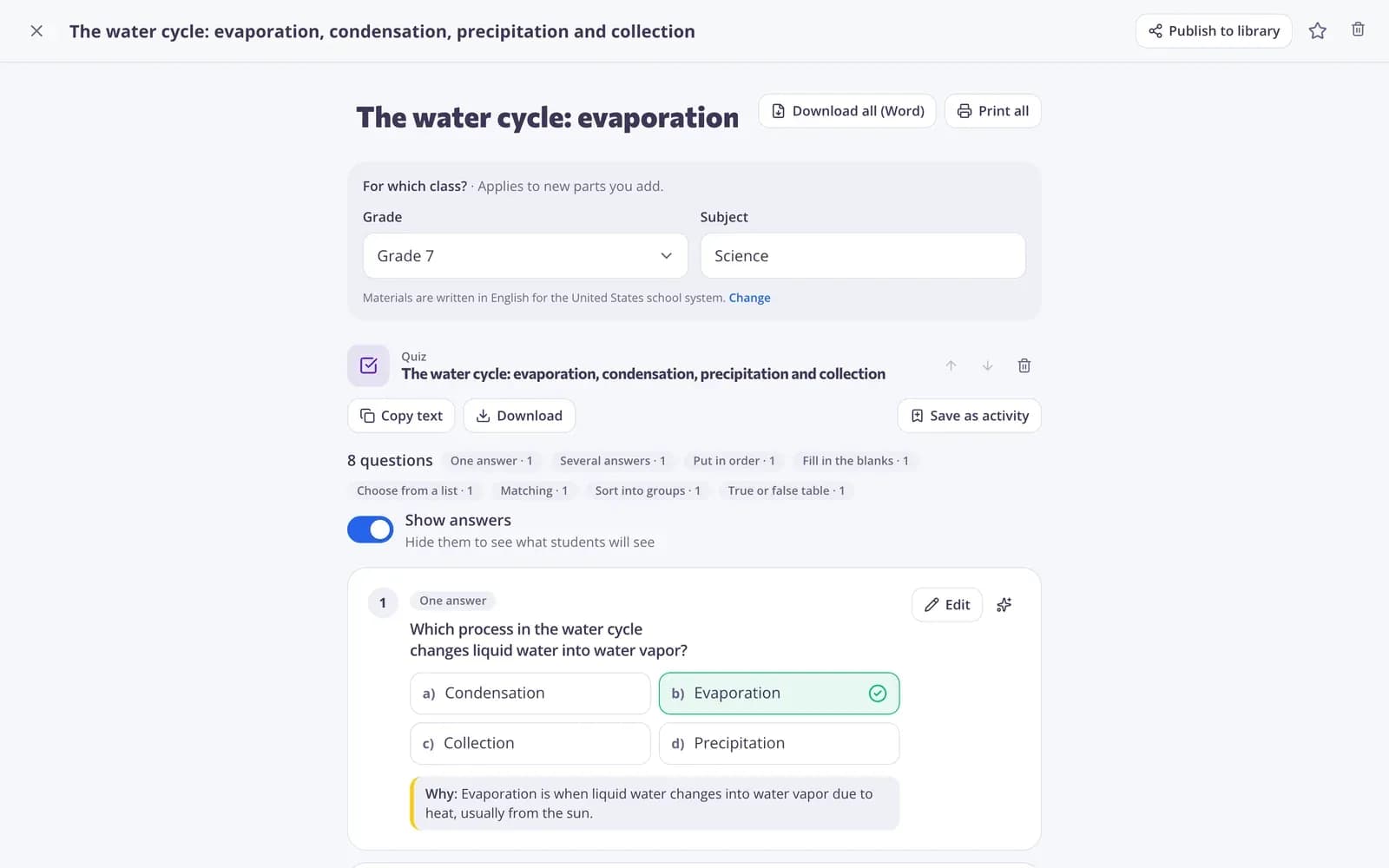
Seven word games from one list
Every word game reads from your quiz, so the list you typed once becomes many different ways to practise spelling and meaning.
- Guess the word, anagram, missing letters
- Crossword and word search
- Typing race and match up
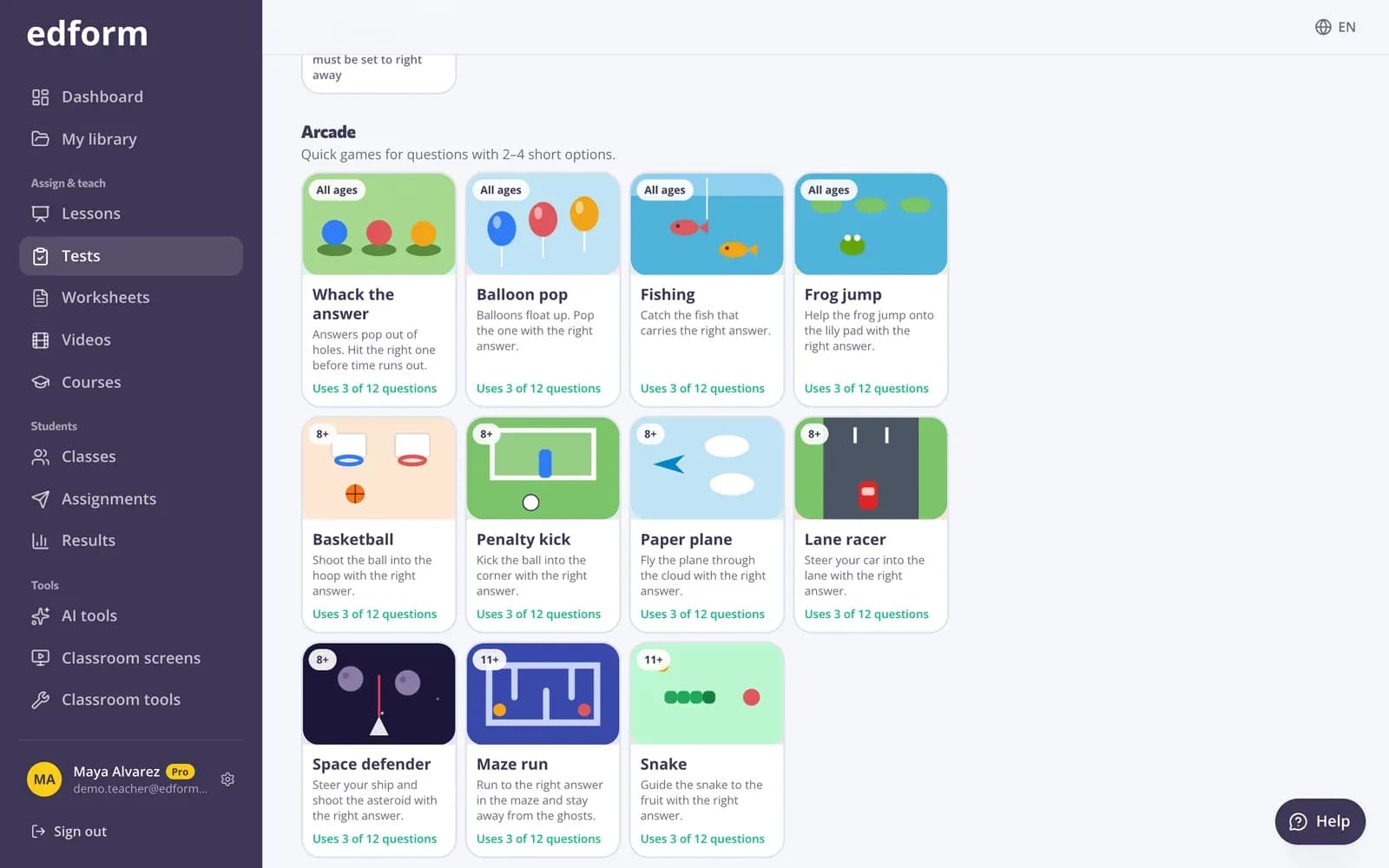
Print it for class
Print the same list as a crossword, word search, match-up sheet or cards, each with an answer key.
- Crossword and word search
- Match-up sheets and cards
- Answer keys included
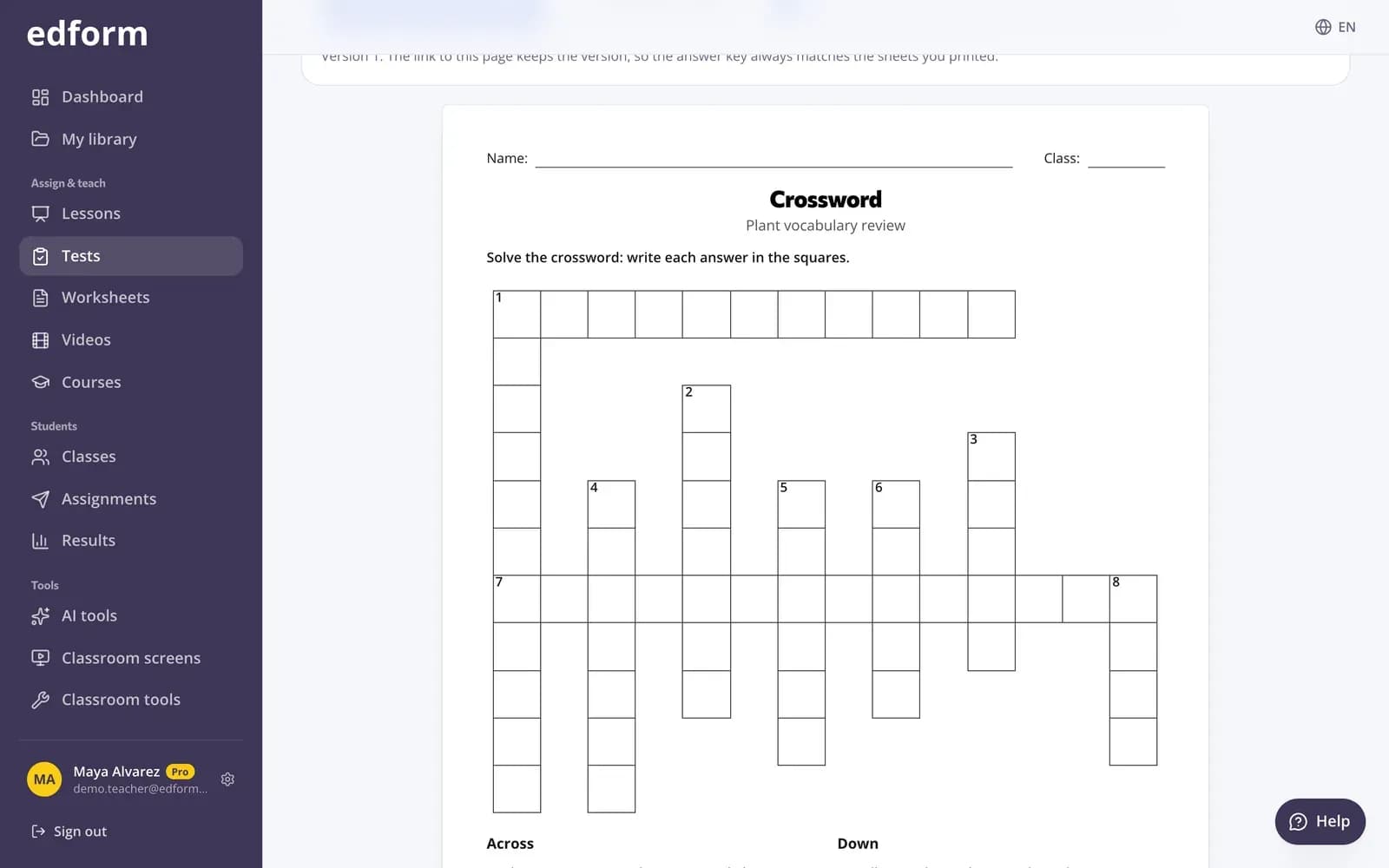
Tools for language teachers
Materials in the language you teach
Set the language of your materials once and AI tools write texts, questions and word lists in it.
AI for language lessons
Vocabulary stories, glossaries, sentence starters, tongue twisters and debate topics.
Word games
Guess the word, anagram, missing letters, crossword, word search and typing race.
Read-aloud and video
Students hear questions read aloud, and video lessons add captions and slower playback.
Printable puzzles
Crosswords, word searches, bingo cards and anagram sheets for any word list.
Flashcards and pairs
Study mode for new words and a matching race against the clock.
ESL teachers use Edform for
- 01
Weekly vocabulary
One list, practised as games in class, flashcards at home and a quiz on Friday.
- 02
Reading comprehension
A text at the right level with questions that grade themselves.
- 03
Speaking warm-ups
Debate topics, tongue twisters and sentence starters on the classroom screen.
- 04
Mixed-level classes
Level the same text for beginners and stronger readers so everyone works on one topic.
Explore more
- Text with target vocabularyAn original story or text that uses your vocabulary words in context, with questions.
- Text levelerRewrites any text for a chosen reading level, including plain language for students with SEN.
- TranslatorAccurate translation of a text, file or photo, keeping the style and formatting.
- Word search makerA printable letter grid where students hunt for your words — with an answer key.
- Game modes27 ways to play the same questions
- FlashcardsTurn any quiz into flashcards for class review
Frequently asked questions
Can I make vocabulary games from my own word list?
Yes. Type your words as short-answer questions with a clue, and students can play them as anagram, missing letters, crossword, word search, guess the word or typing race.
Can students hear the words and questions?
Turn on read-aloud and a speaker button reads each question and its answers in the activity's language. For longer listening, add questions to a video lesson; students can turn on captions and slow the video down.
Can I adapt a text for different levels?
Yes. The AI text leveler rewrites any text for the reading level you choose, and you can add comprehension questions to the result.
Can I print the games for class?
Yes. Print any word list as a crossword, word search, match-up sheet or cards with an answer key. Bingo cards and anagram sheets are in the free classroom tools.
Can students practise grammar?
Yes. Fill-in-the-gaps and choose-from-a-list questions check verb forms and word choice, put-in-order questions rebuild sentences, and sort-into-groups questions classify words. All of them grade themselves, with partial credit per gap.
Are there ready-made ESL lesson plans and worksheets?
AI tools draft lesson plans, worksheets with an answer key, reading passages and even an educational song for your learners' level, and the community library has activities other teachers published. Edit anything before you use it.
Can students practise on their own at home?
Yes. Share flashcards for new words, a word game, or homework with “Fix your mistakes” retakes, so students only redo what they got wrong. They join with a code on any phone, tablet or laptop.
Is it free?
Yes. Every feature is free for teachers.
Turn this week's words into a game
Free for teachers. Students join with a code, with no email needed.
- Free for teachers
- No credit card
- Works on any device