


Explain a concept in different ways with AI, free
When your first explanation doesn't click, try another angle. Get four new ways to explain any topic (an analogy, a step-by-step example, a short story and a sketch to draw) plus two check questions.
Explain differentlyFree for teachers. No credit card.
How can AI help you explain a concept in different ways?
Edform's concept explainer gives you fresh ways to teach an idea students find hard. You type a topic, paste a passage or add a photo of a textbook page, and choose the grade and subject. You get four explanations: an analogy from everyday life, a step-by-step example, a short story or situation, and a simple diagram you can really draw on the board in a minute. Two questions with answers check that it worked. Ask for simpler wording, more examples, visual aids or more ideas, or adapt it for younger students. Then copy, print or download it, or turn it into flashcards or a quiz.
How it works
- 1
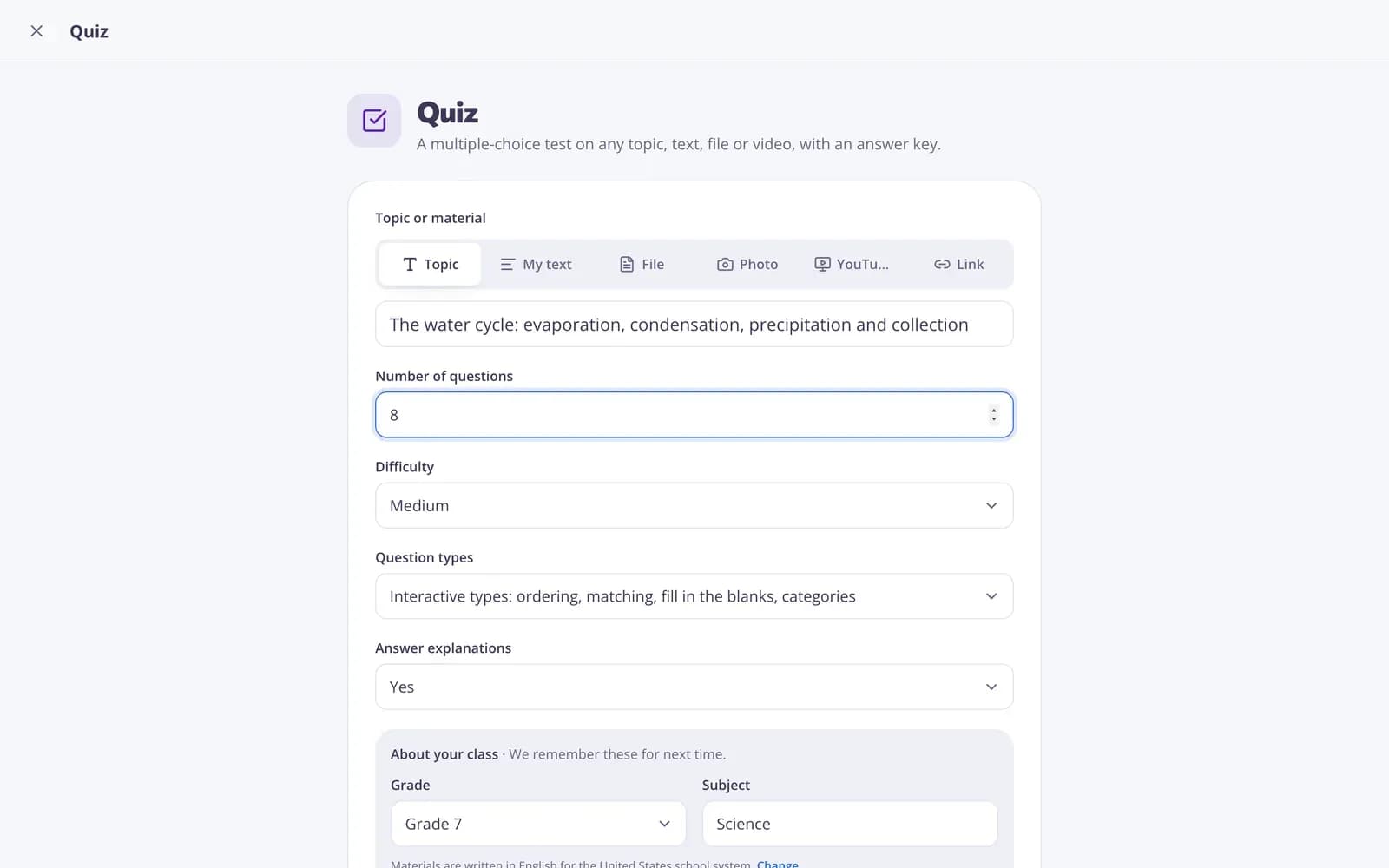
Describe your topic or paste your material.
- 2
Choose the grade and a few options.
- 3
Get a ready result, improve it in one click, and download or print it.
Great for
- Re-teaching a concept students found confusing
- Supporting students who need a different way in
- Preparing explanations for a difficult new topic
- Planning a board sketch before the lesson
- Small-group reteaching or one-to-one tutoring
- Clearer explanations for a revision sheet
Edform at a glance
- Price
- Free for teachers: Basic is free forever, with no credit card, and includes every feature.
- AI tools
- AI teacher tools with 5 AI points a month on Basic and 300 a month on Pro.
- Students
- Students join with a code. They need no email address and no account.
- Grading
- Quizzes and worksheets are graded automatically, with results per student and per question.
- Devices
- Runs in the browser on laptops, tablets, phones and interactive boards. Nothing to install.
- Languages
- Available in 32 languages.
- Works with
- Google Classroom, Microsoft Teams, ClassLink and learning platforms that support LTI 1.3.
- Library
- A free library of ready-made quizzes, worksheets and lessons that teachers can copy and edit.
Questions teachers ask
What explanations do I get?
An analogy, a worked example, a short story or situation, and a description of a simple board sketch, followed by two check questions with answers.
Can I paste my own material?
Yes. Type a topic, paste a text or add a photo of a textbook page.
Can I make it more visual?
Yes. Use "Visual aids" under the result to add ideas for diagrams, tables and demonstrations.
Does it work for any grade and subject?
Yes. Choose them at the top of the tool, then use "For younger students" or "Simpler" if you need to go further.
Is it free?
Yes. It's free for teachers: sign up for a free Edform account, no credit card needed.
Are the explanations accurate?
They're a strong starting point, but AI can make mistakes and no analogy is perfect. Read them first: you know where your students get stuck.
Related AI tools
Try Explain it differently free
Create your first one in under a minute, then edit, save and use it with your class.
- Free for teachers
- No credit card
- Works on any device