Homeschool
Plan, teach and track homeschool in one place
Build a course for each subject, let your children work through it at their own pace, and see their scores without marking every page yourself.
- Courses for each subject
- Auto-graded practice
- Free Basic plan
How does Edform work for homeschooling?
Edform is a free online platform with the same tools classroom teachers use, and they work just as well at the kitchen table. Make quizzes, interactive worksheets, lessons and video lessons, or take free activities from the community library. Put them in an online course for each subject, unit by unit, and your children work through it at their own speed. Quizzes are graded automatically, game modes turn practice into something they want to finish, and the results page keeps a record of everything each child did. Children can sign in with a username and password you create — no email needed.
How to start homeschooling with Edform
- 1
Create a class for your family
Make a class and add each child. Edform creates usernames and passwords for children without email.
- 2
Build a course per subject
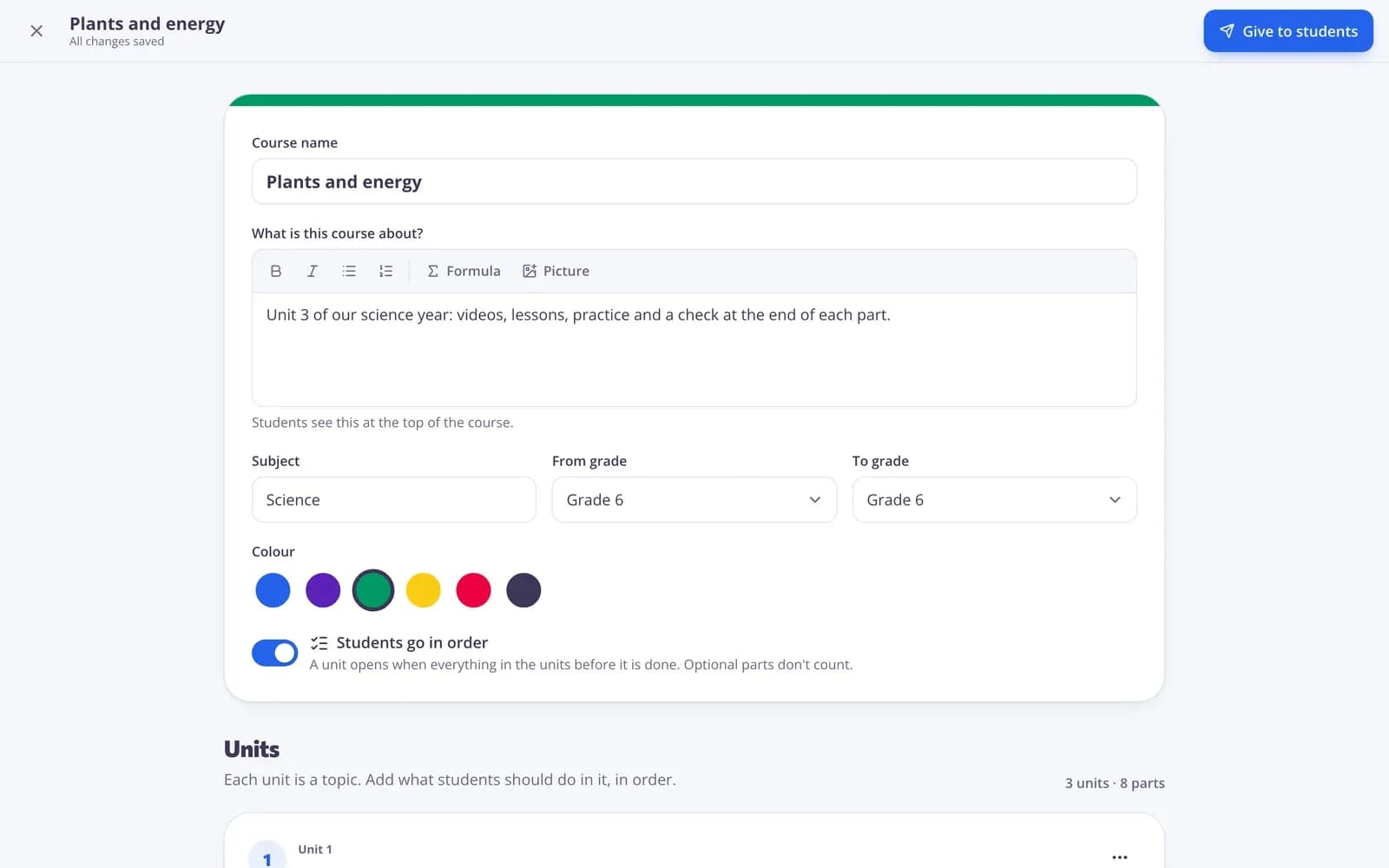
Add units and fill them with your own materials, AI-drafted ones or free activities from the library.
- 3
Check progress weekly
The course progress table and each child's results page show what's done, the scores and what needs your marking.
Try it yourself
Play a game made from a quiz
Same questions, different games. Pick one and play.
A path your children can follow
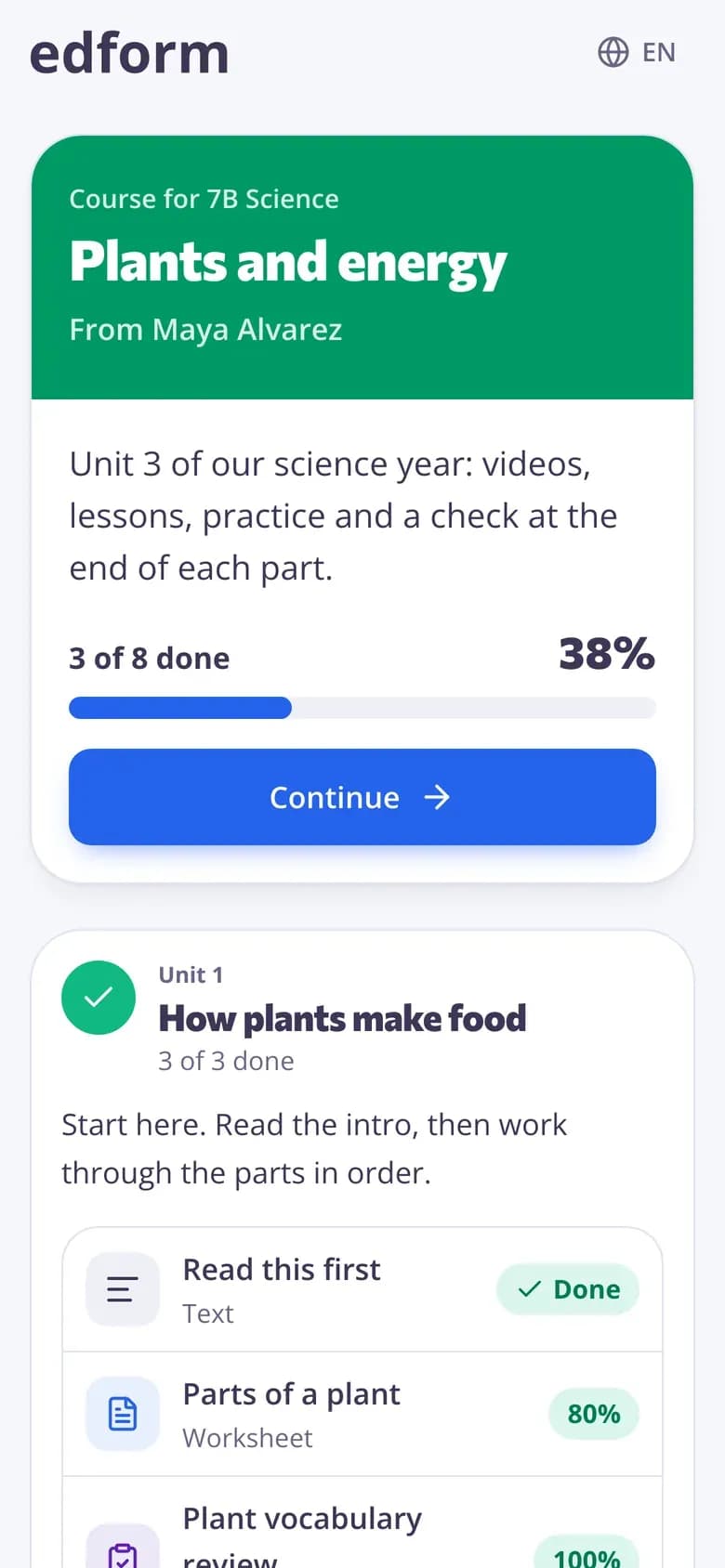
Units in order, a progress bar and one Continue button. Turn on Students go in order so a unit opens only when the one before is done.
- Units by subject or week
- Readings, links and files
- Optional extras
Practice that feels like play
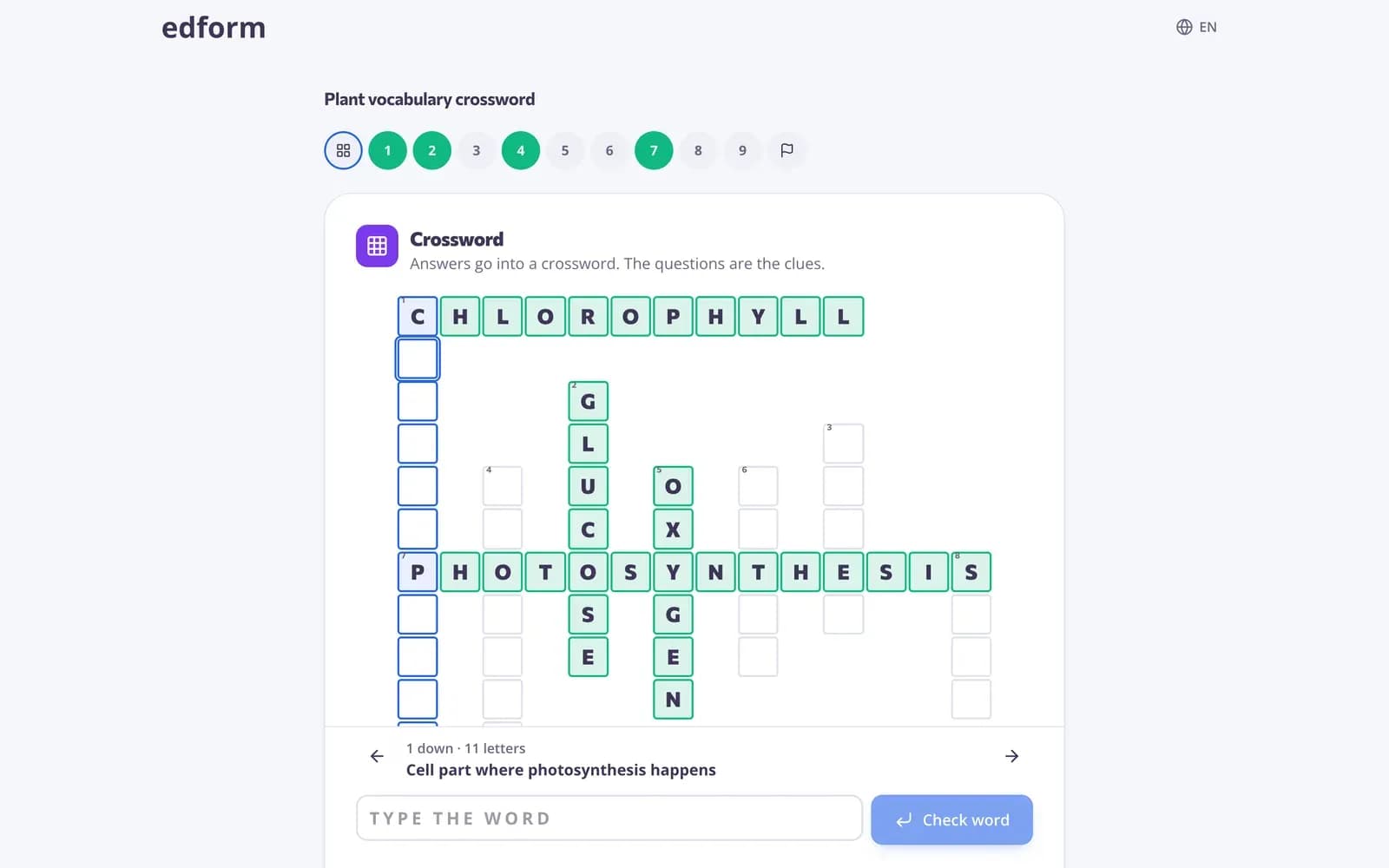
Play any quiz as a crossword, balloon pop, memory or board game. Every answer is still graded.
- 27 game modes
- Suitable games sorted by age
- Questions can be read aloud
A record of the year
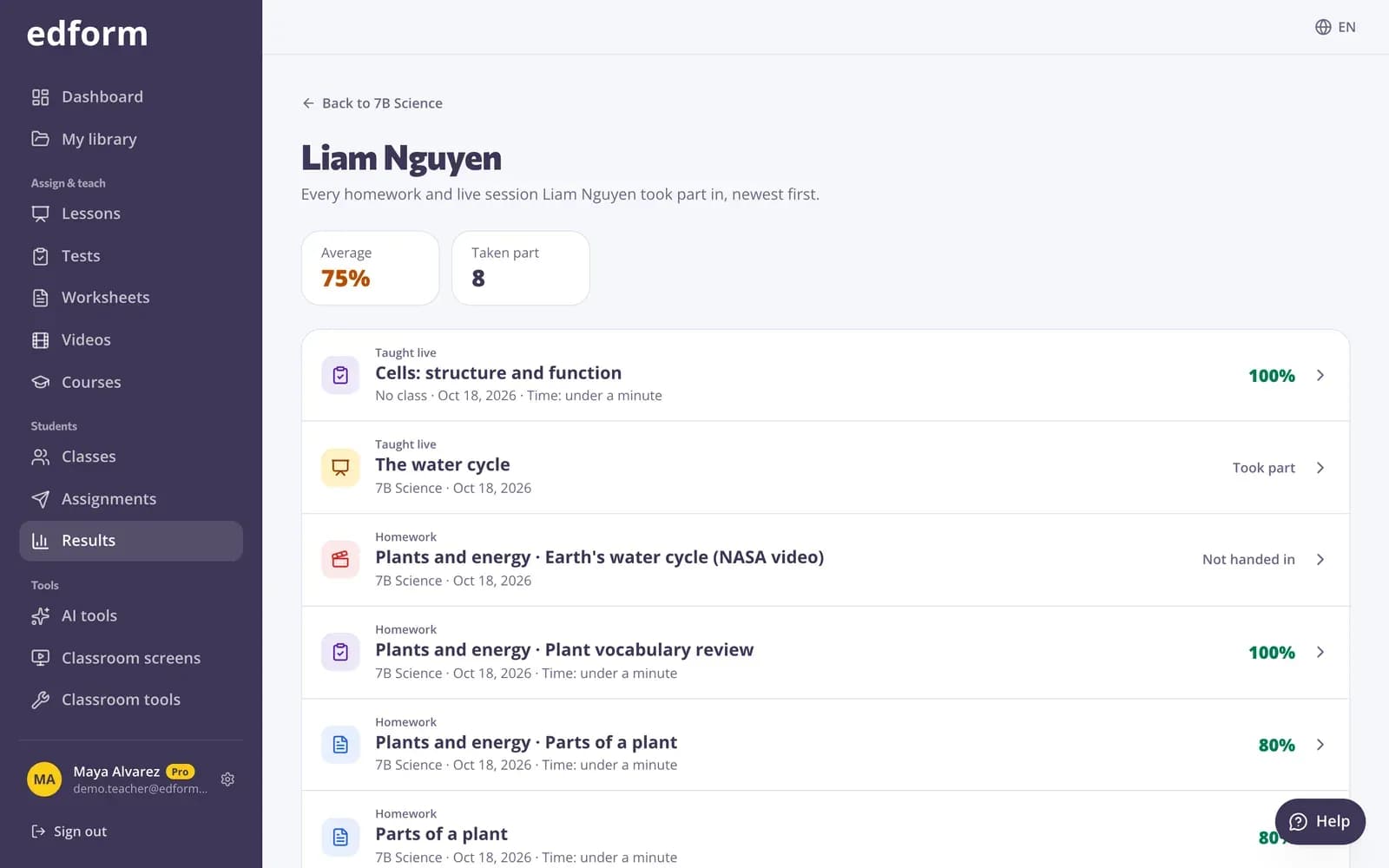
Each child's results page lists every quiz, worksheet and lesson with scores, attempts and time spent. Download it all as CSV.
- Average score
- Attempts and time
- CSV download
What homeschool families use
Online courses
A course per subject, with units your children work through in order.
AI lesson help
Lesson plans, reading texts and quizzes drafted in seconds. Uses AI points.
Learning games
27 ways to play the same questions, from word games to an escape room.
Auto-grading
Most question types are marked as soon as your child hands in.
Logins without email
Usernames and passwords you create and can print.
Community library
Free quizzes, worksheets and lessons shared by teachers, ready to copy.
Families use Edform for
- 01
Daily practice
Ten minutes of math or spelling as a game.
- 02
A full subject
A course with videos, lessons and quizzes for the year.
- 03
Several ages at once
Different courses for each child, one place to check.
- 04
Co-ops and tutors
Share a course by link with other families.
Explore more
- Online coursesUnits of your materials, given to a class or by one link
- Game modes27 ways to play the same questions
- Auto-gradingClosed answers checked the moment students hand in
- Student logins without emailUsernames and passwords for students without email
- Lesson planA full lesson plan with aims, timed stages, activities, assessment and homework.
- Community libraryFree activities made by teachers
Step-by-step guides
- Getting startedCreate your free teacher account and find your way around Edform.
- Create a classMake a class, share the class code and add students from a list.
- Student loginsCreate usernames and passwords for students without email and help them sign in.
- Assign homeworkGive a test as homework with a code, link or QR code and set the deadline.
Frequently asked questions
Can parents use Edform without being a teacher?
Yes. Sign up as a teacher — it's the account that creates materials and classes, whoever you are. Your children use student logins.
Do my children need an email address?
No. Add them to a class and Edform creates a username and password for each child.
Where do I get materials?
Make your own, draft them with AI, or copy free activities from the community library and edit them.
Can I keep a record of my children's work?
Yes. Each child has a results page with every activity, score, attempt and time spent, and the gradebook downloads as CSV.
Can I share a course with another family?
Yes. Turn on the course's open link and share the link or code; their children type a name and start.
Is it free?
Yes. Everything is on the free Basic plan. Only AI usage has limits: 5 AI points a month on Basic and 300 on Pro.
Start your homeschool year
Free. Build your first course in an afternoon.
- Free for teachers
- No credit card
- Works on any device