


Flashcards
Turn any quiz into flashcards
Every question with a right answer is already a flashcard: the question on the front, the answer on the back. Flip through them with the class, play pairs or print cards to cut out.
- Made from your quiz — no retyping
- Flashcards, pairs and printable cards
- Free for teachers
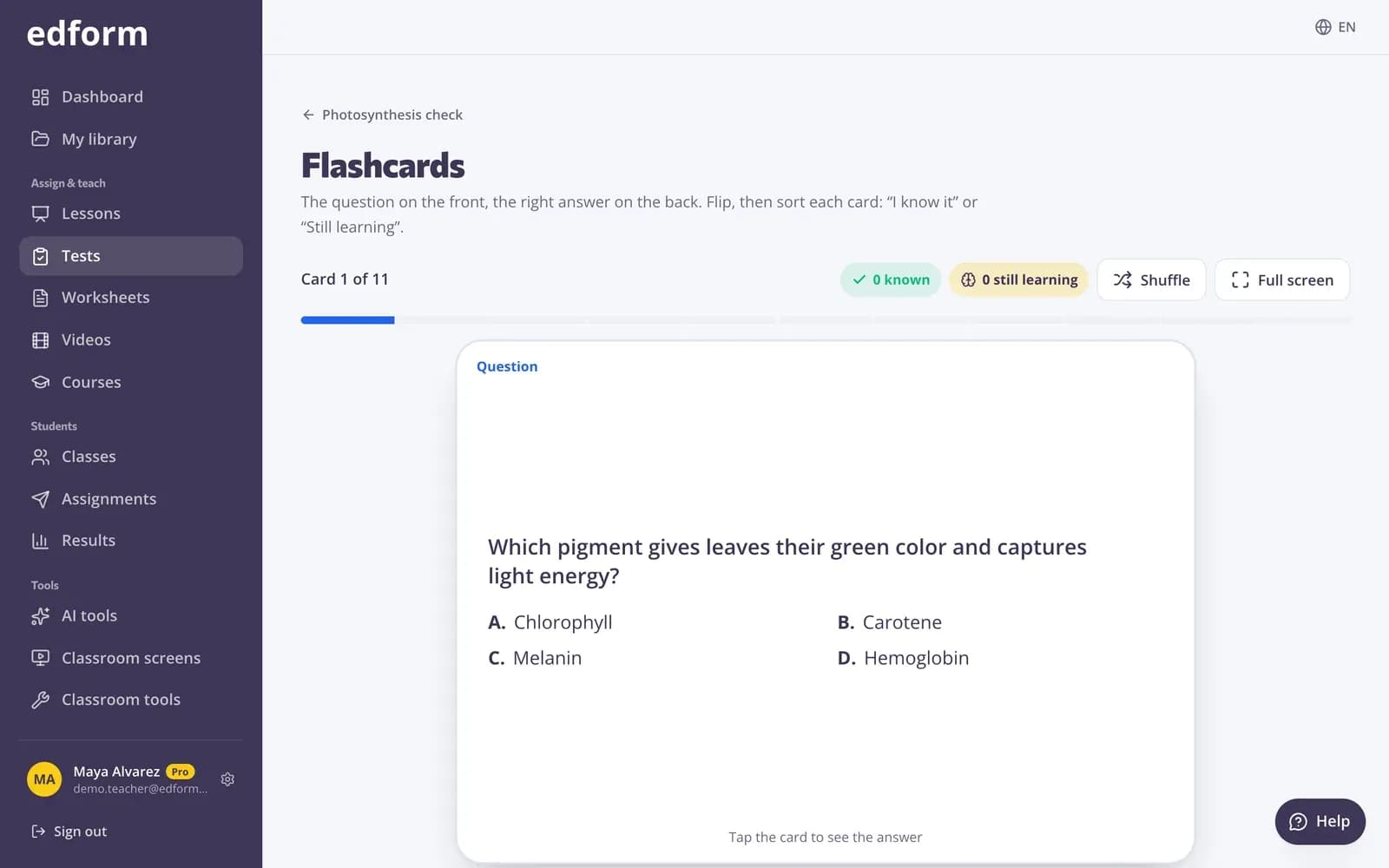
How does the Edform flashcard maker work?
Edform makes flashcards from the questions you already wrote. Open a quiz, choose Flashcards and every question with a right answer becomes a card: the question on the front, the answer on the back, with other accepted answers listed. Flip the cards on the board, sort each one into I know it or Still learning, and practise only the cards still to learn. The same questions play as Pairs, a race to match questions with their answers, and print as cut-out cards. There is nothing extra to make or keep up to date.
Edform at a glance
- Price
- Free for teachers: Basic is free forever, with no credit card, and includes every feature.
- AI tools
- AI teacher tools with 5 AI points a month on Basic and 300 a month on Pro.
- Students
- Students join with a code. They need no email address and no account.
- Grading
- Quizzes and worksheets are graded automatically, with results per student and per question.
- Devices
- Runs in the browser on laptops, tablets, phones and interactive boards. Nothing to install.
- Languages
- Available in 32 languages.
- Works with
- Google Classroom, Microsoft Teams, ClassLink and learning platforms that support LTI 1.3.
- Library
- A free library of ready-made quizzes, worksheets and lessons that teachers can copy and edit.
How to make flashcards from a quiz
- 1
Open a quiz
Pick any quiz or interactive worksheet with questions that have a right answer.
- 2
Choose Flashcards
On the Use with class page choose Flashcards. Shuffle the deck or go full screen for the projector.
- 3
Flip and sort
Tap a card or press Space to flip it. Sort it into I know it or Still learning, then practise the cards still learning.
Try it yourself
Play a game made from a quiz
Same questions, different games. Pick one and play.
Every way to review, from one quiz
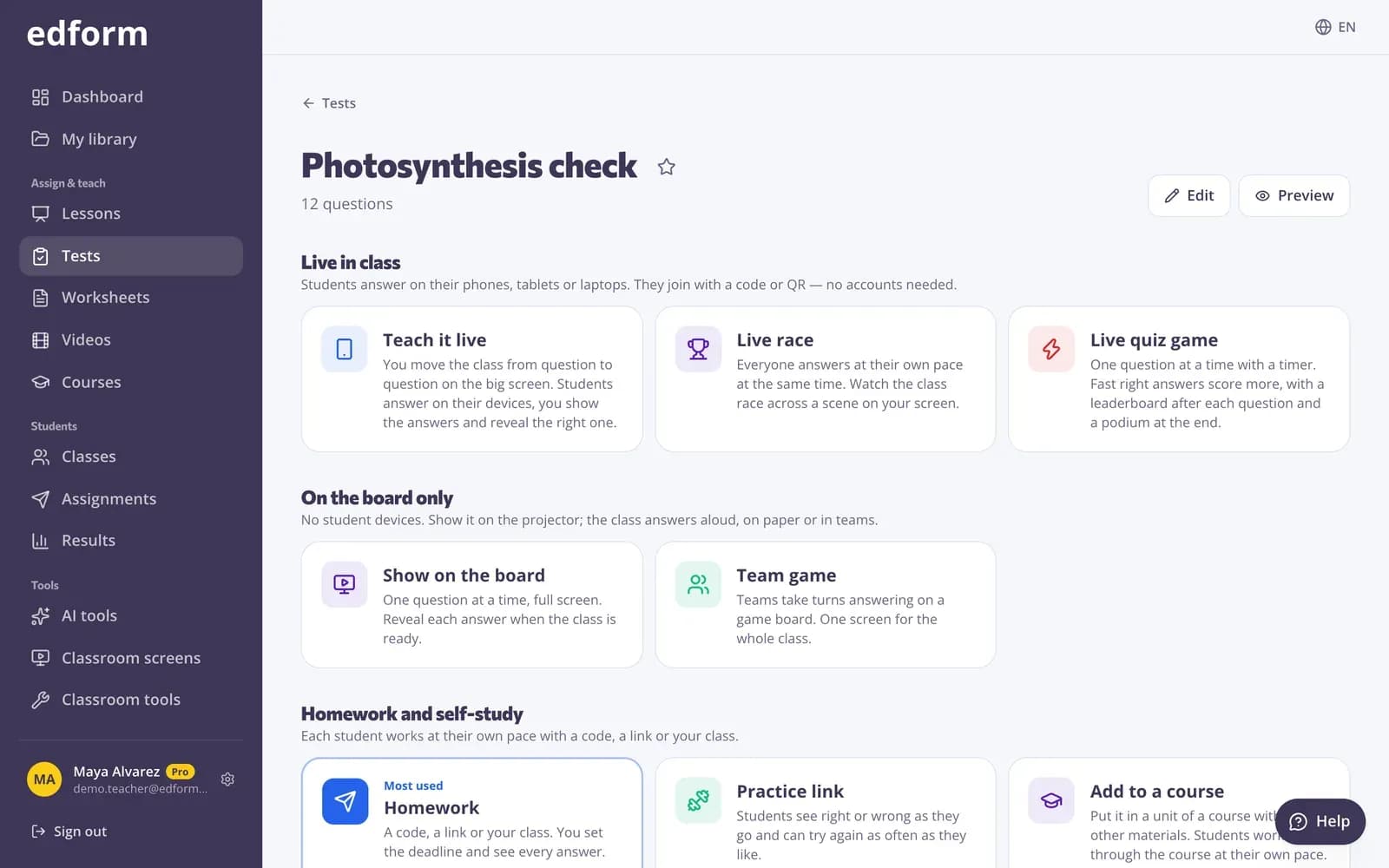
Flashcards and Pairs sit next to homework and the live game on the quiz page. Change a question once and every version changes with it.
- Flashcards to flip together
- Pairs: match up or memory
- Homework or a live game any time
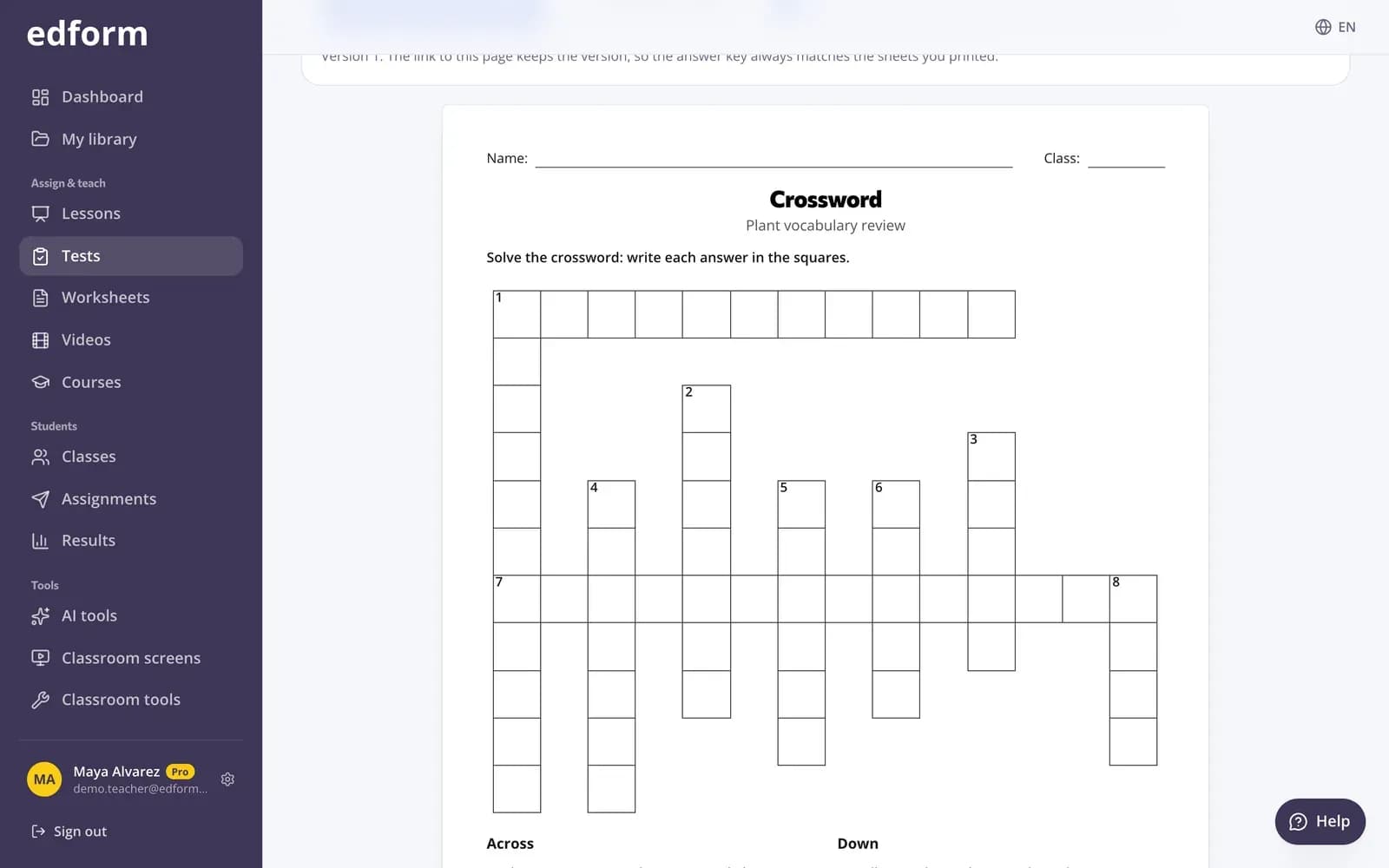
Print cards to cut out
Print the quiz as cards: six per page, question on the front and answer on the back, with lines for cutting and folding.
- Six cards per page
- Cut and fold lines
- Works with any quiz
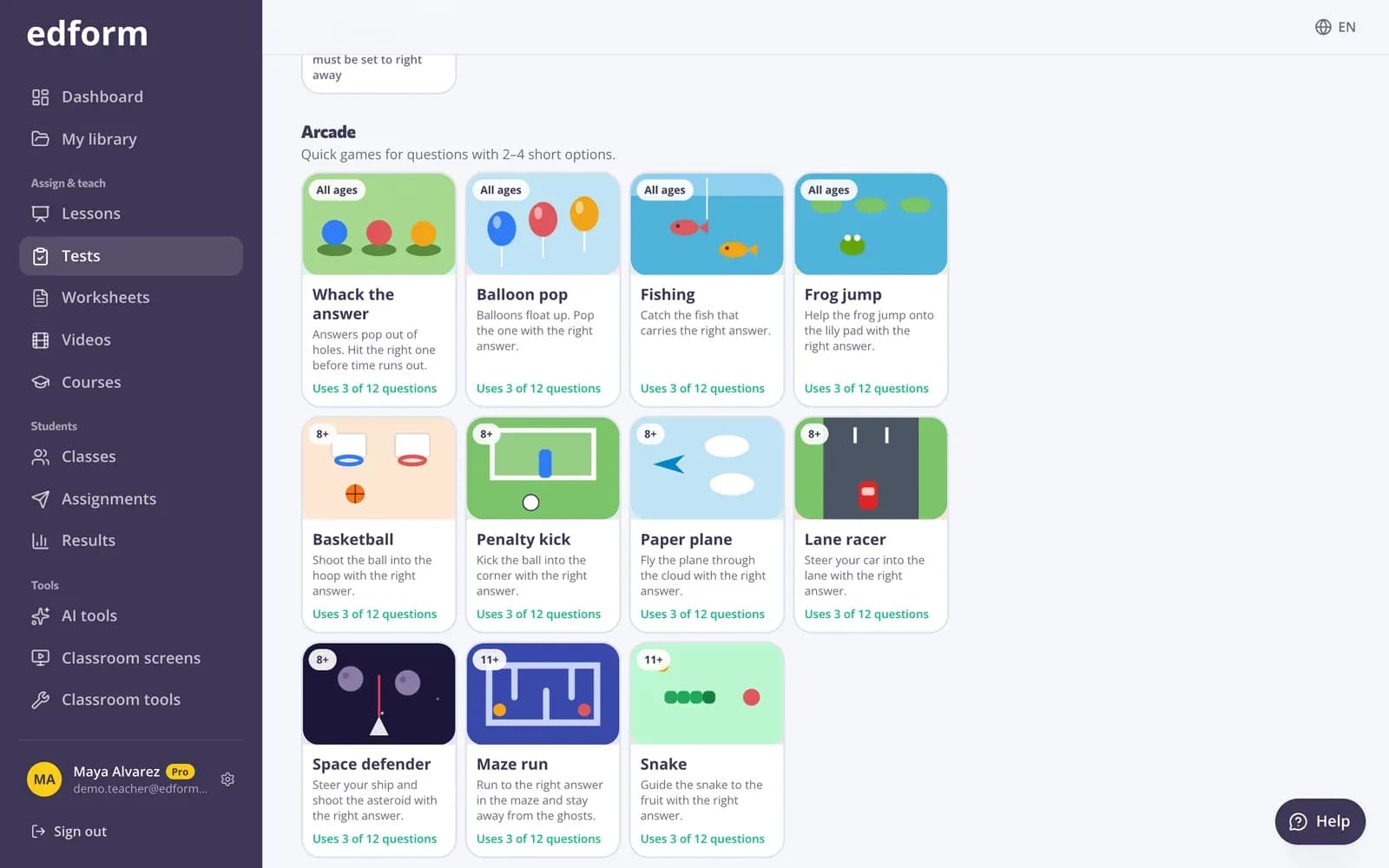
Students practise with Memory and Match up
To let students practise on their own devices, give the quiz as homework and choose Memory or Match up as the way they answer. Their answers are graded and saved in your report.
- Memory: turn over two cards at a time
- Match up: pick an answer, then its question
- Results in your report
Flashcards without the extra work
Made from your questions
Every question with a right answer becomes a card. You never type it twice.
I know it or Still learning
Sort each card and practise only the ones the class still needs.
Keyboard and swipe
Space flips, the arrow keys sort. On a phone or tablet, swipe right or left.
Full screen
Big, readable cards on the projector or interactive whiteboard.
Pairs game
Match every question with its answer against the clock, face up or as a memory game.
Print as cards
Cut-out cards for stations, small groups and lessons without devices.
Teachers use it for
- 01
Vocabulary review
Flip through this week's words at the start of the lesson.
- 02
Warm-ups
Five cards on the board while students settle in.
- 03
Before a test
Go through the deck together and practise the cards still learning.
- 04
Small groups
Printed cards for a station while you work with another group.
Explore more
- FlashcardsStudy cards with a term or question on the front and a short explanation on the back.
- Printable quizzesPrint any quiz with a matching answer key
- Game modes27 ways to play the same questions
- Quiz makerAuto-graded quizzes, tests and homework
- Test prepPractice tests, flashcards and review games before exams
- ESL teachersVocabulary games, leveled texts and AI help for English learners
Frequently asked questions
How do I make flashcards from a quiz?
Open the quiz, choose Use with class and then Flashcards. Every question with a right answer is already a card.
Which questions become flashcards?
Any question with a right answer. Polls, word clouds and open answers have no single right answer, so they're left out.
Can students study the flashcards on their own?
The flashcard deck is for reviewing together in class. For practice on their own devices, give the quiz as homework and choose Memory or Match up as the way students answer.
Can I print the flashcards?
Yes. Print the quiz as cut-out cards: six per page, question on the front and answer on the back.
Are there ready-made flashcard sets?
Every quiz in the community library can become flashcards. Open one, press Use this to copy it into your account and choose Flashcards.
Can AI make flashcards for me?
Yes. The AI flashcard maker writes a deck from a topic, a text, a file such as a PDF, or a photo of your notes, and you can save its questions as a quiz to use here.
Turn your next quiz into flashcards
Free for teachers. One set of questions for homework, games, flashcards and paper.
- Free for teachers
- No credit card
- Works on any device