


Free AI translator for teachers and schools
Translate a text, a file, a photo of a page or a web page into natural, accurate language with the right subject terms. Paragraphs and lists stay in place, and you get just the translation.
TranslateFree for teachers. No credit card.
What is an AI translator for teachers?
An AI translator for teachers turns school texts into another language quickly and naturally. In Edform, you paste a text, upload a PDF or Word file, add a photo of a page or paste a link, then choose the language to translate from and the language to translate into. You get the translation only: paragraphs, lists and formatting are kept, subject terms use their established equivalents, and no headings or comments are added. Make it simpler or more formal in one click, then copy it into an email or a document, or download it as a Word file. You can also make flashcards from a translated word list next.
How it works
- 1
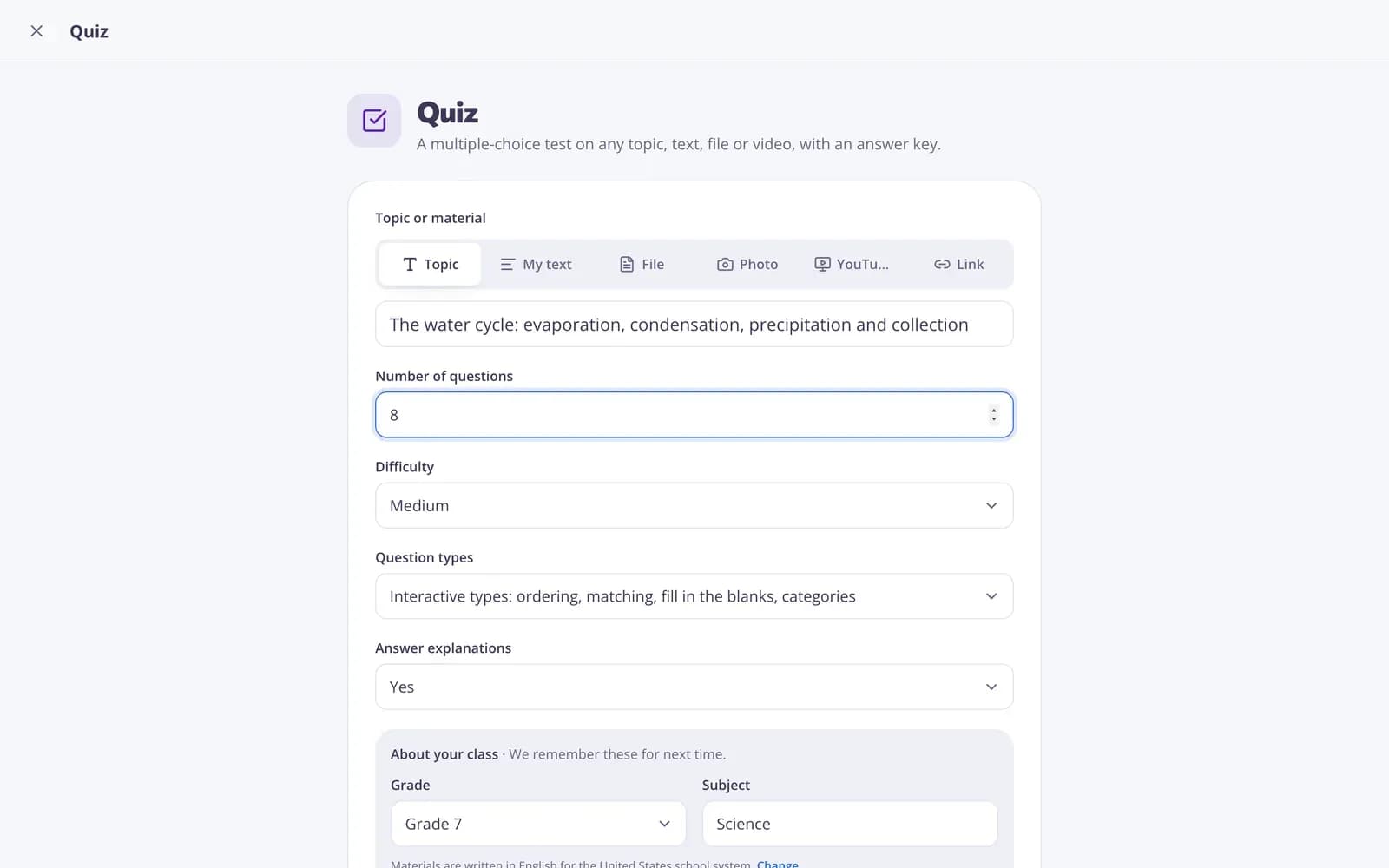
Describe your topic or paste your material.
- 2
Choose the grade and a few options.
- 3
Get a ready result, improve it in one click, and download or print it.
Great for
- Translating a parent letter for families who speak another language
- Preparing materials for newcomer students
- Using a foreign-language article in your lesson
- Bilingual versions of worksheets and instructions
- Translating a school notice or newsletter
- Understanding a student's work written in another language
Edform at a glance
- Price
- Free for teachers: Basic is free forever, with no credit card, and includes every feature.
- AI tools
- AI teacher tools with 5 AI points a month on Basic and 300 a month on Pro.
- Students
- Students join with a code. They need no email address and no account.
- Grading
- Quizzes and worksheets are graded automatically, with results per student and per question.
- Devices
- Runs in the browser on laptops, tablets, phones and interactive boards. Nothing to install.
- Languages
- Available in 32 languages.
- Works with
- Google Classroom, Microsoft Teams, ClassLink and learning platforms that support LTI 1.3.
- Library
- A free library of ready-made quizzes, worksheets and lessons that teachers can copy and edit.
Questions teachers ask
Which languages can I translate between?
Any two of the languages Edform is available in, including English, Spanish, French, German, Portuguese, Polish, Ukrainian and Turkish. Pick them in the From and To lists.
Does it keep the formatting?
Yes. Paragraphs, lists and structure stay as in the original, with no extra headings or comments.
Can I translate a photo of a page or a PDF?
Yes. Paste text, upload a PDF or Word file, add a photo of a page, or paste a link to a web page.
Is the translation accurate?
It's natural and uses established terms, but AI can make mistakes. For important letters, ask a fluent speaker to check before sending.
Is the AI translator free?
Yes. It's free for teachers: sign up for a free Edform account, no credit card needed.
Is it safe for letters to families?
You don't need to include names or personal details to translate a letter: add them after translating.
Related AI tools
Try Translator free
Create your first one in under a minute, then edit, save and use it with your class.
- Free for teachers
- No credit card
- Works on any device