


Free AI exemplar and non-exemplar generator
Students do better work when they can see what good looks like. Edform's AI tool writes a strong exemplar and a realistic non-exemplar for your assignment, annotates both against the criteria and adds comparison questions.
Create examplesFree for teachers. No credit card.
What is an exemplar and non-exemplar generator?
An exemplar and non-exemplar generator writes two pieces of sample student work for the same task: one that meets every criterion and one with realistic, typical weaknesses. Paste or describe your assignment, and add your rubric or success criteria if you have them. Edform writes both samples at the grade level, adds short student-friendly notes that explain what makes each one strong or weak, and finishes with three or four discussion questions that help students compare the two and improve their own work. Make it simpler or shorter, or adjust it for younger or older students in one click. Download it as Word, print it or project it for a whole-class discussion.
How it works
- 1
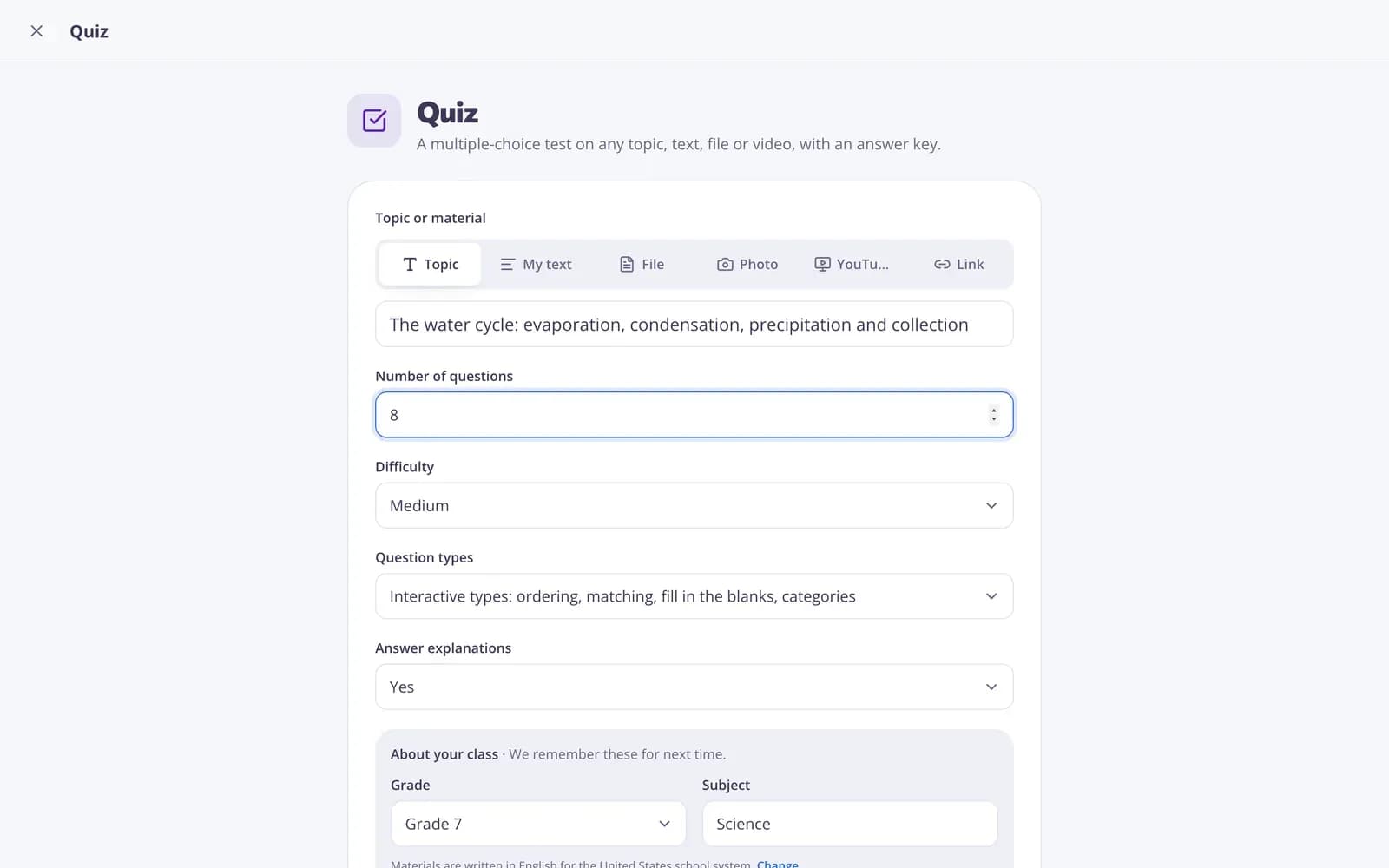
Describe your topic or paste your material.
- 2
Choose the grade and a few options.
- 3
Get a ready result, improve it in one click, and download or print it.
Great for
- Showing what a strong answer looks like before students write
- Practicing peer and self-assessment with a rubric
- Explaining success criteria in a concrete way
- Modeling a lab report, essay or math explanation
- Running a whole-class compare-and-improve discussion
- Preparing students for an extended written task
Edform at a glance
- Price
- Free for teachers: Basic is free forever, with no credit card, and includes every feature.
- AI tools
- AI teacher tools with 5 AI points a month on Basic and 300 a month on Pro.
- Students
- Students join with a code. They need no email address and no account.
- Grading
- Quizzes and worksheets are graded automatically, with results per student and per question.
- Devices
- Runs in the browser on laptops, tablets, phones and interactive boards. Nothing to install.
- Languages
- Available in 32 languages.
- Works with
- Google Classroom, Microsoft Teams, ClassLink and learning platforms that support LTI 1.3.
- Library
- A free library of ready-made quizzes, worksheets and lessons that teachers can copy and edit.
Questions teachers ask
What is a non-exemplar?
A sample of work that doesn't fully meet the criteria. Comparing it with a strong example helps students see the difference.
Can I use my own rubric?
Yes. Paste your criteria, and the annotations will refer to them.
Does it work for any subject?
Yes: essays, lab reports, math explanations, short answers and other written work.
Are the samples real student work?
No. Both samples are written by the AI for your task, so no student's work or name is used.
Is it free?
Yes. Create a free Edform account: the free Basic plan includes 5 AI points a month, and each result or change uses one point. Pro gives you 300 points a month.
Should I check the samples first?
Yes. AI drafts, the teacher reviews. Make sure the strong sample matches your expectations before you share it.
Related AI tools
Try Exemplar and non-exemplar free
Create your first one in under a minute, then edit, save and use it with your class.
- Free for teachers
- No credit card
- Works on any device