


Free AI choice board generator for teachers
Choice boards let students choose how they practice and show learning. Edform's AI choice board generator creates a tic-tac-toe, menu or grid board with varied tasks, plus clear rules and success criteria.
Create choice boardFree for teachers. No credit card.
What is an AI choice board generator?
A choice board generator creates a set of tasks on one topic that students choose from. Enter the topic or paste your material and pick a layout: a 3×3 tic-tac-toe board, a menu with appetizer, main course and dessert, or a 2×3 grid. Edform builds the board as a table where each square has a short title, student-friendly instructions and the product students create. Tasks vary the ways of working (writing, drawing, speaking or recording, building, digital and movement) and the level of challenge, in line with Universal Design for Learning, with each task's difficulty marked. On tic-tac-toe boards the center is a must-do task. Rules for students and a shared success-criteria checklist follow.
How it works
- 1
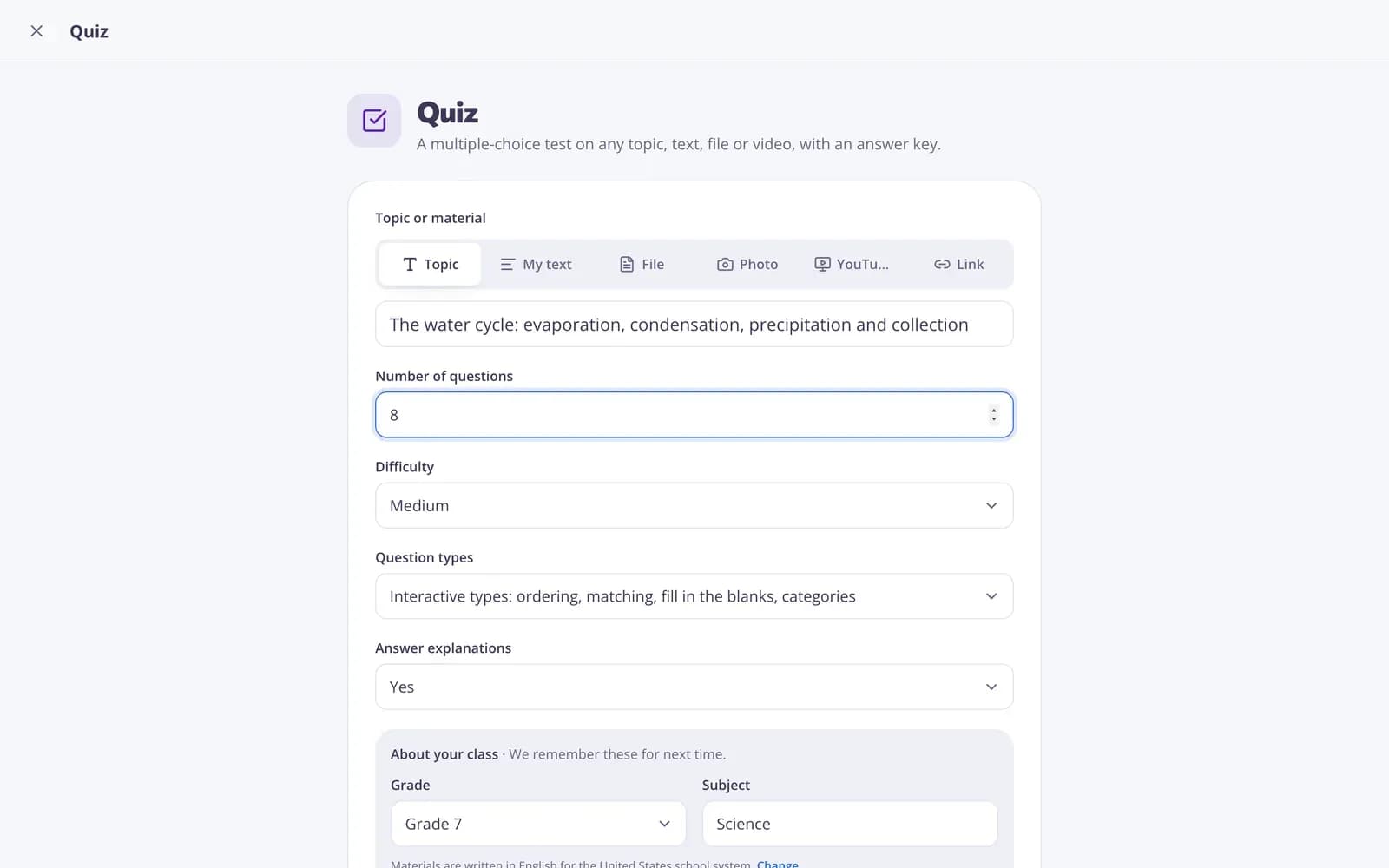
Describe your topic or paste your material.
- 2
Choose the grade and a few options.
- 3
Get a ready result, improve it in one click, and download or print it.
Great for
- Differentiating independent work
- Offering choice in homework or projects
- Planning activities based on Universal Design for Learning
- Giving early finishers meaningful options
- Running a review week with varied tasks
- Building a board that needs no devices or printing
Edform at a glance
- Price
- Free for teachers: Basic is free forever, with no credit card, and includes every feature.
- AI tools
- AI teacher tools with 5 AI points a month on Basic and 300 a month on Pro.
- Students
- Students join with a code. They need no email address and no account.
- Grading
- Quizzes and worksheets are graded automatically, with results per student and per question.
- Devices
- Runs in the browser on laptops, tablets, phones and interactive boards. Nothing to install.
- Languages
- Available in 32 languages.
- Works with
- Google Classroom, Microsoft Teams, ClassLink and learning platforms that support LTI 1.3.
- Library
- A free library of ready-made quizzes, worksheets and lessons that teachers can copy and edit.
Questions teachers ask
What is a choice board?
A grid of tasks on one topic. Students pick a set number of tasks, often three in a row on a tic-tac-toe board.
Can I avoid tasks that need devices or printing?
Yes. Use the No materials needed improvement to remove the need for printing and equipment.
How do I grade different tasks?
The result includes shared success criteria that work for every task, and you can create a rubric with the rubric tool.
Can I make it easier or harder?
Yes. Use Easier or Harder, or More ideas to get fresh tasks, and edit any square by hand.
Can I print the board?
Yes. Print it or download it as Word to hand out or post in class.
Is it free?
Yes. Create a free Edform account: the free Basic plan includes 5 AI points a month, and each result or change uses one point. Pro gives you 300 points a month.
Related AI tools
Try Choice board free
Create your first one in under a minute, then edit, save and use it with your class.
- Free for teachers
- No credit card
- Works on any device