Parent communication
Keep families in the loop without another app
Post school flyers that families get by email for their child's grade, draft clear messages to parents in seconds, and have every student's results ready for the next parent meeting.
- Flyers emailed by grade
- Messages drafted for you
- Free for schools and teachers
How does Edform help with parent communication?
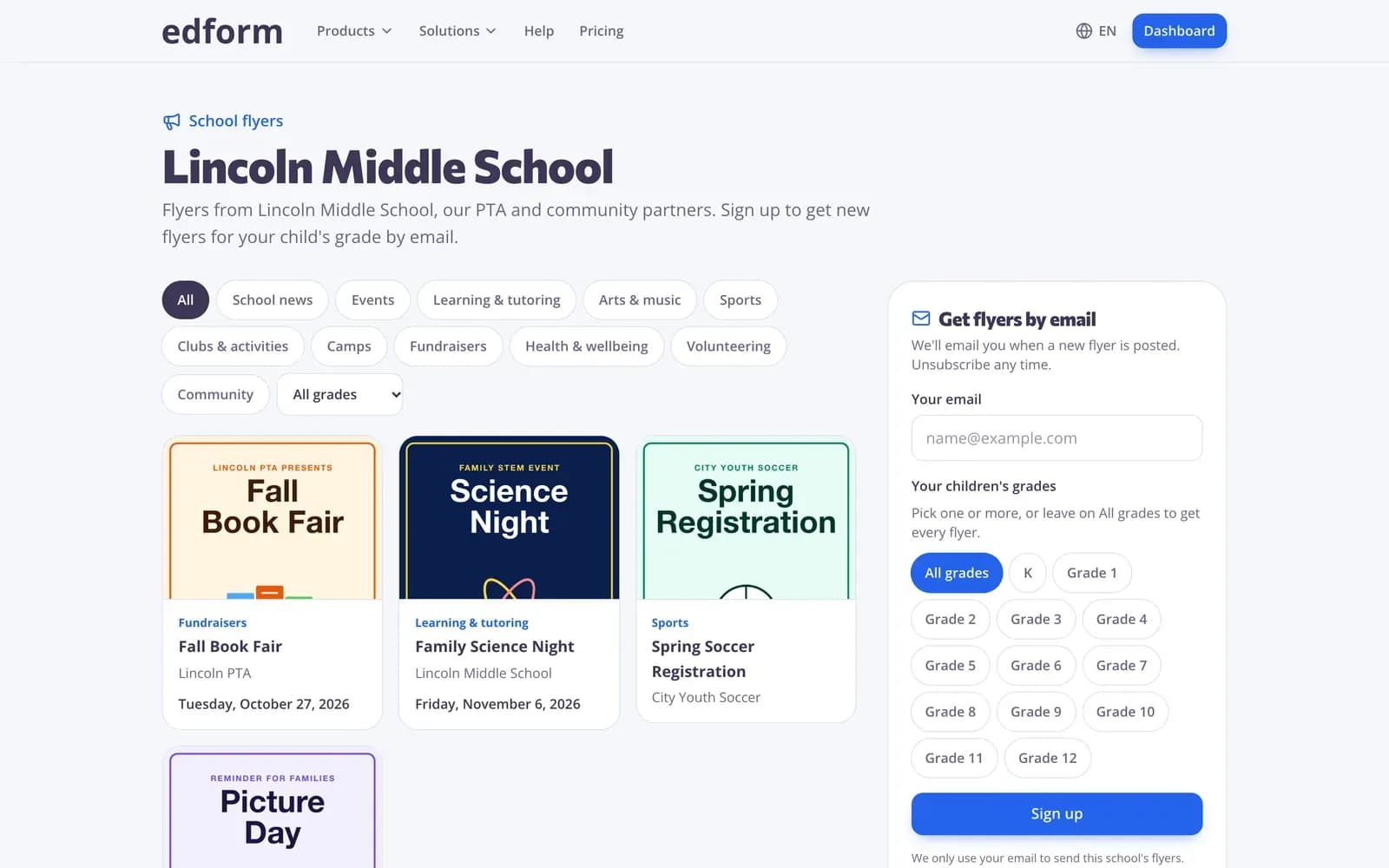
Parent communication works when it's regular, clear and easy for families to receive. Edform covers three parts of it. School flyers give each school a digital flyer board: staff post flyers, community groups send theirs for approval, and families who signed up with just an email address get each flyer for their child's grade — no app or account. AI tools draft a message to parents or an announcement for your school's website or social media in seconds. And for parent meetings, each student's results page shows every homework and live session with scores, attempts and time spent.
How to set up parent communication
- 1
Open a flyer board
Create your school's flyer board, add the parent emails you have and share the sign-up link, poster or QR code.
- 2
Send and write
Post flyers for chosen grades and dates, and draft class messages with the Message to parents tool.
- 3
Meet with results
Before a parent meeting, open the student's results page from the class gradebook.
Try it yourself
No sign-up needed — try it as a student
This is the real Edform player. Answer the questions and see how they're checked.
Flyers for the right families
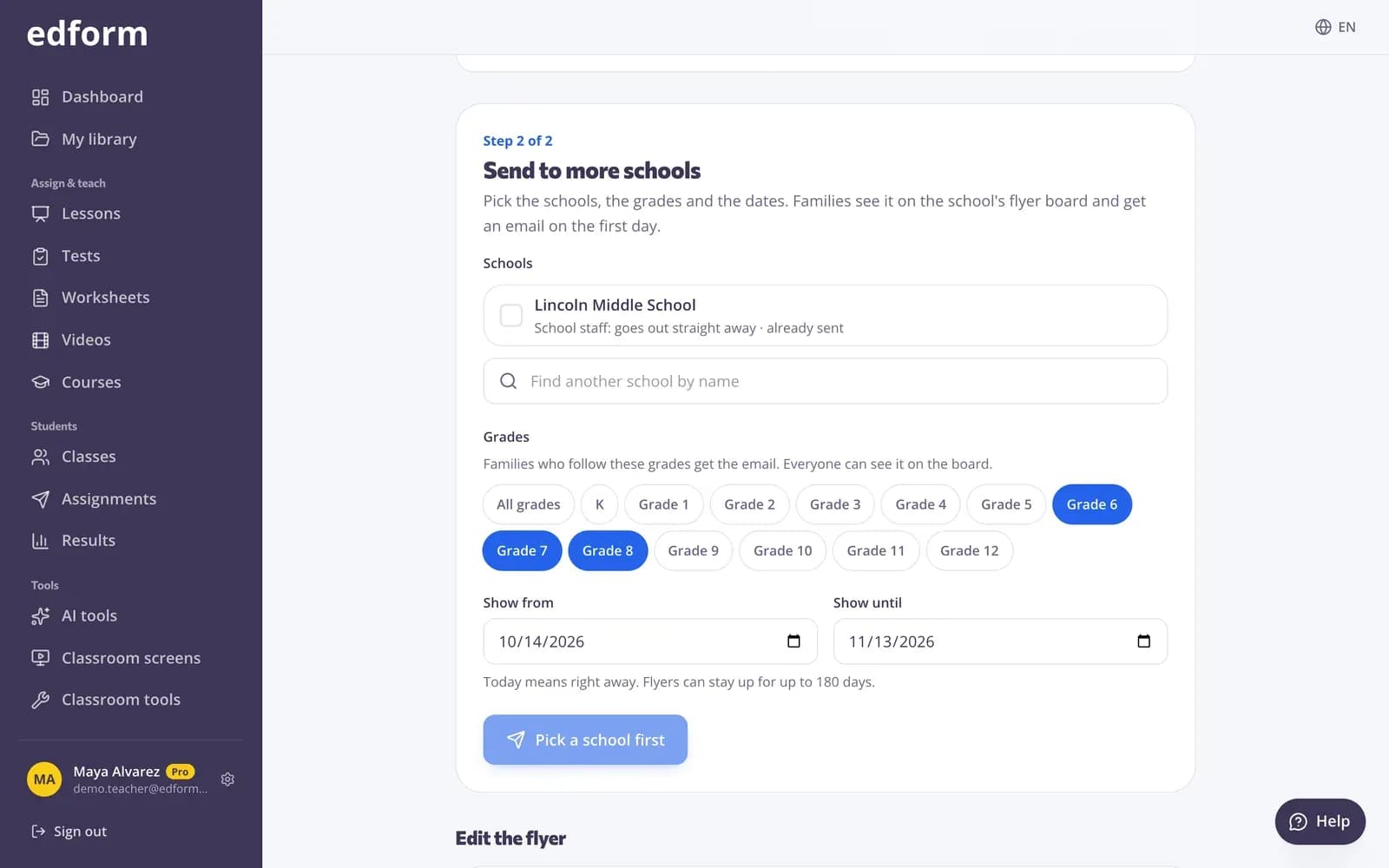
Choose the grades and the start date, and families who signed up for those grades get the flyer by email.
- Grades and dates
- Up to three action buttons
- Views and clicks per board
Results ready for parent meetings
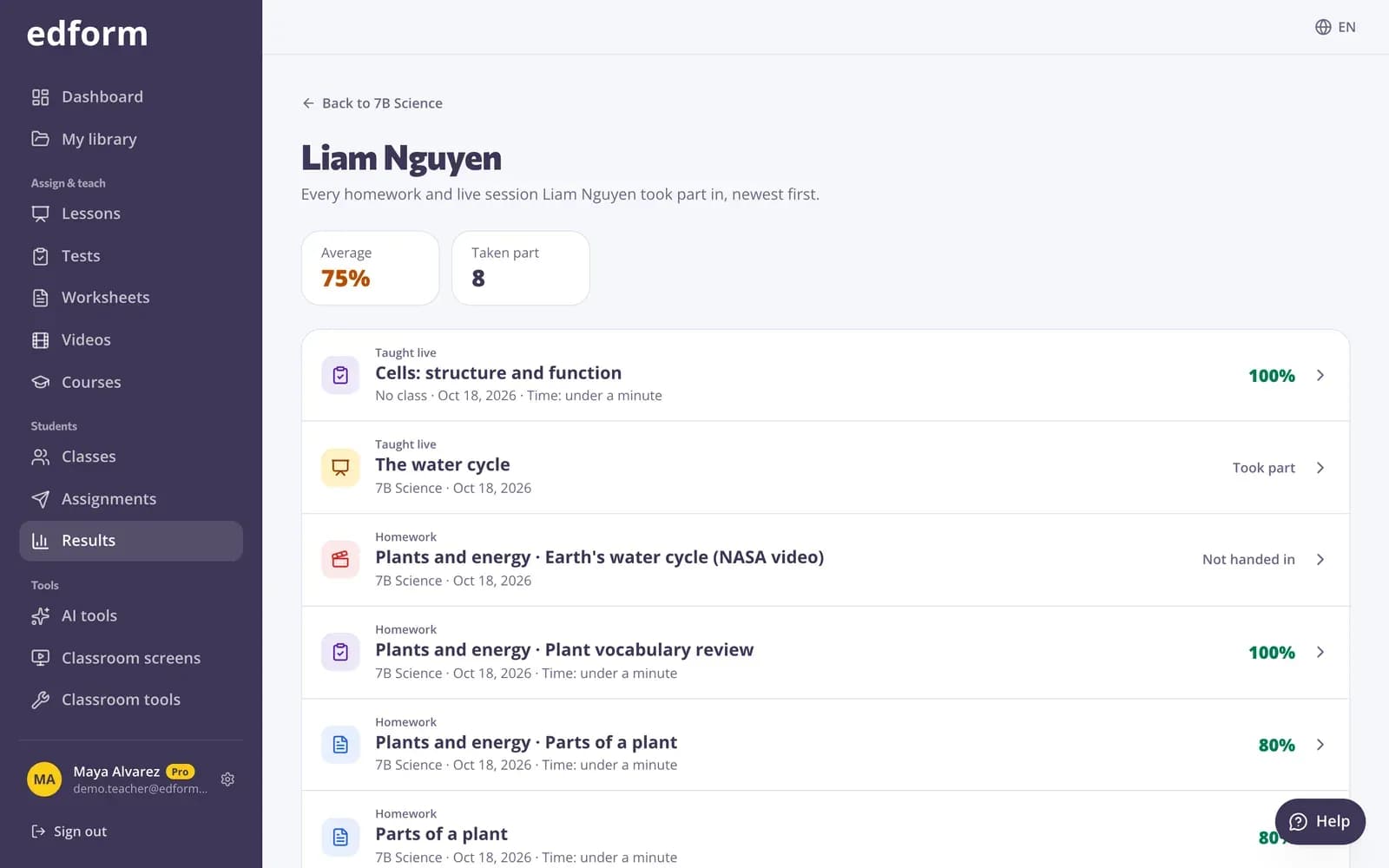
Every homework and live session a student took part in, with average, attempts and time spent, newest first.
- Average score
- Attempts and time
- Open any answer
Messages drafted in seconds
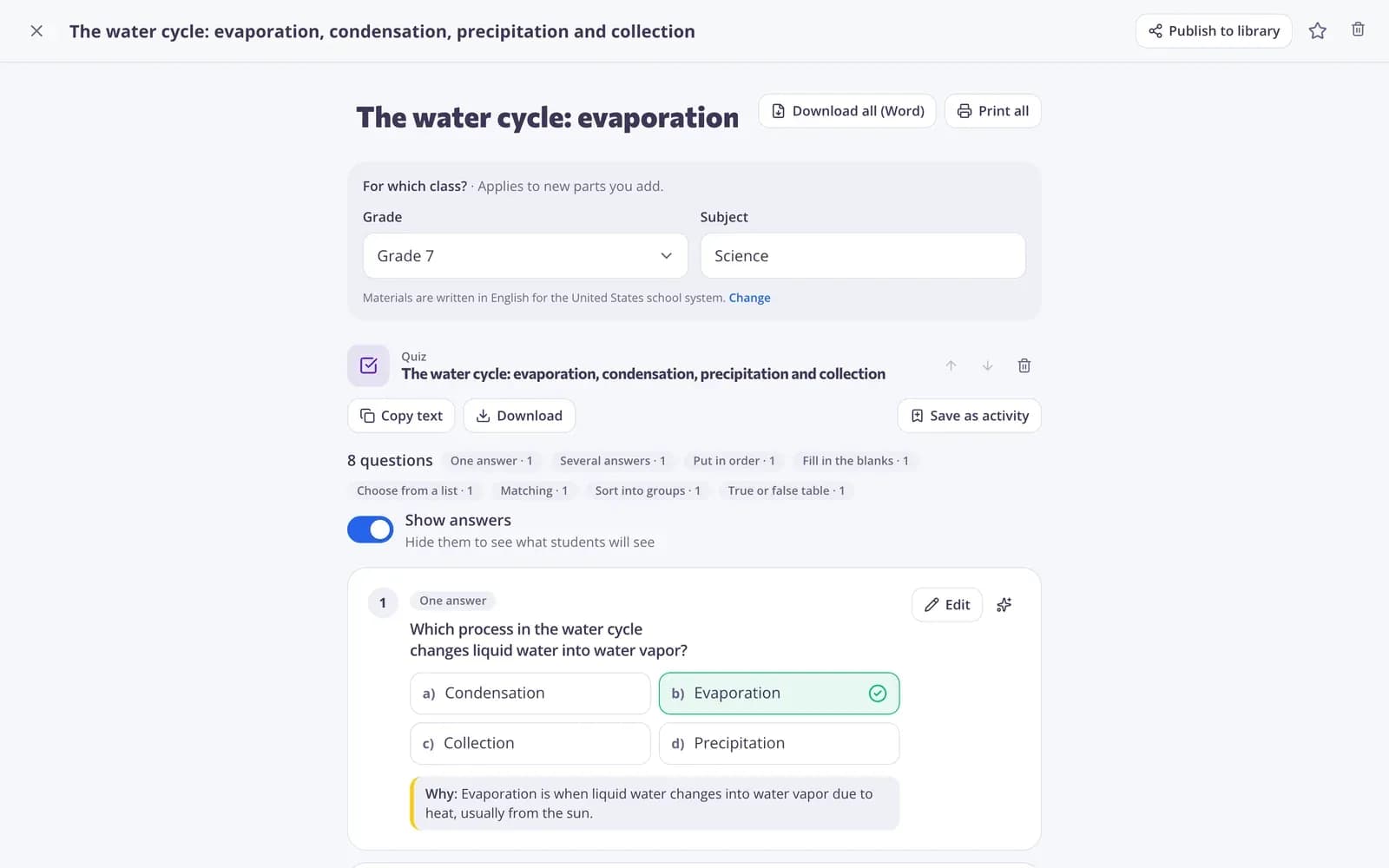
Describe what you need to say and AI drafts a clear, polite message for a group chat, an email or one family. Edit and send it your way.
- Message to parents
- School announcements
- Your tone, your edits
Tools for talking to families
School flyer board
One public board per school with category and grade filters.
Emails by grade
Families get flyers for their child's grades, with a link to change or unsubscribe.
Share kit
Sign-up link, family message, website button, QR code and printable poster.
Message to parents
AI drafts clear class messages and letters. Uses AI points.
Stats
Views, button clicks and emails sent for every flyer.
Announcements
Posts about school events for your website or social media.
Schools and teachers use it for
- 01
Events and trips
A flyer with the date, place and a sign-up button.
- 02
Weekly class updates
A short message drafted in a minute.
- 03
Community programs
Clubs and camps send flyers for your approval.
- 04
Parent-teacher meetings
Each student's results on one page.
Explore more
- School flyersDigital flyers for families
- Message to parentsA clear, polite message to parents for a group chat, email or one family.
- Announcement or social postAn eye-catching announcement or post about a school event for social media or a website.
- Online gradebookEvery student next to every homework and live session
- For schoolsTeacher seats, student sign-in and flyers for families
- QR code generatorTurn a link to a quiz, video or form into a QR code to project or print.
Frequently asked questions
Do families need an app?
No. Families open the flyer board in any browser and sign up with an email address. Every email has a link to change grades or unsubscribe.
Who can post flyers?
School staff post straight away. Community groups send flyers for approval, and you can turn community flyers off.
Can we import the parent emails we have?
Yes. Paste them from a spreadsheet or your student information system. Families who unsubscribed stay unsubscribed.
Does Edform send my class messages?
No. The Message to parents tool drafts the text; you copy it into your email, group chat or school app.
What can I show parents about their child?
The student's results page lists every homework and live session with scores, attempts and time spent. The class gradebook downloads as CSV.
Is it free?
Yes. School flyers are free for schools, teachers, PTAs and community groups. AI tools use AI points: 5 a month on Basic, 300 on Pro.
Start talking to families the easy way
Free for schools and teachers. Flyers, messages and results in one place.
- Free for teachers
- No credit card
- Works on any device