Math equation editor
Write real math in every question
Add fractions, powers, roots and math symbols anywhere you write for students — questions, hints, explanations, worksheets and slides — and grade number answers automatically.
- Formulas wherever you write
- Number answers with tolerance
- Free for teachers
What is the Edform math equation editor?
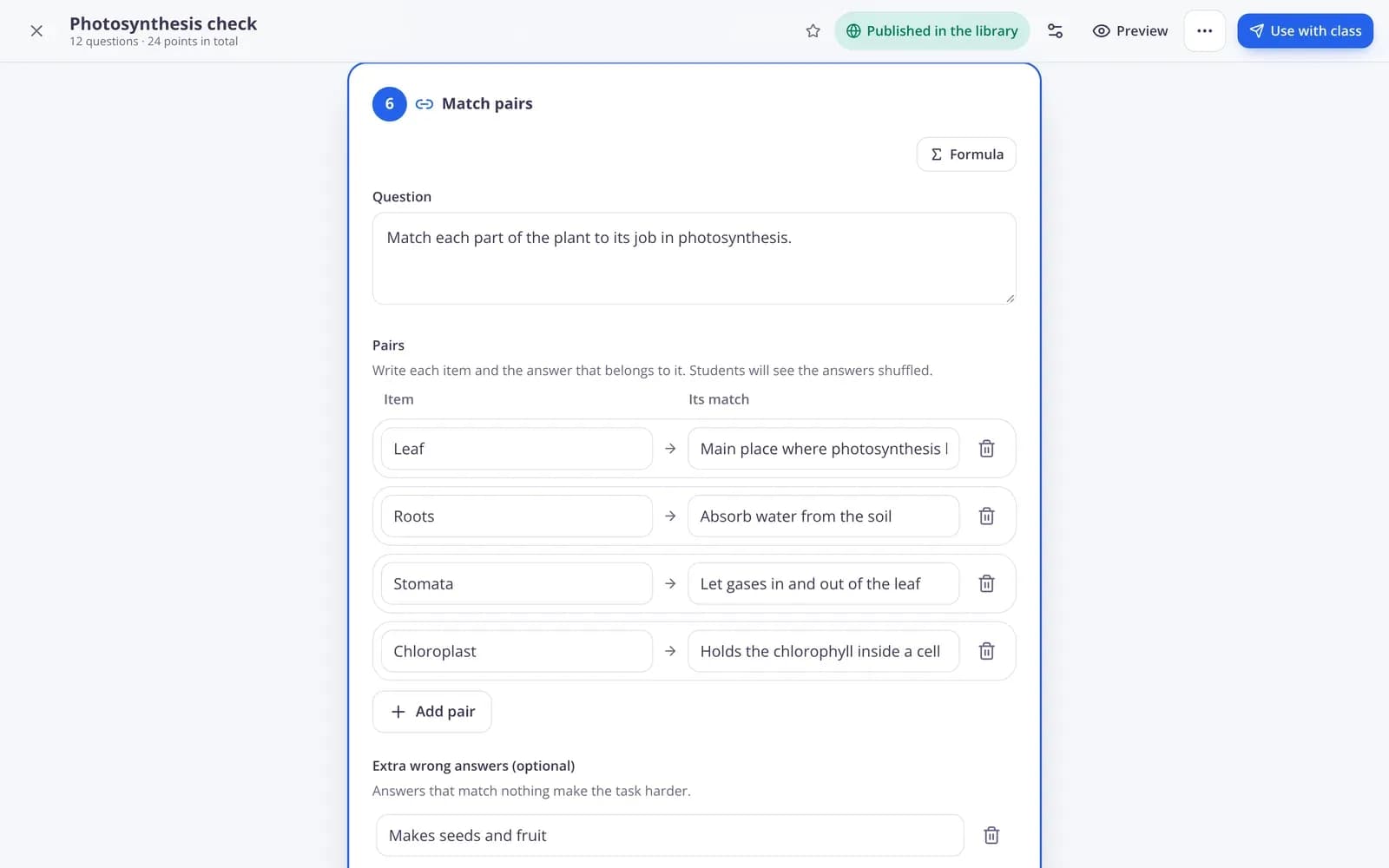
The equation editor is the Formula button in Edform's text editor. Click it where the cursor is, then type 1/2 for a fraction, ^ for a power and sqrt for a root, or tap a math symbol. The formula appears in your text exactly as students will see it. It works in question prompts of every type, explanations and hints, worksheet fields, lesson slides, video notes, course texts and grading feedback, and formulas print correctly too. For answers, number questions accept a value with an optional tolerance and unit, so 3.14 ± 0.01 or 5 cm is graded for you.
How to add a formula to a question
- 1
Click Formula
In any question, hint or explanation, put the cursor where the formula goes and click Formula.
- 2
Type or tap
Type 1/2, x^2 or sqrt(9), or tap a button under Math symbols, then Add formula.
- 3
Choose the answer type
Use a number question for numeric answers, with a tolerance and unit if you need them.
Try it yourself
No sign-up needed — try it as a student
This is the real Edform player. Answer the questions and see how they're checked.
Formulas in every question type
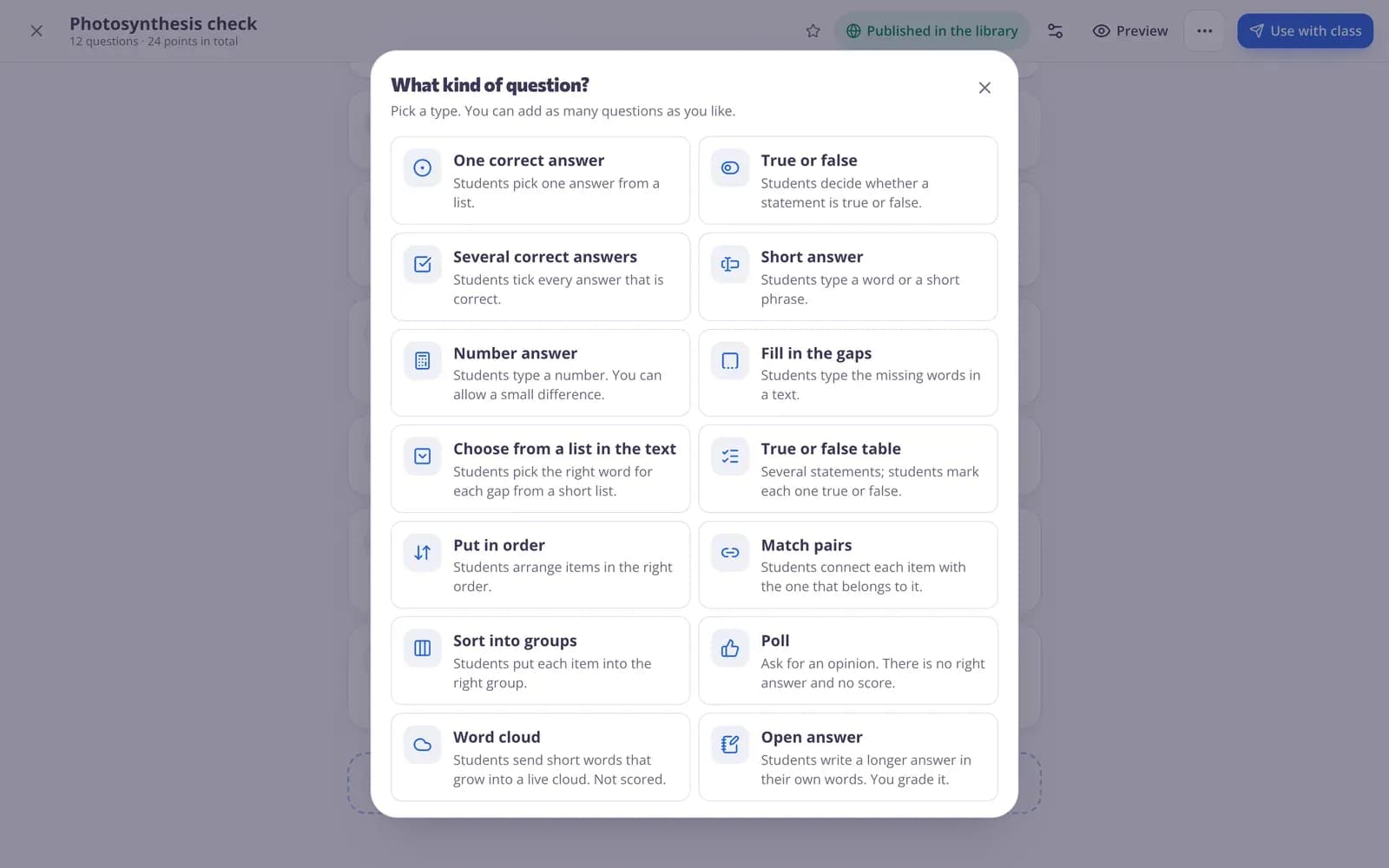
Multiple choice, fill in the blanks, matching, ordering — the prompt can hold formulas and pictures alike.
- Fractions, powers and roots
- Math symbols buttons
- Click a formula to change it
What students see
Formulas look the same on phones, tablets and computers, in homework, live games and lessons.
- Same on every device
- In every game mode
- In reports and reviews
Printed correctly
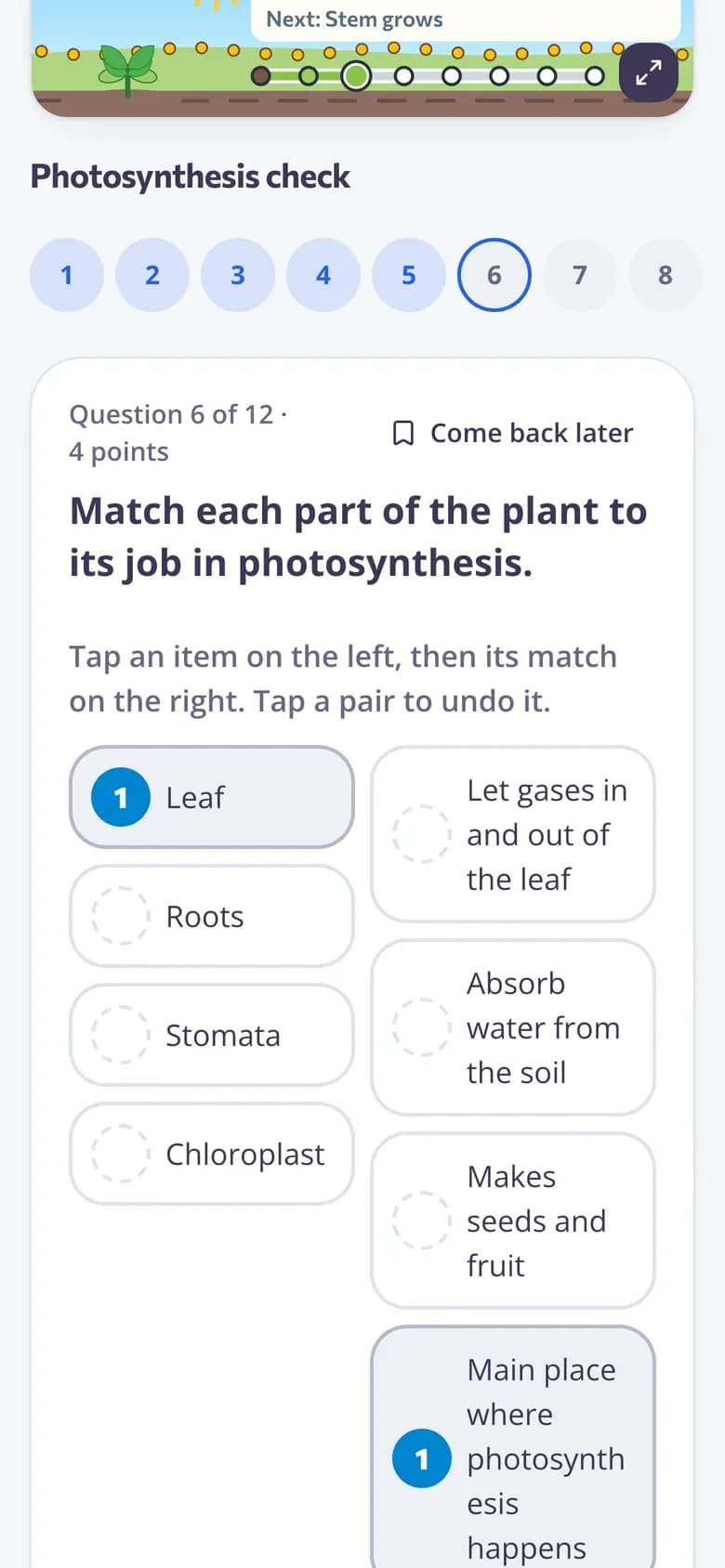
Print a quiz or worksheet with formulas and an answer key for a lesson without devices.
- Printable quizzes
- Answer keys
- Several versions
Math tools in the editor
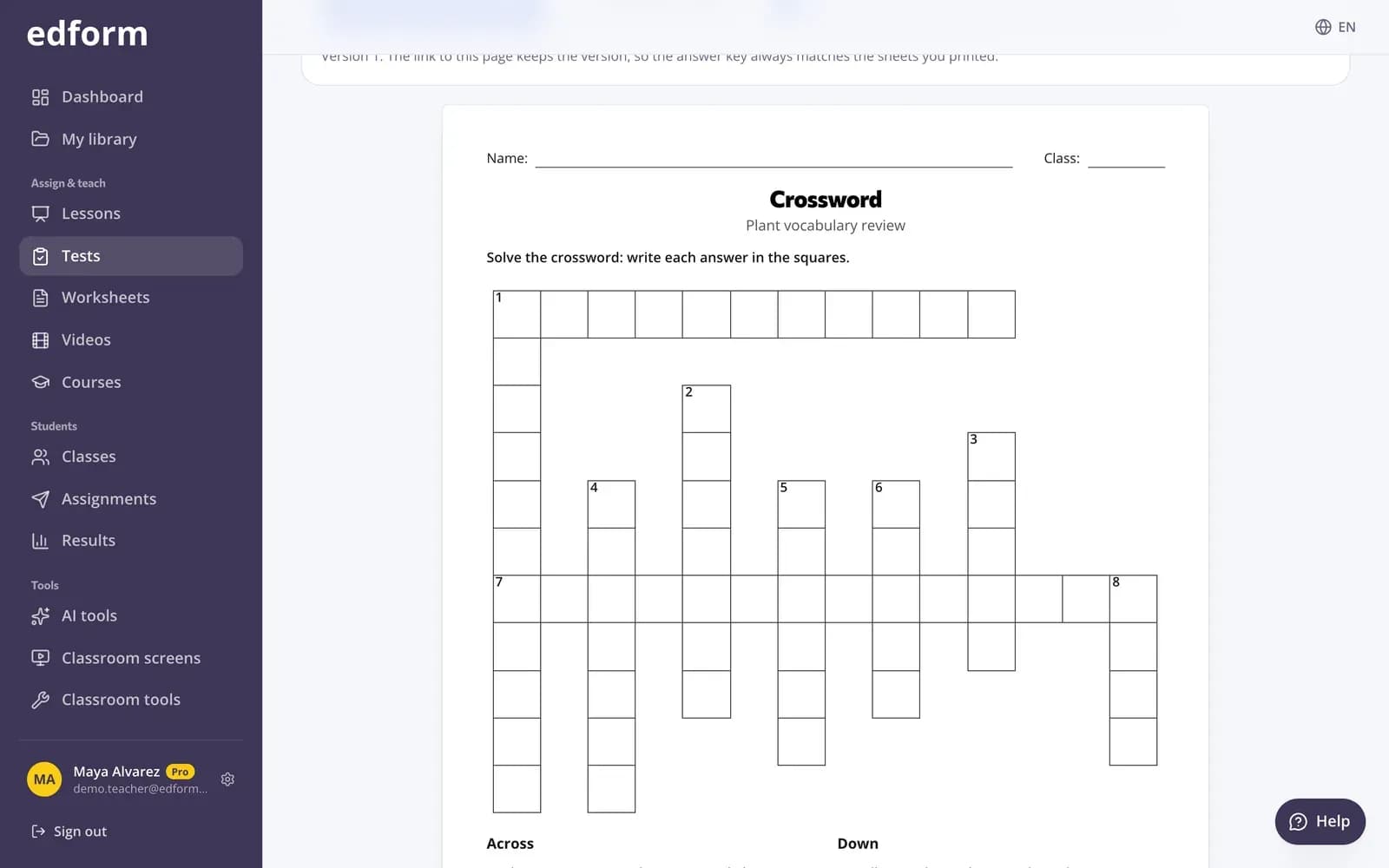
Formula button
Add a formula where the cursor is, or click one to change it.
Number answers
Up to five right values, each with an optional tolerance.
Units and decimal commas
Answers like 5 cm, 2,5 or 1 000 are understood.
Worksheets too
Formulas in fields you place on a PDF worksheet.
Prints cleanly
Formulas in printed quizzes and answer keys.
Graded for you
Number and choice answers are marked as students hand in.
Math teachers use it for
- 01
Fractions and decimals
Questions with real fractions, answered as numbers.
- 02
Algebra
Powers, roots and expressions in the prompt and options.
- 03
Science calculations
Answers with units and a tolerance for rounding.
- 04
Worked solutions
Formulas in explanations students see after answering.
Explore more
- Math teachersNumber answers, math drills and word problems
- Question types13 ways to ask, from matching to open answers
- Quiz makerAuto-graded quizzes, tests and homework
- Math worksheet generatorAs many arithmetic drill sheets as you need, in several versions — with answers.
- Math word problemsMath word problems on a storyline your class will love, with step-by-step solutions.
- Math fact fluencyTimed games, typing races and drill sheets
Frequently asked questions
Where can I use formulas?
In question prompts of every type, hints, explanations, worksheet fields, lesson slides and notes, video notes, course texts, grading feedback and the classroom screen Text widget.
How do I write a fraction or a power?
In the formula box type 1/2 for a fraction, ^ for a power and sqrt for a root, or tap a button under Math symbols.
Can students type formulas in their answers?
Not yet. Students answer with numbers (with a unit if you set one), choices or text, and those are graded automatically.
How are number answers graded?
You set up to five right values, each with an optional tolerance, and an optional unit. Decimal commas and digit grouping are understood.
Do formulas print?
Yes. Printable quizzes, worksheets and answer keys show formulas the same way students see them on screen.
Is it free?
Yes. The equation editor is part of the free Basic plan.
Write your next math quiz
Free for teachers. Real formulas, graded answers.
- Free for teachers
- No credit card
- Works on any device