


Printable quizzes
Printable quizzes with an answer key
Write the questions once and print them when you need paper: the whole test, a crossword, a word search, a match-up or cut-out cards — always with the answer key on its own page.
- 5 layouts from one quiz
- Answer key on a separate page
- Free for teachers
What are Edform's printable quizzes?
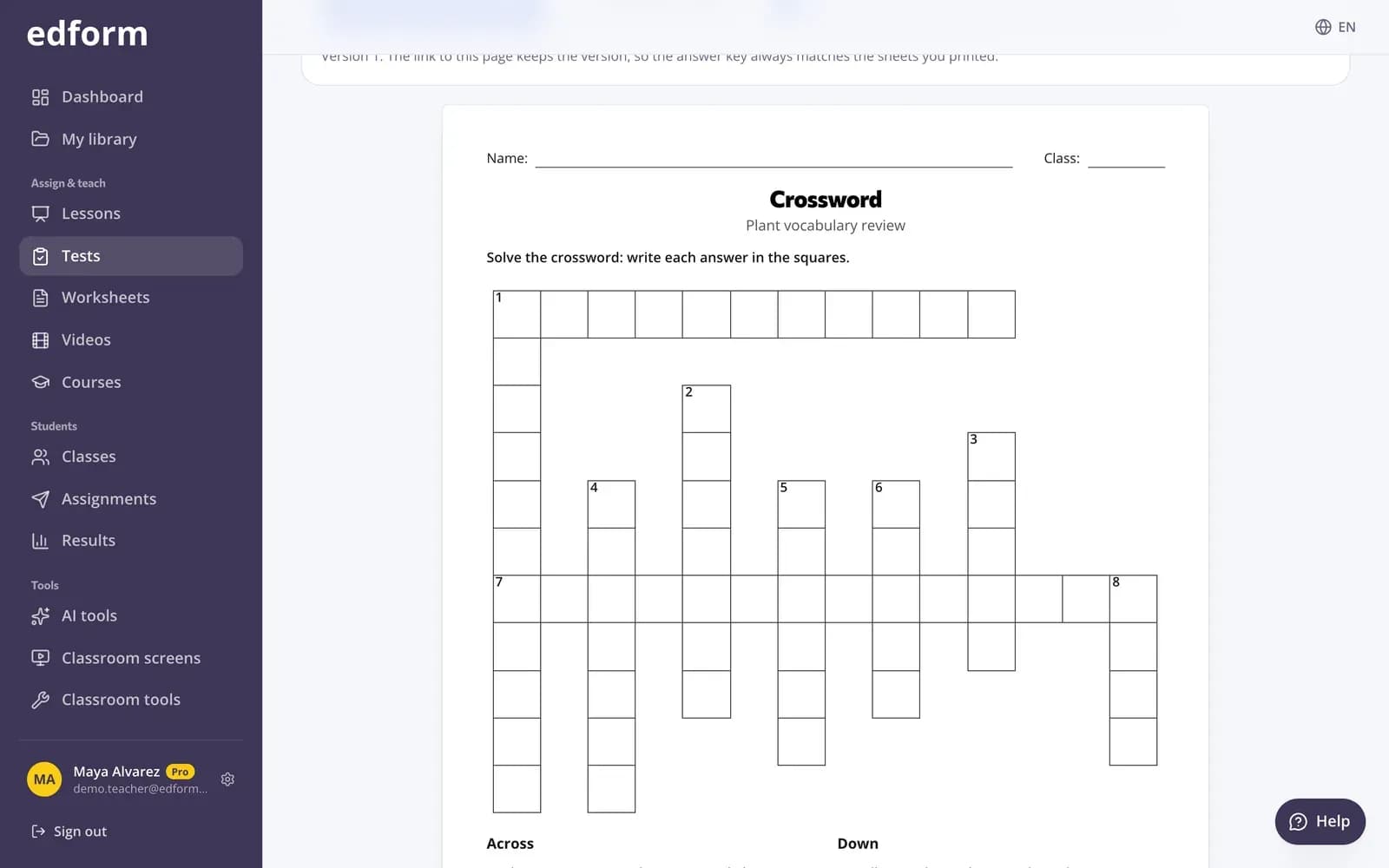
Edform's printable quizzes come from the same questions you use online. Open a quiz, choose Print and pick a layout: the whole test with space to answer, a crossword or word search made from one-word answers, a match-up, or cut-out question-and-answer cards. Each sheet has lines for name and class, and the answer key prints on its own page. Another version shuffles the answer options, and the page link keeps the version, so the key always matches the sheets you printed. Print on paper or save as PDF.
Edform at a glance
- Price
- Free for teachers: Basic is free forever, with no credit card, and includes every feature.
- AI tools
- AI teacher tools with 5 AI points a month on Basic and 300 a month on Pro.
- Students
- Students join with a code. They need no email address and no account.
- Grading
- Quizzes and worksheets are graded automatically, with results per student and per question.
- Devices
- Runs in the browser on laptops, tablets, phones and interactive boards. Nothing to install.
- Languages
- Available in 32 languages.
- Works with
- Google Classroom, Microsoft Teams, ClassLink and learning platforms that support LTI 1.3.
- Library
- A free library of ready-made quizzes, worksheets and lessons that teachers can copy and edit.
How to print a quiz
- 1
Open a quiz
Write questions in the test builder, let AI draft them, or open a quiz you already have.
- 2
Choose what to print
On the quiz's Use with class page choose Print and pick a layout. Edform tells you when a layout needs more fitting questions.
- 3
Print or save as PDF
Turn on the answer key, make another version if you need one, then press Print or save as PDF.
Try it yourself
No sign-up needed — try it as a student
This is the real Edform player. Answer the questions and see how they're checked.
Paper is one click from the quiz
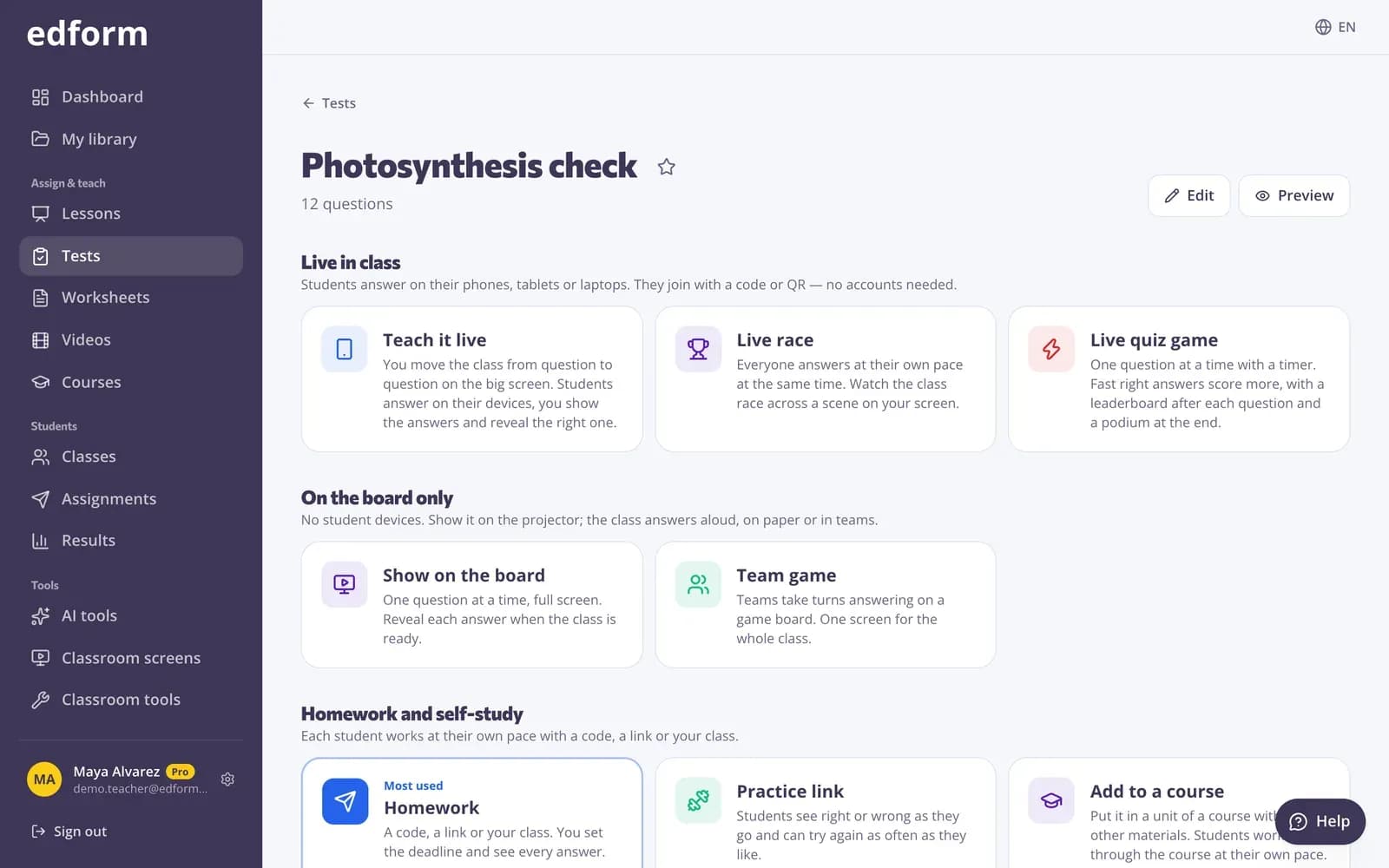
Print sits next to homework, the live game and flashcards on the quiz page. A printout never needs retyping and always matches what students did online.
- Whole test with space to answer
- Crossword and word search from one-word answers
- Match-up and cut-out cards, six per page
Print your interactive worksheets too
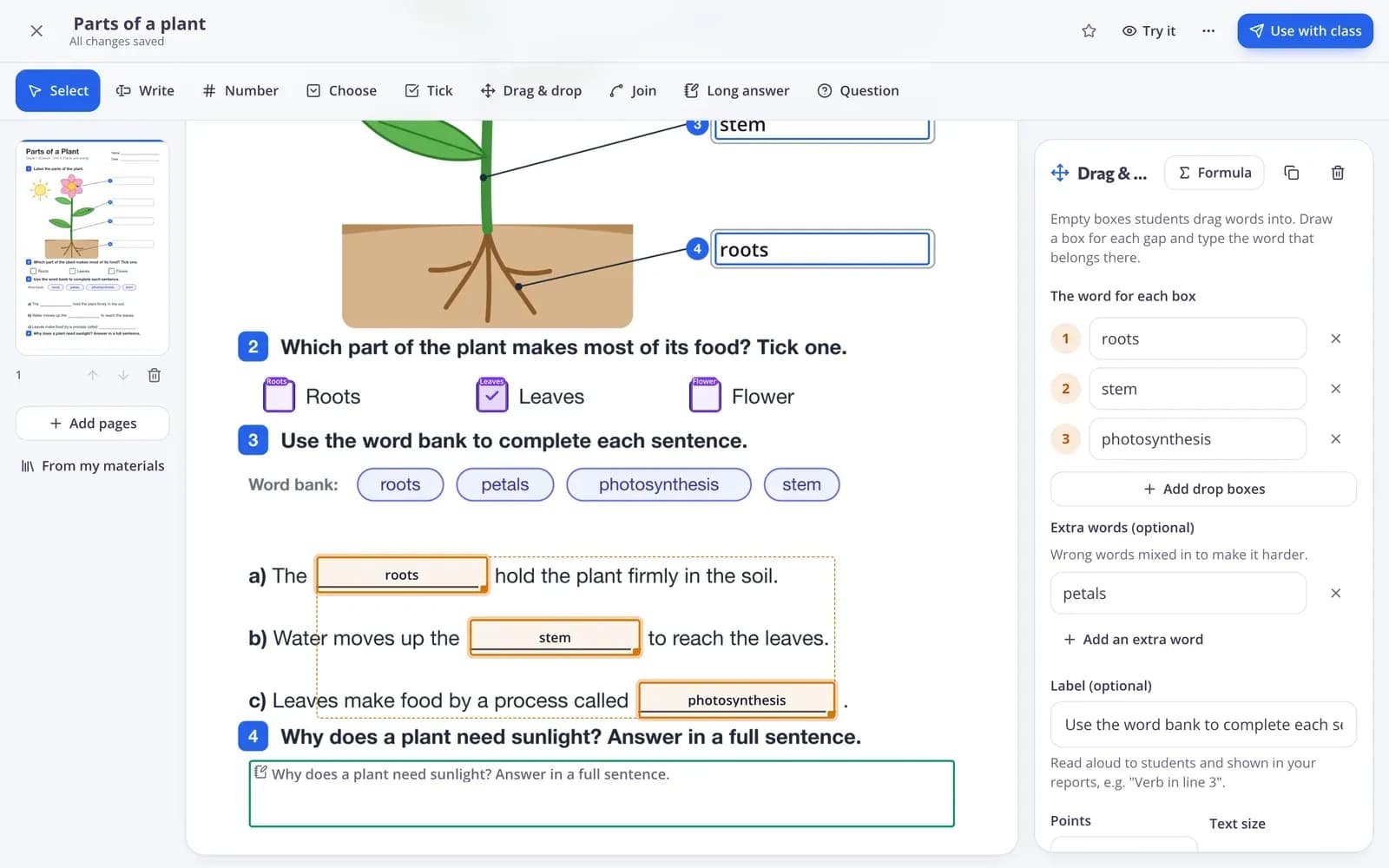
Worksheets you built from a PDF print as a student copy with their word banks, and the answer key comes on a separate page.
- Your original page layout
- Word banks included
- Separate answer key
Made for the photocopier
Answer key on its own page
For you, not for students: the key prints separately with the right answer to every question.
Shuffled versions
Another version mixes up the answer options, so students sitting side by side get different sheets.
Clear instructions
Each question prints with a short hint: circle one answer, number the items, write the letter in the box.
Crosswords and word searches
Built from your one-word answers, with your questions as the clues.
Cut-out cards
Question on the front, answer on the back, six cards per page with lines for cutting and folding.
Save as PDF
Keep a PDF for later, share it with a colleague or print it at home.
Teachers use it for
- 01
Lessons without devices
The same questions on paper when the laptops are booked or the Wi-Fi is down.
- 02
Substitute days
Leave a printed quiz and its answer key with the cover teacher.
- 03
Paper tests
Two shuffled versions with matching keys for a fair written test.
- 04
Revision puzzles
A crossword or match-up from this week's vocabulary as a calm starter.
Explore more
- Quiz makerAuto-graded quizzes, tests and homework
- FlashcardsTurn any quiz into flashcards for class review
- Crossword makerA printable crossword from your words and clues — with an answer key.
- Word search makerA printable letter grid where students hunt for your words — with an answer key.
- Bingo card generatorDifferent bingo cards from your words or terms for the whole class.
- No-device classroomGames, lessons and printables with one projector
Frequently asked questions
Can I print a quiz with the answers?
Yes. Turn on Answer key: it prints on a separate page with the right answer to every question, so the student sheets stay clean.
Can I make different versions of the same test?
Yes. Another version shuffles the answer options. The page link remembers the version, so the answer key always matches the sheets you printed.
Which questions can be printed?
Every question type prints in the whole-test layout. Crosswords and word searches need questions whose answer is one word, and match-ups need questions with short answers.
Can AI write the quiz for me?
Yes. The AI quiz generator drafts questions with answers from a topic, a text, a file or a photo. Press Save as activity, check the questions, then print the quiz with its answer key.
Are there ready-made quizzes to print?
Yes. Open a quiz in the community library, press Use this to copy it into your account and print it in any layout, with an answer key.
Do I need a printer?
No. Choose Print or save as PDF and keep the file, or send it to the school printer later.
Is there a crossword maker that doesn't need a quiz?
Yes. The free crossword maker and word search maker in Classroom tools build printable puzzles from any word list.
Print your next quiz with its answer key
Free for teachers. Online or on paper, the questions are always the same.
- Free for teachers
- No credit card
- Works on any device