


PDF to interactive worksheet
Turn any PDF into an interactive worksheet
Keep the worksheets you already love. Upload the PDF, draw answer boxes where students write, tick or drag, and Edform marks the answers for you.
- PDF, JPG, PNG or WebP up to 25 MB
- 8 tools for answer boxes
- Free for teachers
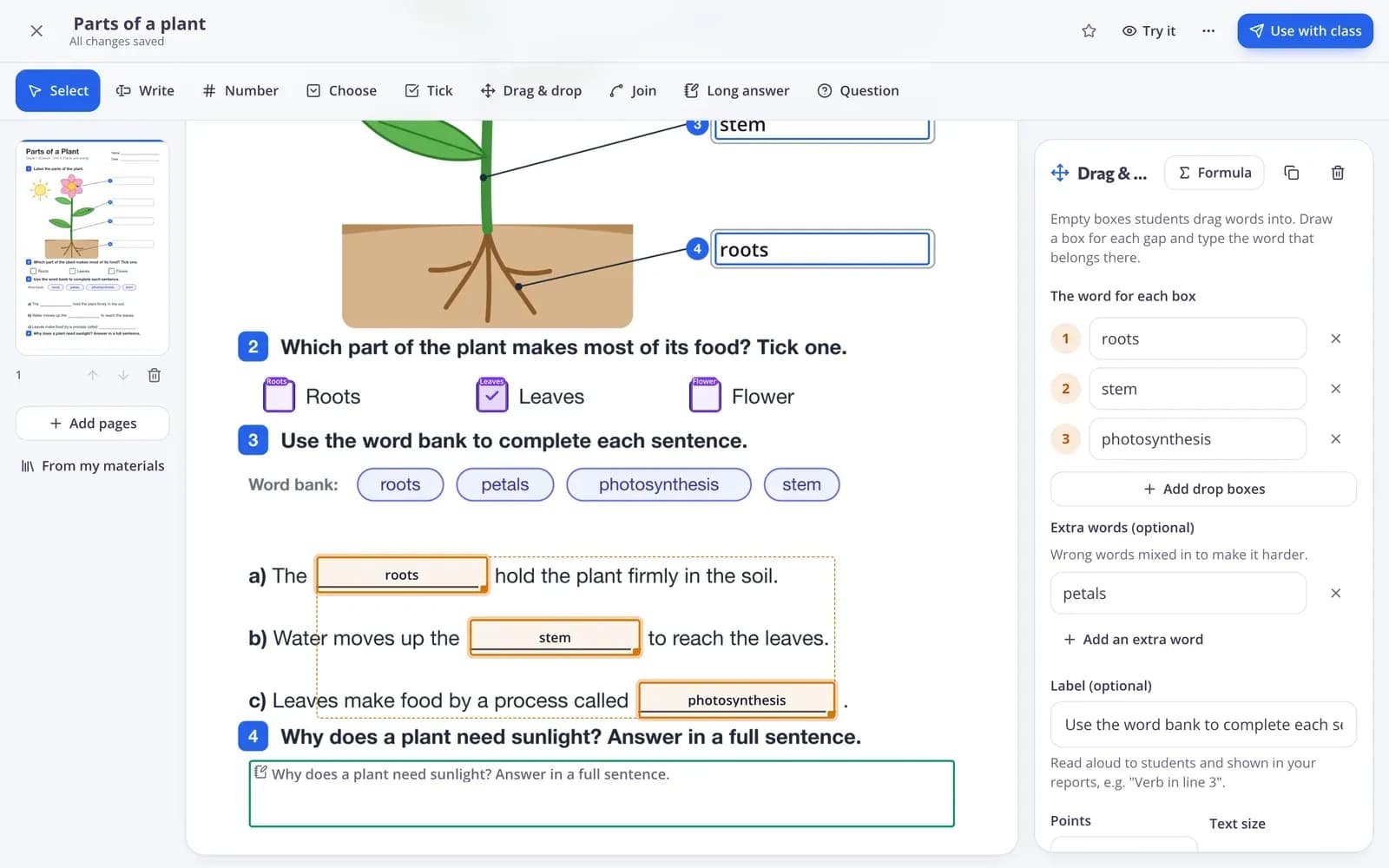
How does PDF to interactive worksheet work?
Edform turns a worksheet you already have into one students fill in online. You upload a PDF or photos of the pages, then draw answer boxes on top: places to write a word or a number, choose from a short list, tick or circle, drag words into gaps, join dots with lines or write a longer answer. You type the right answer straight into each box. Students open the worksheet with a code on a phone, tablet or laptop, and every closed answer is marked as soon as they hand in. Your original layout stays exactly as you made it.
Edform at a glance
- Price
- Free for teachers: Basic is free forever, with no credit card, and includes every feature.
- AI tools
- AI teacher tools with 5 AI points a month on Basic and 300 a month on Pro.
- Students
- Students join with a code. They need no email address and no account.
- Grading
- Quizzes and worksheets are graded automatically, with results per student and per question.
- Devices
- Runs in the browser on laptops, tablets, phones and interactive boards. Nothing to install.
- Languages
- Available in 32 languages.
- Works with
- Google Classroom, Microsoft Teams, ClassLink and learning platforms that support LTI 1.3.
- Library
- A free library of ready-made quizzes, worksheets and lessons that teachers can copy and edit.
How to convert a PDF worksheet
- 1
Upload your worksheet
Create a new worksheet and upload a PDF or photos of the pages. Each page appears in the editor, ready for answer boxes.
- 2
Draw the answer boxes
Pick a tool such as Write, click on the page where students should answer and type the right answer. Everything saves by itself.
- 3
Give it to your class
Press Use with class to give it as homework with a code, or share a practice link. Results appear as students hand in.
Try it yourself
No sign-up needed — try it as a student
This is the real Edform player. Answer the questions and see how they're checked.
Upload a PDF or a photo
Use the file you already print. Every page of a PDF becomes its own page in the editor, and you can add, reorder or delete pages at any time.
- PDF, JPG, PNG or WebP
- Up to 25 MB per file
- Add more pages later
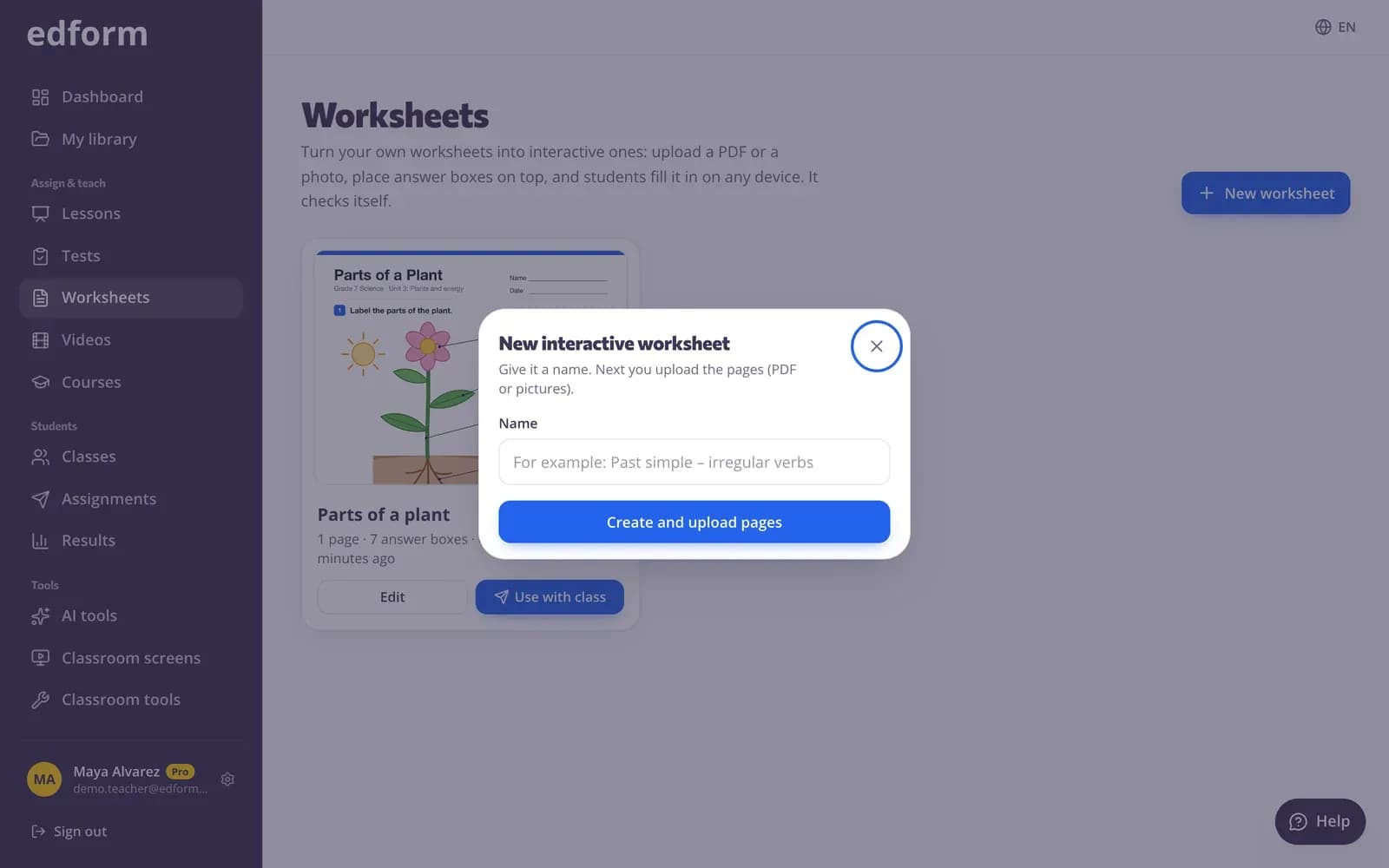
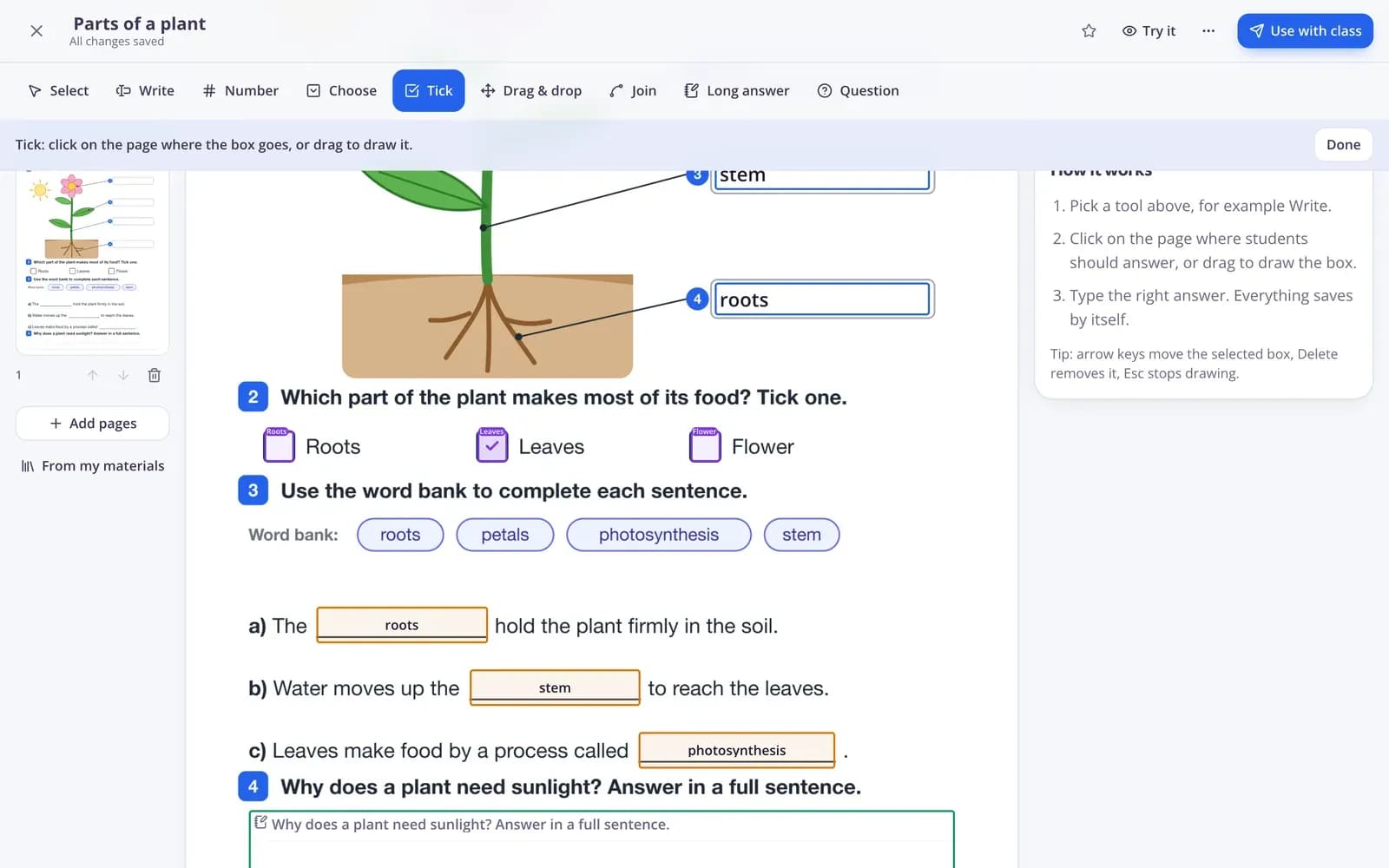
Eight tools for every kind of task
Write, Number, Choose, Tick, Drag & drop, Join, Long answer and Question cover gap fills, multiple choice, word banks, matching lines and open tasks. Any question type from your tests can sit on the page as a button.
- Type the answer straight into the box
- Extra wrong words for drag & drop
- Add questions you already made
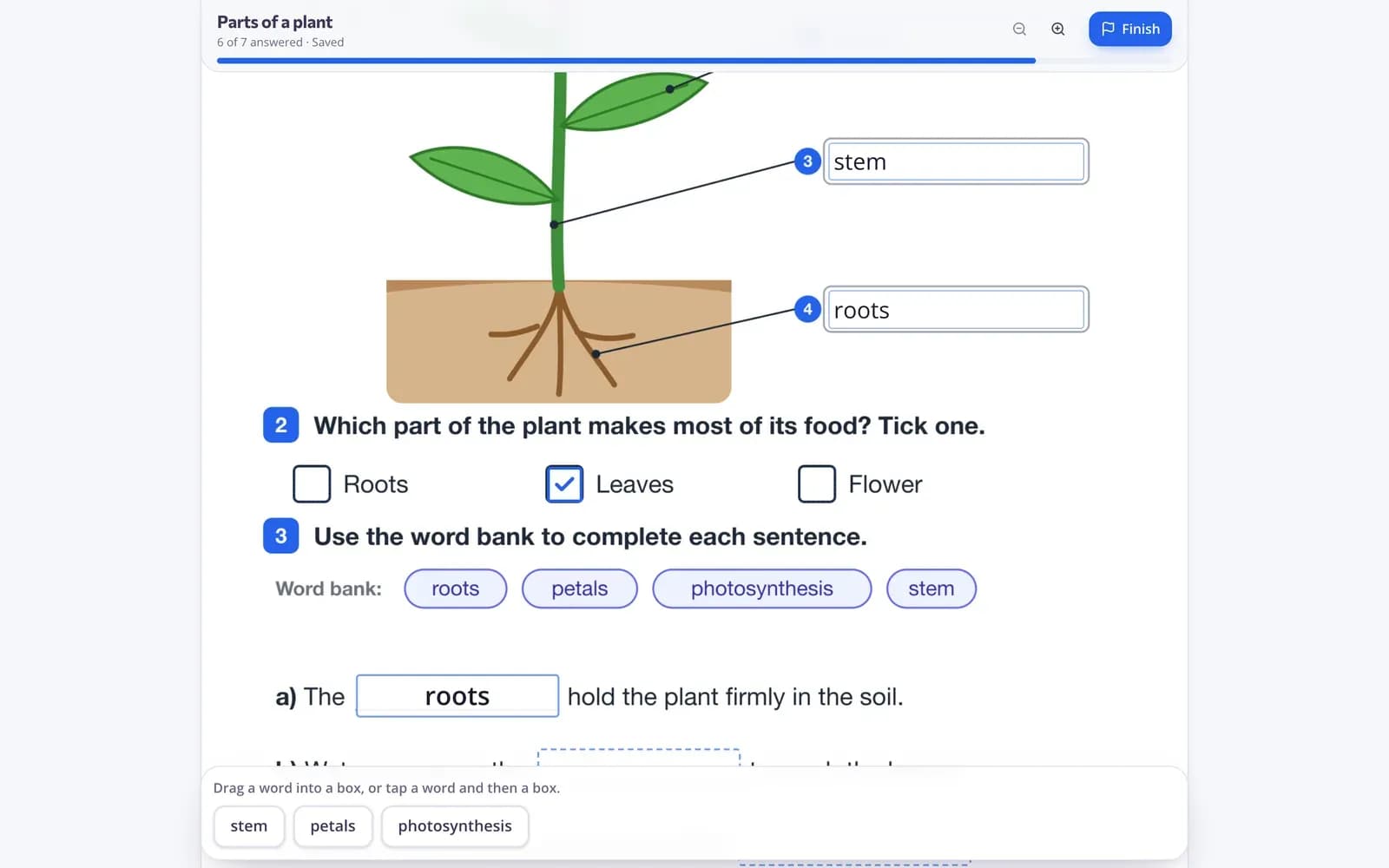
Students fill it in on any device
Students type, tick, drag and join right on the page and can zoom in on small print. With a practice link they press Check my answers to see what's right and try again.
- Phones, tablets and laptops
- Answers save as students work
- Your review is drawn on the page
Everything a paper worksheet can't do
Marks itself
Words, numbers, choices, ticks, word banks and matching lines are checked instantly, with partial credit.
More than one right answer
Accept other spellings, decimals with a comma and fractions, plus an allowed difference for numbers.
Long answers you grade
Students write sentences in a big box; you give points and written feedback in the report.
Homework or practice
Give it with a deadline and attempts, or as a practice link where students check their answers as often as they like.
Print with an answer key
On paper days, print a student copy with the word banks and a separate answer key.
Play it as a game
The questions on your worksheet also work in a live game, a team game and the game modes.
Teachers use it for
- 01
Your worksheet collection
Years of PDFs become online homework without retyping a single question.
- 02
Workbook exercises
Snap a photo of an exercise and add answer boxes in a few minutes.
- 03
Language practice
Gap fills, word banks and matching lines for grammar and vocabulary.
- 04
Mixed classrooms
The same worksheet online for students with devices and on paper for everyone else.
Explore more
- Interactive worksheetsTurn any PDF into an online worksheet
- Question types13 ways to ask, from matching to open answers
- Printable quizzesPrint any quiz with a matching answer key
- Auto-gradingClosed answers checked the moment students hand in
- WorksheetA printable worksheet with different task types and an answer key for you.
- ESL teachersVocabulary games, leveled texts and AI help for English learners
Frequently asked questions
Is it free to convert PDFs into interactive worksheets?
Yes. Uploading, editing, giving worksheets to your classes and seeing the results is free for teachers.
Which files can I upload?
PDF, JPG, PNG or WebP files up to 25 MB each. Split a bigger PDF into parts or upload the pages as pictures.
Does Edform find the blanks on my worksheet?
It can help. Press Find answer boxes with AI on a page and AI suggests boxes for the blanks, choices and matching columns, with the answers. Nothing is saved until you check and accept each one, and you can always place boxes yourself with a click or a drag.
Do students need an account?
No. With Anyone with the code, students type their name and start. You can also limit a worksheet to signed-in students or to one of your classes.
Can I still print the worksheet?
Yes. Print a student copy with the word banks, plus an answer key on its own page.
What happens to long answers?
They wait for you in the report, marked Needs grading. Give points and feedback; the student sees them once you're done.
Bring your first PDF worksheet to life
Free for teachers. Upload a page, draw the boxes, share the code.
- Free for teachers
- No credit card
- Works on any device