


Social story generator — free AI for special education
Describe a situation — a school trip, a fire drill, a new teacher — and get a calm, first-person social story with a picture idea for every sentence, ready to print and illustrate.
Write social storyFree for teachers. No credit card.
What is a social story generator?
A social story generator is an AI tool that writes short, reassuring stories to help a child with special educational needs, including autistic children, know what to expect in a new or difficult situation. You describe the situation and choose the child’s age: 6–7, 8–10 or 11–14. You get 8–12 short sentences in the first person and present tense, following Carol Gray’s method: what happens, what people feel, what I can do and who will help me, with no frightening words. After each sentence there’s a suggestion for a picture to add. Make it simpler, shorter or younger in one click, edit any sentence, then print it or download it as Word to illustrate.
How it works
- 1
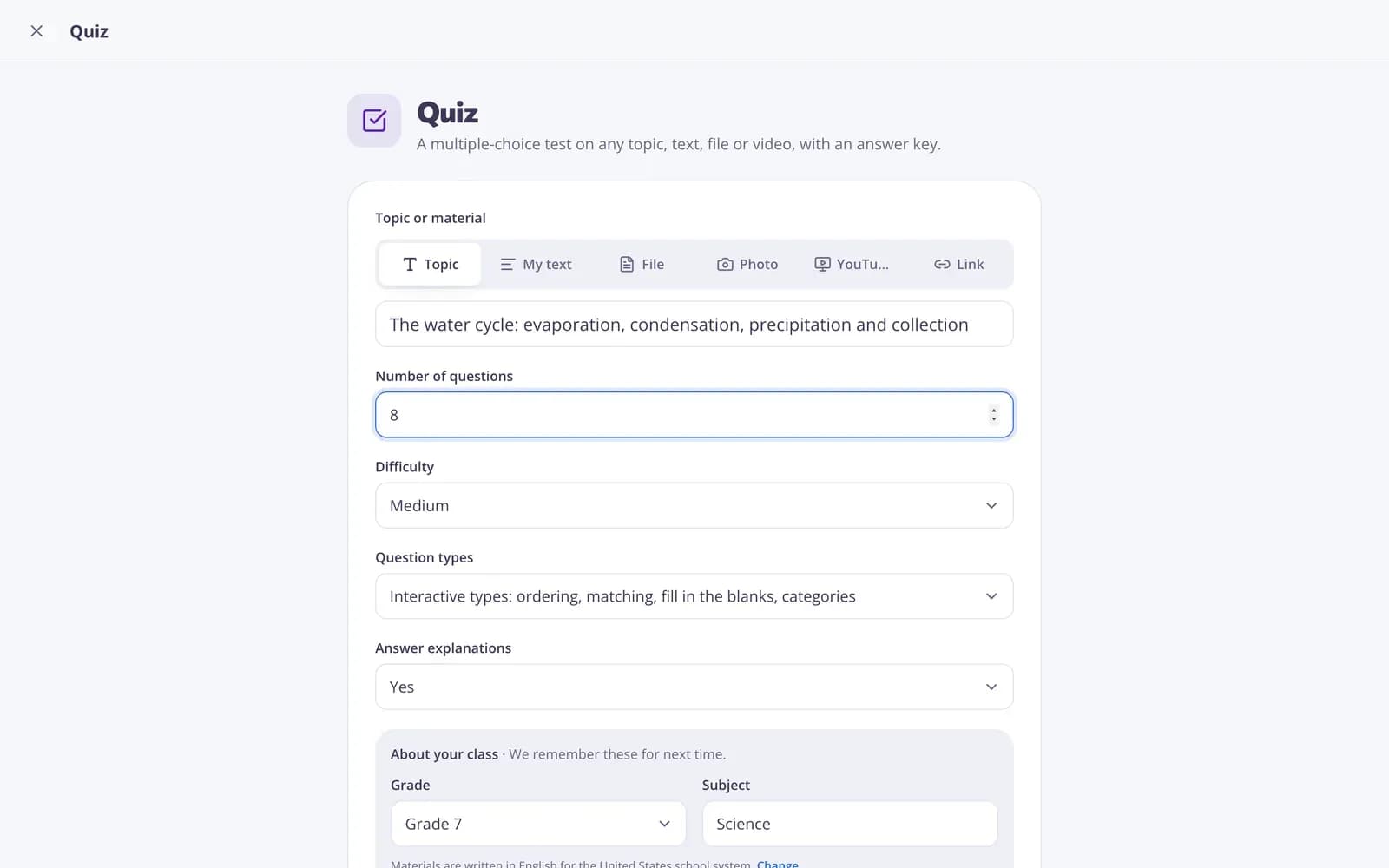
Describe your topic or paste your material.
- 2
Choose the grade and a few options.
- 3
Get a ready result, improve it in one click, and download or print it.
Great for
- Preparing a child for a trip, drill or assembly
- Explaining a change in routine or a new teacher
- Practising lunchtime, recess or lining-up routines
- Supporting autistic students in everyday school situations
- Sharing a story with parents to read at home
- Introducing a new classroom rule calmly
Edform at a glance
- Price
- Free for teachers: Basic is free forever, with no credit card, and includes every feature.
- AI tools
- AI teacher tools with 5 AI points a month on Basic and 300 a month on Pro.
- Students
- Students join with a code. They need no email address and no account.
- Grading
- Quizzes and worksheets are graded automatically, with results per student and per question.
- Devices
- Runs in the browser on laptops, tablets, phones and interactive boards. Nothing to install.
- Languages
- Available in 32 languages.
- Works with
- Google Classroom, Microsoft Teams, ClassLink and learning platforms that support LTI 1.3.
- Library
- A free library of ready-made quizzes, worksheets and lessons that teachers can copy and edit.
Questions teachers ask
Is it free? Do I need an account?
Yes — create a free Edform account, no credit card needed. The free plan includes 5 AI points a month; Pro adds more. Every result is saved in My AI library.
What is a social story?
A short, calm story that describes a situation from the child’s point of view so they know what to expect and what they can do.
Does it include pictures?
Each sentence comes with a suggestion of which picture to add. The tool writes the text; you add your own photos or symbols.
Do I need to name the child?
No. The story is written in the first person and is gender-neutral, so no name or diagnosis is needed.
Can I make it simpler?
Yes. Use “Improve” to make it simpler, shorter or suitable for a younger child.
Should I adapt it for the child?
Yes. You know the child best: check that every detail matches the real situation and change the wording with Edit.
Related AI tools
Try Social story free
Create your first one in under a minute, then edit, save and use it with your class.
- Free for teachers
- No credit card
- Works on any device