


Free AI open-ended question generator for teachers
Get open-ended questions on your topic or text (why, how, what would happen if, compare, evaluate) that have no one-word answer and push students to reason with facts.
Write questionsFree for teachers. No credit card.
What is an open-ended question generator?
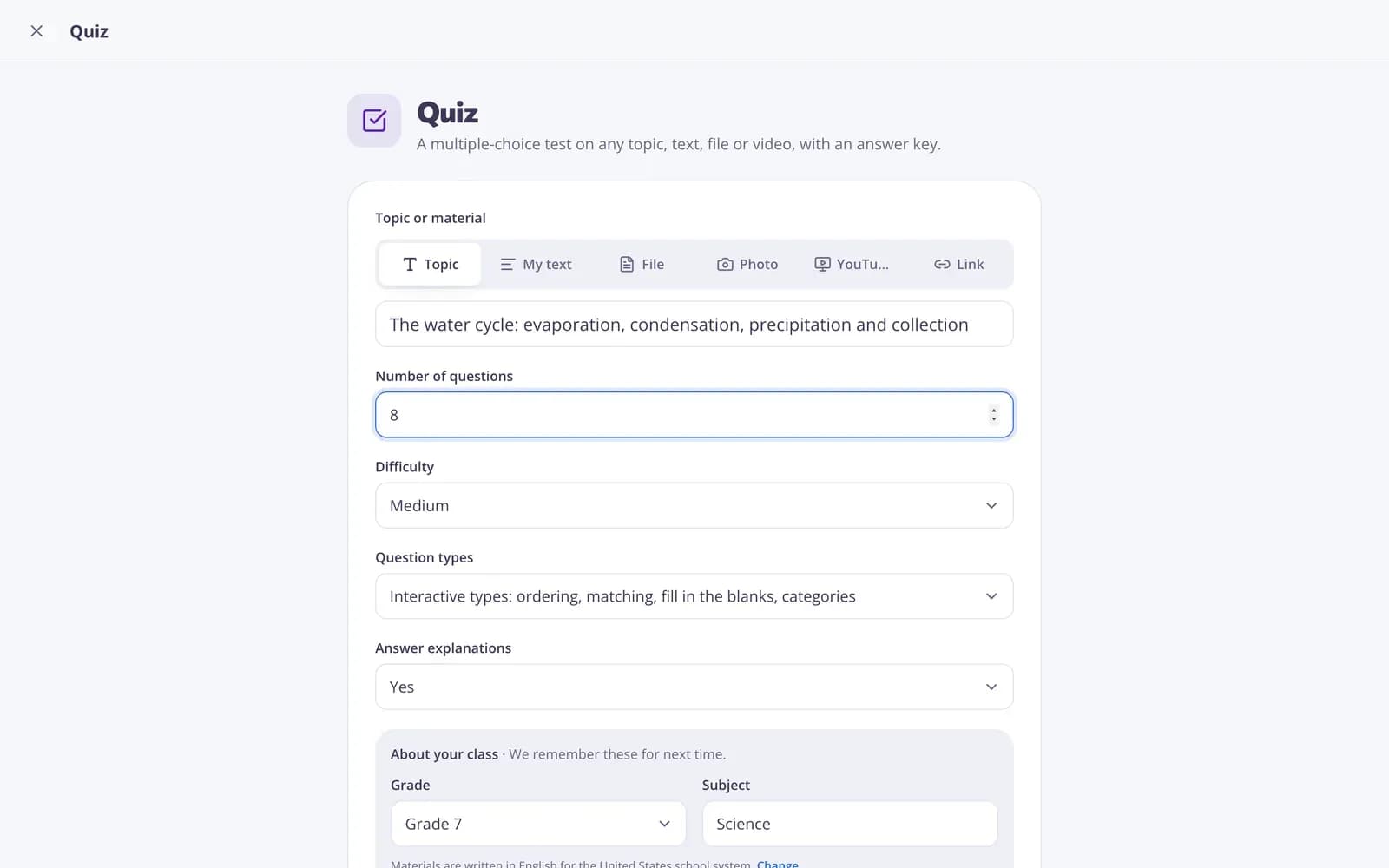
An open-ended question generator writes questions that can't be answered with a single word or fact. In Edform you type a topic, paste a text, upload a file or add a photo, and choose 3 to 15 questions. The AI asks why, how, what would happen if, compare and evaluate, so students have to explain their thinking and back it up. After each question you get two or three points a good answer should include, which makes marking and feedback easier. Add more questions, make them easier or harder, or add a full answer key. Then edit them, download a Word file or print.
How it works
- 1
Describe your topic or paste your material.
- 2
Choose the grade and a few options.
- 3
Get a ready result, improve it in one click, and download or print it.
Great for
- Class discussion and Socratic seminars
- Written responses and exit tickets
- Deeper-thinking questions for a lesson plan
- Think-pair-share prompts
- Journal or homework prompts after a reading
- Checking understanding beyond multiple choice
Edform at a glance
- Price
- Free for teachers: Basic is free forever, with no credit card, and includes every feature.
- AI tools
- AI teacher tools with 5 AI points a month on Basic and 300 a month on Pro.
- Students
- Students join with a code. They need no email address and no account.
- Grading
- Quizzes and worksheets are graded automatically, with results per student and per question.
- Devices
- Runs in the browser on laptops, tablets, phones and interactive boards. Nothing to install.
- Languages
- Available in 32 languages.
- Works with
- Google Classroom, Microsoft Teams, ClassLink and learning platforms that support LTI 1.3.
- Library
- A free library of ready-made quizzes, worksheets and lessons that teachers can copy and edit.
Questions teachers ask
What makes these questions open-ended?
They can't be answered in a word or two: students have to explain, compare, evaluate and back up their thinking.
Do I get model answers?
Each question includes 2–3 points a strong answer should cover. Click "Add answers" for a fuller answer key.
Can I use my own text?
Yes. Paste text, upload a PDF, Word or PowerPoint file or a photo, or just type a topic.
How many questions can I get?
From 3 to 15 at a time. Click "More tasks" to add three more that don't repeat the others.
Which subjects does it work for?
Any subject where students explain their thinking: history, science, literature, social studies, even reasoning in math. Choose the grade and subject above the form.
Is it free?
Yes. Create a free Edform teacher account to use it. There's no credit card and no paywall.
Related AI tools
Try Open-ended questions free
Create your first one in under a minute, then edit, save and use it with your class.
- Free for teachers
- No credit card
- Works on any device