


Free AI email reply generator for teachers
Some emails are hard to answer. Paste the message you received and your key points, and Edform's AI email reply generator drafts a clear, respectful reply that answers every question and suggests a next step.
Write replyFree for teachers. No credit card.
What is an AI email reply generator for teachers?
An AI email reply generator drafts your answer to a message you received. Paste the email from a parent, colleague or administrator, add the key points you want to make, and choose a tone: friendly, professional, firm or apologetic. Edform acknowledges the sender's concern, answers every question in the email, includes your points and proposes a concrete next step, such as a meeting or a call, when it helps. You get a subject line, greeting, body and sign-off, usually under 200 words. It stays calm even when the email isn't, and it never promises anything you didn't say. Copy the reply into your email, or use Short message for a chat app.
How it works
- 1
Describe your topic or paste your material.
- 2
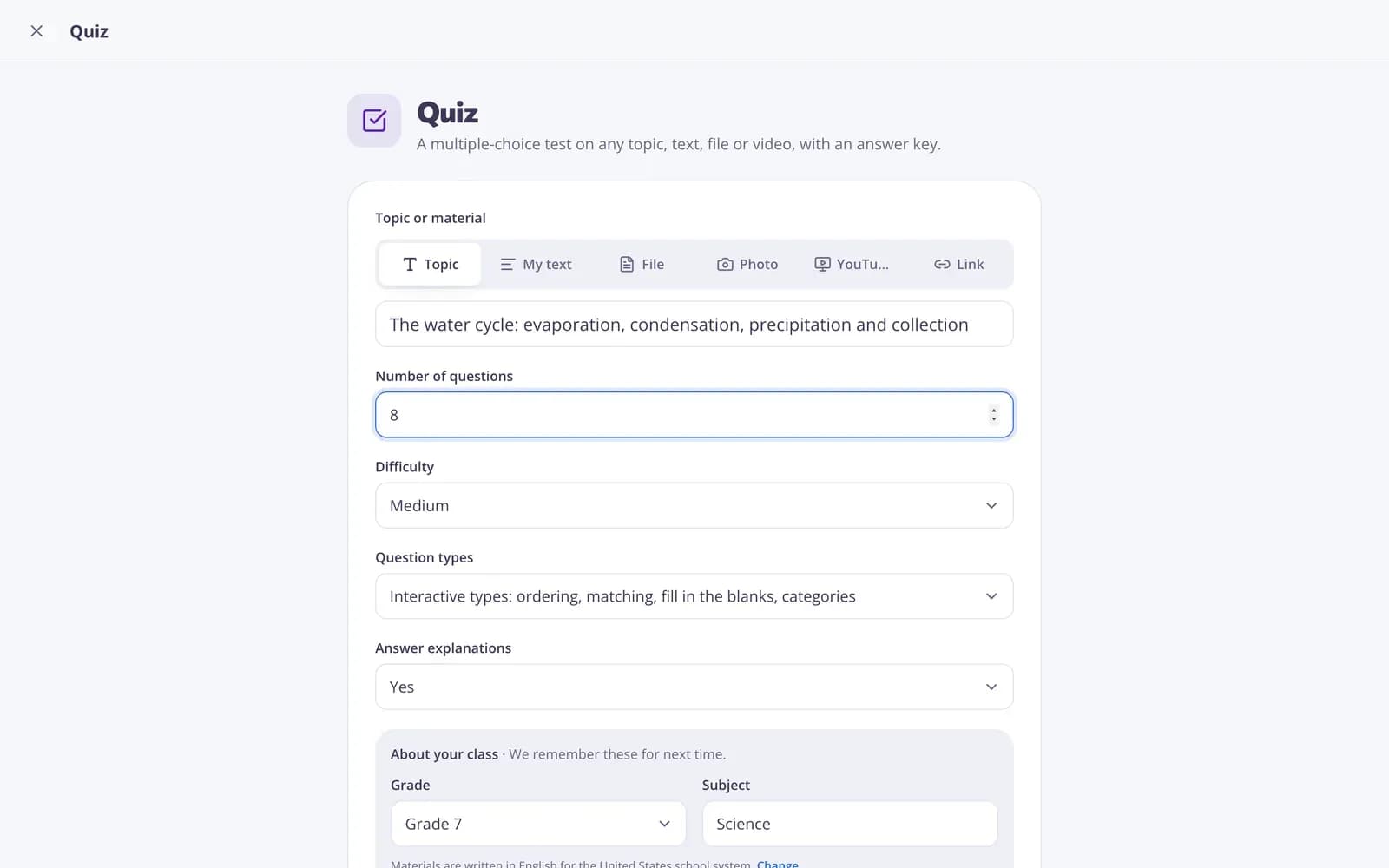
Choose the grade and a few options.
- 3
Get a ready result, improve it in one click, and download or print it.
Great for
- Answering a frustrated parent calmly
- Replying to colleagues and administrators quickly
- Declining a request politely but firmly
- Apologizing for a mix-up and offering a fix
- Suggesting a meeting to resolve a concern
- Turning a long reply into a short chat message
Edform at a glance
- Price
- Free for teachers: Basic is free forever, with no credit card, and includes every feature.
- AI tools
- AI teacher tools with 5 AI points a month on Basic and 300 a month on Pro.
- Students
- Students join with a code. They need no email address and no account.
- Grading
- Quizzes and worksheets are graded automatically, with results per student and per question.
- Devices
- Runs in the browser on laptops, tablets, phones and interactive boards. Nothing to install.
- Languages
- Available in 32 languages.
- Works with
- Google Classroom, Microsoft Teams, ClassLink and learning platforms that support LTI 1.3.
- Library
- A free library of ready-made quizzes, worksheets and lessons that teachers can copy and edit.
Questions teachers ask
Can it handle a rude or angry email?
Yes. The reply stays calm and respectful, acknowledges the concern and keeps to the facts.
Will it promise things I didn't say?
No. It uses your points and leaves placeholders where information is missing.
Can I shorten it for a messaging app?
Yes. Use the Short message improvement to turn the reply into a short message.
Does Edform send the email for me?
No. Copy the reply and send it from your own email or messaging app, after reading it through.
Should I remove personal details?
You can replace names with initials before pasting. The reply uses placeholders such as [Your name] where details are missing.
Is it free?
Yes. Create a free Edform account: the free Basic plan includes 5 AI points a month, and each result or change uses one point. Pro gives you 300 points a month.
Related AI tools
Try Email reply free
Create your first one in under a minute, then edit, save and use it with your class.
- Free for teachers
- No credit card
- Works on any device