


Free AI debate topic generator for the classroom
Give Edform a topic and get a classroom debate ready to run: three motions to choose from, arguments for and against, cross-examination questions, student roles, a one-lesson timetable and team criteria.
Prepare debateFree for teachers. No credit card.
What is a debate topic generator?
A debate topic generator suggests motions students can argue for and against. Edform goes further and prepares the whole debate. You type a topic, such as social media and teenagers, or add a photo, and the AI writes three clear motions, like "School uniforms should be compulsory". For the strongest one you get four arguments for and four against with typical examples, cross-examination questions, roles for students, a timetable that fits one lesson and criteria for assessing the teams. Assign roles and lines, make it easier or harder, or get more ideas in one click. Then edit it, download a Word file or print it.
How it works
- 1
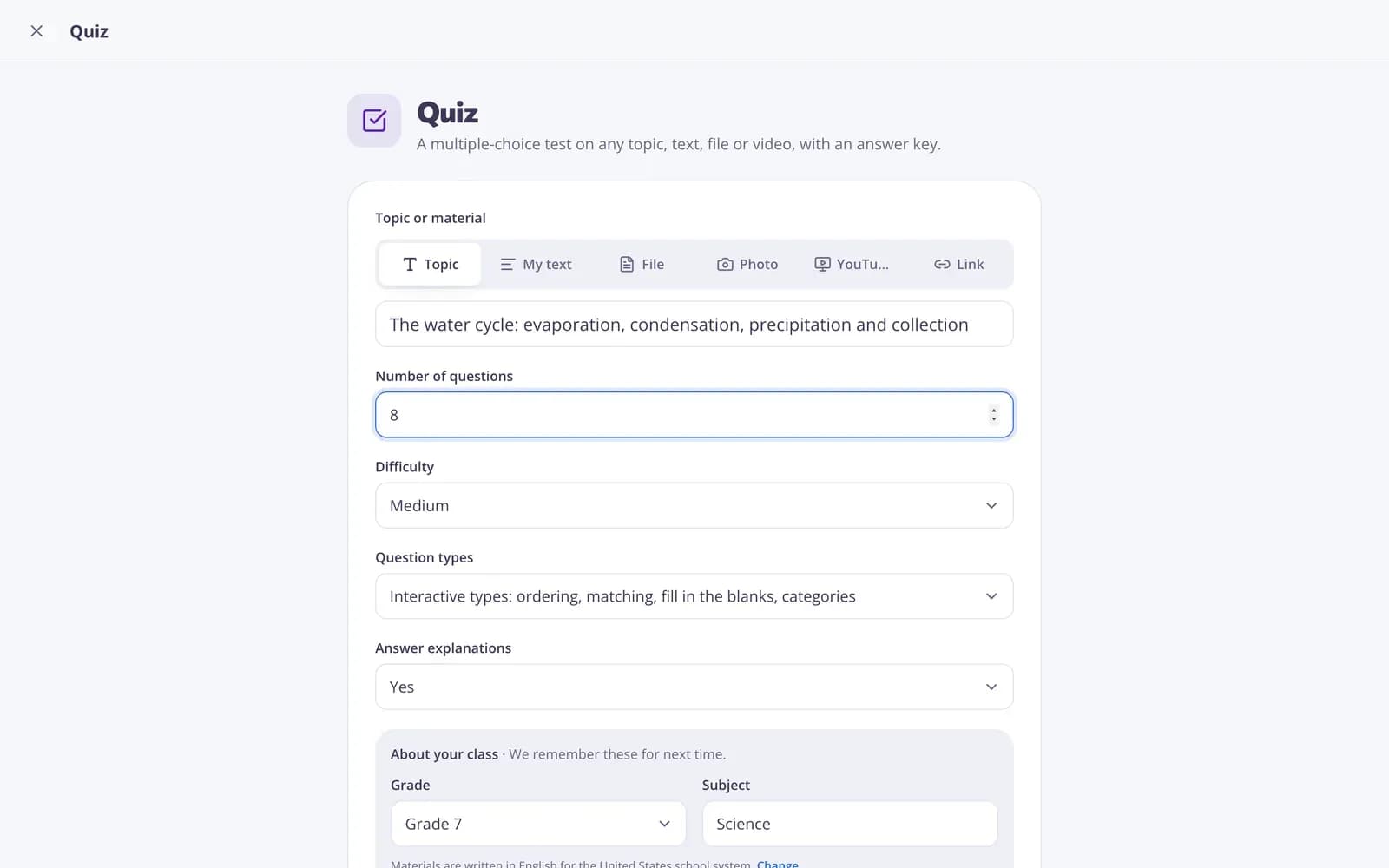
Describe your topic or paste your material.
- 2
Choose the grade and a few options.
- 3
Get a ready result, improve it in one click, and download or print it.
Great for
- Running a structured debate in one lesson
- Building argument and critical-thinking skills
- Exploring a controversial topic from both sides
- Preparing ideas before a persuasive essay
- Speaking practice in language classes
- Fresh motions for a debate club
Edform at a glance
- Price
- Free for teachers: Basic is free forever, with no credit card, and includes every feature.
- AI tools
- AI teacher tools with 5 AI points a month on Basic and 300 a month on Pro.
- Students
- Students join with a code. They need no email address and no account.
- Grading
- Quizzes and worksheets are graded automatically, with results per student and per question.
- Devices
- Runs in the browser on laptops, tablets, phones and interactive boards. Nothing to install.
- Languages
- Available in 32 languages.
- Works with
- Google Classroom, Microsoft Teams, ClassLink and learning platforms that support LTI 1.3.
- Library
- A free library of ready-made quizzes, worksheets and lessons that teachers can copy and edit.
Questions teachers ask
Does it fit into one lesson?
Yes. Every debate comes with a timetable for a single lesson.
Can I assign roles?
Yes. Click "Assign roles" to get roles and lines for hosts, teams and students.
Are the arguments factual?
The arguments use typical examples and avoid invented facts about specific places or schools. Read them before class and add local examples if you like: the AI drafts, you decide.
Which ages is it for?
Choose the grade above the form, and the motions, arguments and language match your students. Click "Easier" or "Harder" to adjust.
Can I use the topics for essays?
Yes. The motions and the arguments for and against are a good starting point for an argumentative essay. Pair it with the AI rubric generator to grade the essays.
Is it free?
Yes. Create a free Edform teacher account to use it. There's no credit card and no paywall.
Related AI tools
Try Debate free
Create your first one in under a minute, then edit, save and use it with your class.
- Free for teachers
- No credit card
- Works on any device