


Free AI checklist generator for teachers
Describe what needs doing and get 6–15 concrete steps in a logical order: a self-check for students, or your own to-do list for a trip, event or project. Tick items off right on the page.
Create checklistFree for teachers. No credit card.
What is an AI checklist generator?
An AI checklist generator turns a task into a short, ordered list of things to do or check. In Edform you describe what the checklist is for, such as preparing a class field trip or checking an essay before handing it in, or you paste a text or add a photo. The AI writes 6 to 15 concrete items in a logical order and keeps safety, school requirements and your students' age in mind. Tick items off on the page and watch the progress bar fill up; your ticks are remembered on that device. Edit the items or make the list shorter, then print it with tick boxes or download a Word file.
How it works
- 1
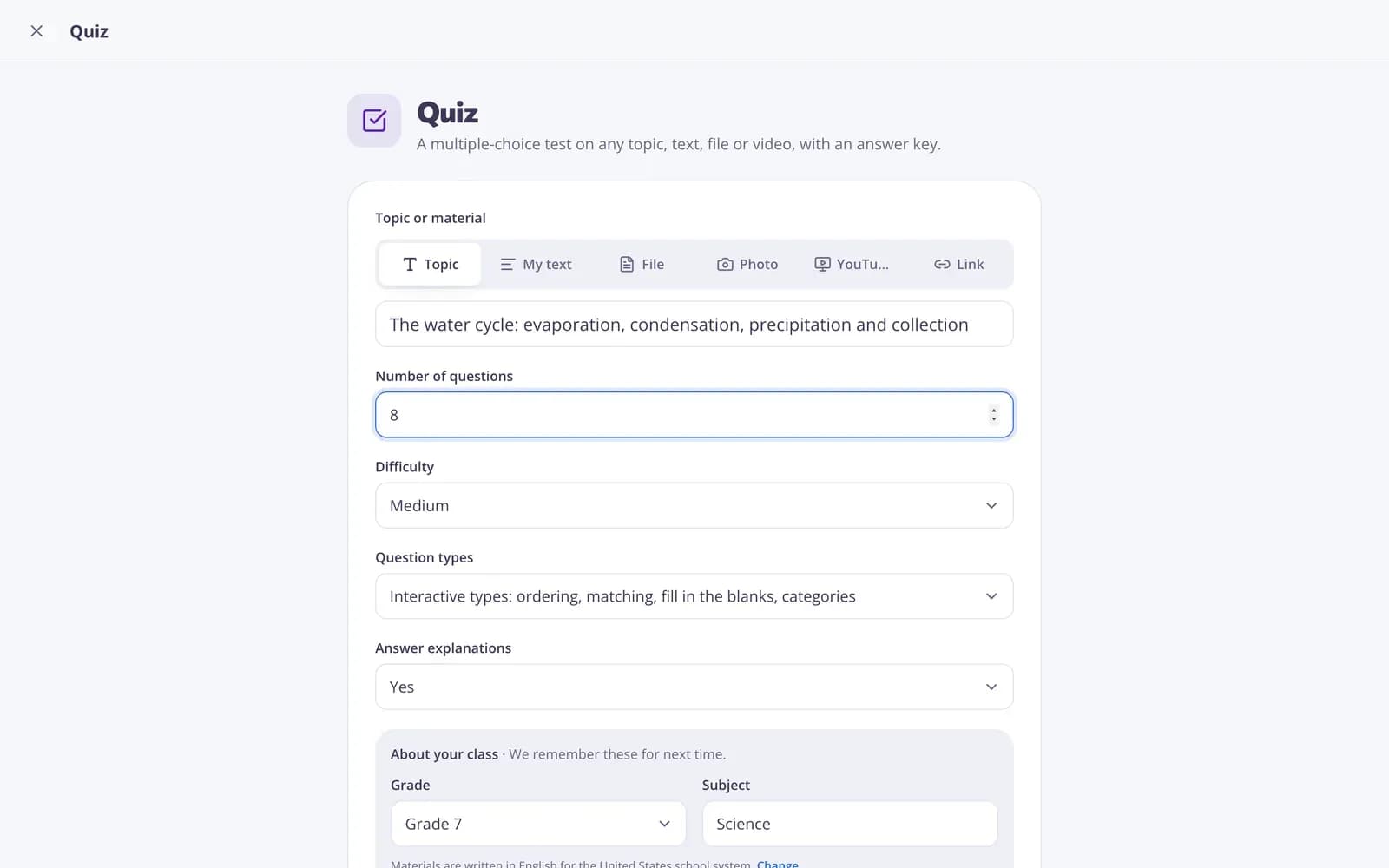
Describe your topic or paste your material.
- 2
Choose the grade and a few options.
- 3
Get a ready result, improve it in one click, and download or print it.
Great for
- A self-check list before students hand in work
- Preparing a field trip, open day or school event
- Step-by-step guidance for a long project
- Safety and equipment checks before practical work
- Start-of-year or end-of-term to-do lists
- Routines for young students, like packing their bag
Edform at a glance
- Price
- Free for teachers: Basic is free forever, with no credit card, and includes every feature.
- AI tools
- AI teacher tools with 5 AI points a month on Basic and 300 a month on Pro.
- Students
- Students join with a code. They need no email address and no account.
- Grading
- Quizzes and worksheets are graded automatically, with results per student and per question.
- Devices
- Runs in the browser on laptops, tablets, phones and interactive boards. Nothing to install.
- Languages
- Available in 32 languages.
- Works with
- Google Classroom, Microsoft Teams, ClassLink and learning platforms that support LTI 1.3.
- Library
- A free library of ready-made quizzes, worksheets and lessons that teachers can copy and edit.
Questions teachers ask
Can I tick off items?
Yes. Check items off right on the page and a progress bar shows how far you are. Ticks are saved on the device you use.
Does it consider safety?
Yes. The checklist takes safety, school requirements and students' age into account. Read it through anyway: the AI drafts, you know your school's rules.
Can I change the items?
Yes. Click Edit to change, add or remove items, click "Shorter", or describe your own change.
Can I print it?
Yes. Print it or save it as PDF with an empty box next to each item, or download a Word file.
Is it for students or for teachers?
Both. Describe a student task to get a self-check list, or an event or duty to get a to-do list for you and your colleagues.
Is it free?
Yes. Create a free Edform teacher account to use it. There's no credit card and no paywall.
Related AI tools
Try Checklist free
Create your first one in under a minute, then edit, save and use it with your class.
- Free for teachers
- No credit card
- Works on any device