


Free AI word cloud generator for teachers
No word list needed: type a topic or add a text, and get a word cloud of its 20–35 key words and phrases, sized by importance. Use it to open a topic, review vocabulary or wrap up a lesson.
Create word cloudFree for teachers. No credit card.
What is an AI word cloud generator?
An AI word cloud generator picks the key words of a topic for you and shows them as a cloud, with the most important words largest. In Edform, you type a topic, paste a text, or upload a file or a photo of a page. You get 20–35 key words and short phrases, each weighted from 1 to 5, drawn as a cloud with a word list. Edit the words and their weights, then download the cloud as a PNG picture for your slides, add it to a Word file or print it. Want students to build a cloud live from their own answers? Use a word cloud poll in a live lesson instead.
How it works
- 1
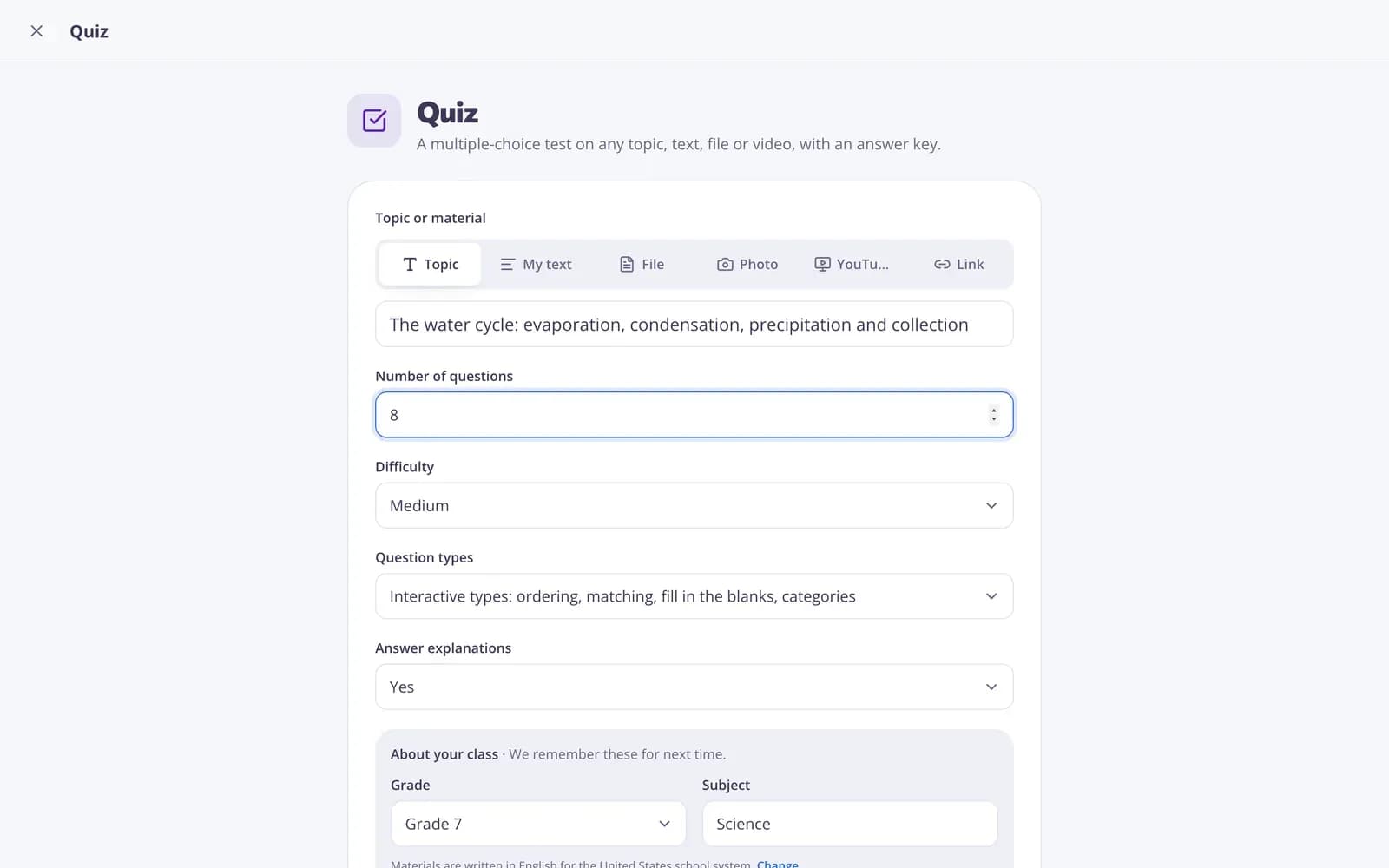
Describe your topic or paste your material.
- 2
Choose the grade and a few options.
- 3
Get a ready result, improve it in one click, and download or print it.
Great for
- Introducing a new topic at the start of a lesson
- Reviewing key vocabulary before a test
- Predicting what a text is about before reading
- A reflection prompt: which words could you explain?
- A picture for a slide, worksheet or classroom display
- Spotting the key ideas in a long article
Edform at a glance
- Price
- Free for teachers: Basic is free forever, with no credit card, and includes every feature.
- AI tools
- AI teacher tools with 5 AI points a month on Basic and 300 a month on Pro.
- Students
- Students join with a code. They need no email address and no account.
- Grading
- Quizzes and worksheets are graded automatically, with results per student and per question.
- Devices
- Runs in the browser on laptops, tablets, phones and interactive boards. Nothing to install.
- Languages
- Available in 32 languages.
- Works with
- Google Classroom, Microsoft Teams, ClassLink and learning platforms that support LTI 1.3.
- Library
- A free library of ready-made quizzes, worksheets and lessons that teachers can copy and edit.
Questions teachers ask
Do I need to type the words myself?
No. Type a topic or paste a text, and the AI picks the key words and how important each one is.
Can I use a text or file?
Yes. Paste text, upload a PDF, Word or PowerPoint file, add a photo of a page, or just type a topic.
Can I change the words?
Yes. Click Edit to add, remove or reword words and set how big each one is.
How do I put it on a slide or worksheet?
Download it as a PNG picture and add it to your slides or worksheet, or print it straight away.
Can students add their own words live?
This tool makes a cloud from your topic. For a cloud built live from students' answers, use a word cloud poll in a live lesson or on your classroom screen.
Is the word cloud generator free?
Yes. It's free for teachers: sign up for a free Edform account, no credit card needed.
Related AI tools
Try Word cloud free
Create your first one in under a minute, then edit, save and use it with your class.
- Free for teachers
- No credit card
- Works on any device